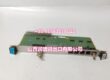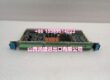
Product Core Brief
- Model: V0/E1/TCAM/L08
- Brand: Yokogawa
- Series: Yokogawa Industrial Control Module / Spare
- Core Function: Yokogawa control system module or spare; exact function to be confirmed by nameplate.
- Product Type: Control Module / System Spare
- Key Specs: Yokogawa part number V0/E1/TCAM/L08 | nameplate verification required | surplus availability reported
- Condition: New Original / New Surplus
Key Technical Specifications
- Manufacturer: Yokogawa
- Part Number: V0/E1/TCAM/L08
- Module Type: To be confirmed from nameplate
- System Family: Yokogawa control system spare; exact platform to be verified
- Function: Module / controller / interface unit — not independently confirmed
- Channels / Voltage: Not confirmed; must match existing installed unit
- Mounting: Rack-mounted or panel-mounted module, depending on configuration
- Typical Applications: Yokogawa DCS/PLC system maintenance, obsolete module replacement, shutdown spare stocking, legacy system support
Product Introduction
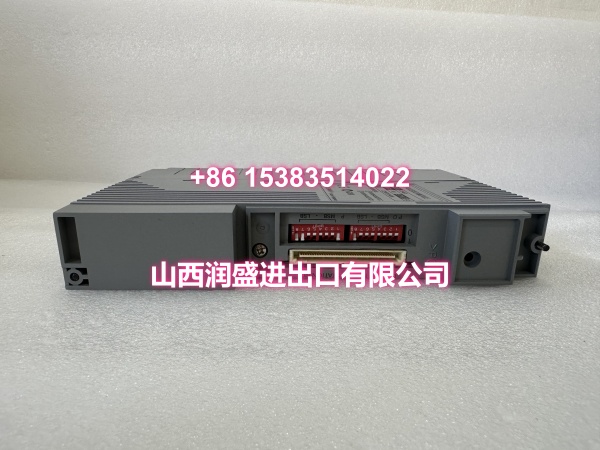
V0/E1/TCAM/L08 is listed as a Yokogawa industrial control module or spare part. This part number appears in surplus and industrial spare listings, but detailed OEM specifications are not publicly confirmed in the available references.
For procurement and maintenance teams, this item is typically treated as a legacy or hard-to-find Yokogawa spare. It is most suitable for replacing an identical unit already installed in a Yokogawa control cabinet, where the existing nameplate, slot position, and system documentation can be used to confirm compatibility.
QA & Testing SOP
Because the exact module function is not independently verified, inspection should be nameplate-driven.
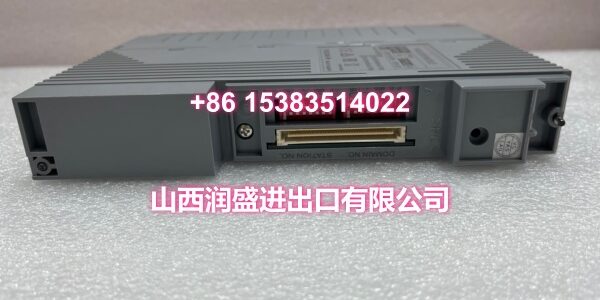
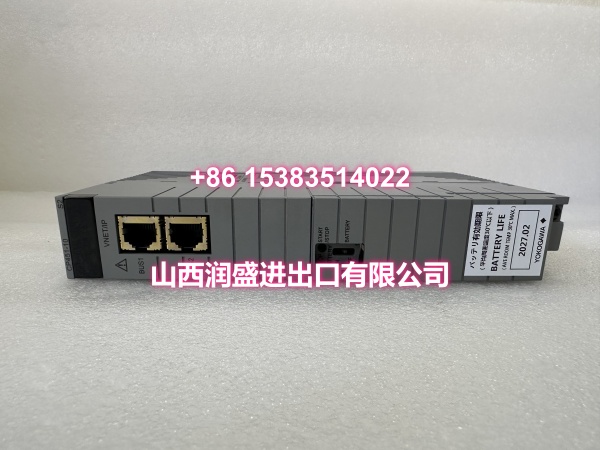
- Nameplate verification: Confirm Yokogawa branding, full part number V0/E1/TCAM/L08, serial number, and revision markings.
- Visual inspection: Check housing, connectors, LEDs, PCB, and mounting hardware for damage, corrosion, or rework.
- Compatibility check: Compare the received unit against the existing installed module for label, revision, connector layout, and slot position.
- Power-up test: If a compatible test rack is available, verify normal initialization and fault-free status.
- Connector and pin check: Inspect backplane or terminal connectors for bent pins, oxidation, or loose contacts.
- ESD-safe packing: Ship in anti-static packaging with label photos for receiving QA.
Installation Pitfalls & Guide
❗ Do not install based on part number alone. V0/E1/TCAM/L08 must match the existing module in model code, revision, connector type, and system slot.
❗ Confirm the system platform before use. This part may belong to a legacy Yokogawa controller, interface, or I/O family; incorrect platform matching can cause commissioning failures.
❗ Do not hot-swap without procedure. Removing or inserting control modules can disturb the backplane bus or cause unintended trips.
❗ Verify revision compatibility. Even small suffix or revision differences may affect firmware, pinout, or system acceptance.
Replacement steps:
- Pre-install: Photograph the existing module nameplate and confirm slot position, revision, and wiring.
- Isolate system: Follow plant MOC and control system procedures.
- Replace module: Remove the faulty unit, install V0/E1/TCAM/L08, and verify seating and connectors.
- Commission: Restore power, check diagnostics, verify communication or I/O status, and document the change.
Technical FAQ
Is this a standard Yokogawa catalog module? It is listed as a Yokogawa spare in surplus channels, but detailed OEM documentation is not publicly confirmed here.
Can it replace other Yokogawa modules? Only if the installed unit carries the same full part number and revision. Do not substitute based on similar appearance.
What warranty applies? Surplus Yokogawa modules usually carry a limited functional warranty, often 30–90 days, unless otherwise agreed.
Do you provide test records? We can provide nameplate photos, visual inspection notes, and basic power-up checks if a compatible test setup is available.