
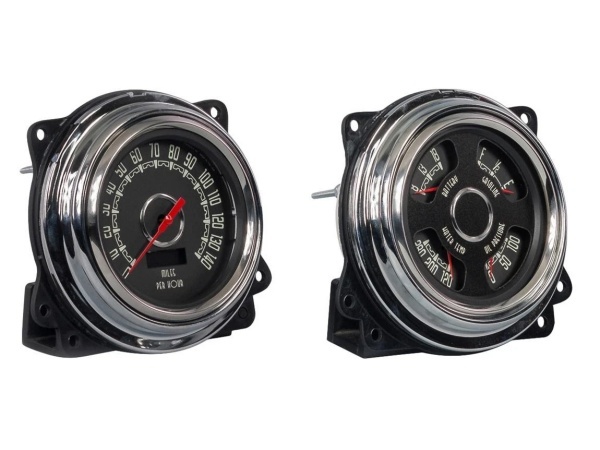
Description
Hard-Numbers: Technical Specifications
- Logic Configuration: Auto-clearing relays (ON/OFF)
- External Clearing: Discrete input 5/6 (Blocking of protective functions / remote acknowledgement)
- Display Interface: Two-line LC display for real-time values and fault messages
- Communication/Inputs: Supports blocking/disabling of selected protection functions via terminal inputs
- Mounting: Standard panel/rack integration (verify specific 37140-02 mechanical drawing)
- Configuration Method: Local keypad/menu navigation or remote system integration
- Indicators: Dedicated LEDs for Wye/Delta voltage modes and relay status
- Documentation Reference: Woodward Manual 37140A
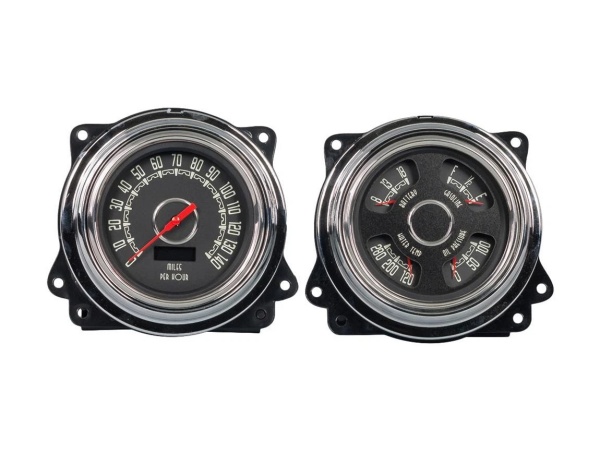
Woodward 47371-01
The Real-World Problem It Solves
When you have a critical turbine or generator, you need protection logic that prevents nuisance tripping while ensuring absolute safety during real fault conditions. The 37140-02 (MFR 11 platform) gives you granular control over your relay behavior, specifically how and when alarms clear. It eliminates the headache of having operators manually reset minor glitches, while ensuring major faults latch until properly addressed.
Where you’ll typically find it:
- Integrated into the control panels of industrial steam or gas turbines for overspeed and process deviation protection.
- Deployed in generator protection schemes where remote blocking and auto-clearing of specific alarms are required for continuous operation.
Bottom line: It acts as the intelligent, configurable gatekeeper for your rotating equipment’s safety system, bridging the gap between the field sensors and your master DCS.
Hardware Architecture & Under-the-Hood Logic
Based on the 37140A manual, this unit relies on a microcontroller architecture reading discrete and analog inputs to drive physical relay outputs. Its internal logic is designed to handle the messy reality of industrial sensor noise and network fluctuations.
- Signal Acquisition: The unit continuously monitors voltage, current, and frequency inputs (Wye/Delta configurable) to detect abnormal operating conditions.
- Fault Processing: When a parameter exceeds a set threshold (e.g., rate of change of frequency), the internal processor flags the error and energizes the corresponding protection relay.
- Acknowledgement Routing: The system monitors the “Blocking/Remote Acknowledgement” discrete input (Terminals 5/6). If configured for external clearing, a 24VDC signal here will remotely reset the relays.
- Auto-Clearing Execution: If “Auto-clearing Relays” is enabled in the configuration, the unit will automatically de-energize the fault relay the instant the fault condition drops below the trip threshold.
- Display Updates: The front-panel LC display dynamically updates to show real-time measurements on line one and active alarms or status messages on line two.
Field Service Pitfalls: What Rookies Get Wrong
Misconfiguring Auto-Clearing and External Clearing
Rookies often treat “Auto-clearing” and “External clearing” as the same thing. This leads to a scenario where a latched trip won’t reset via the DCS, or worse, a critical trip resets itself automatically while the fault is still active.
Field Rule: Understand the hierarchy. If “External Clearing” is ON, the DCS must send the reset signal. If “Auto-clearing” is ON, the relay resets when the fault clears. Match this logic to your plant’s lockout/tagout procedures, not the default settings.
Ignoring Terminal 5/6 Wiring for Remote Reset
When the DCS loses communication or a technician is standing at the panel, they expect the local “Clear” button to work. However, if the unit is configured for external clearing, the local button might be inhibited.
Quick Fix: Always wire Terminal 5/6 to a dedicated DCS discrete output mapped to a “Protection Reset” pushbutton in the control room. Test the local vs. remote reset hierarchy during commissioning to avoid confusion during a real trip.
Assuming Default Display Values
Junior engineers often stare at the LC display expecting to see frequency, only to find it’s showing phase current or voltage.
Field Rule: Use the “Display Down” button to scroll through the first line measurements (Wye/Delta voltages, currents). Use the “Menu” button to cycle through the second line parameters (Frequency, synchronizing angle, etc.). Don’t assume the last guy left the display on the default setting.
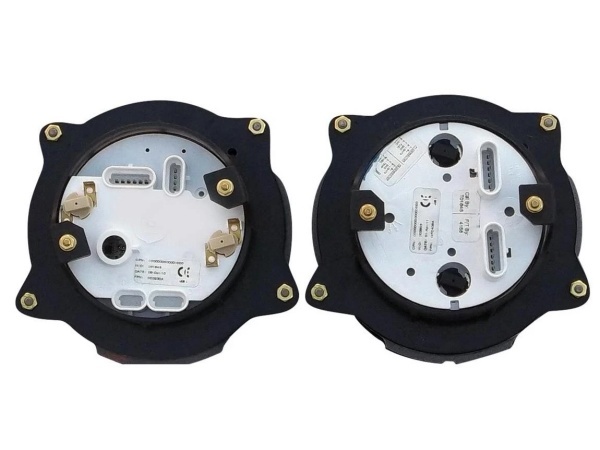
Woodward 47371-01
Commercial Availability & Pricing Note
Please note: The listed price is for reference only and is not binding. Final pricing and terms are subject to negotiation based on current market conditions and availability.



