
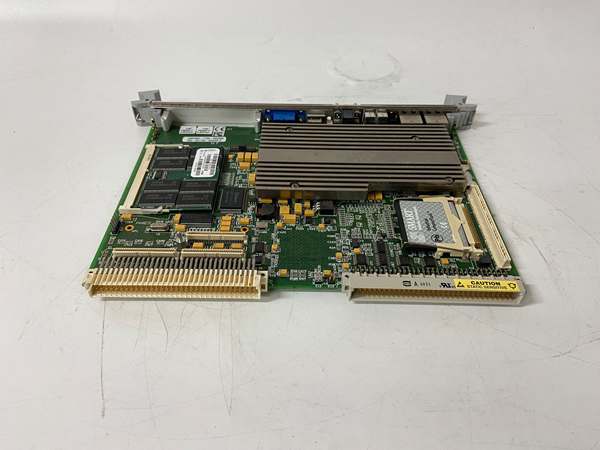
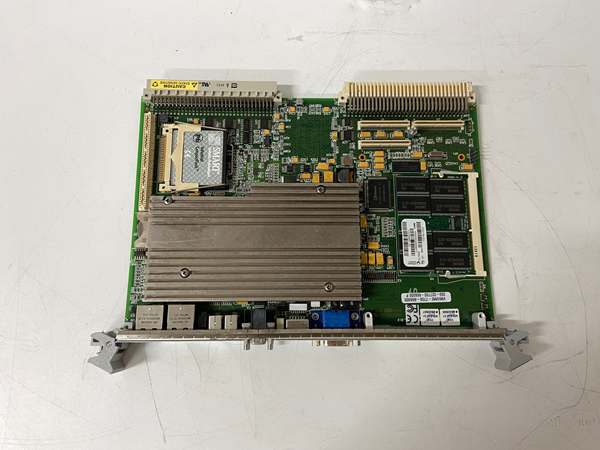
Description
Hard Numbers: Technical Specifications
- Processor: Intel Pentium M, 1.26 GHz
- Memory: 512 MB SDRAM (Onboard, soldered)
- Bus Interface: VMEbus (A32/D32, Master/Slave, SysCon capable)
- Ethernet: 10/100Base-TX RJ-45 Port
- Storage: IDE Flash Disk Interface, Floppy Header
- Serial Ports: 2x RS-232 (DB-9)
- PMC Slots: 2x 64-bit PMC Sites (For I/O expansion)
- Watchdog Timer: Yes, Programmable
- Operating Temp: 0°C to +55°C
- Power Draw: +5V @ ~5.5A, +12V @ ~1.5A
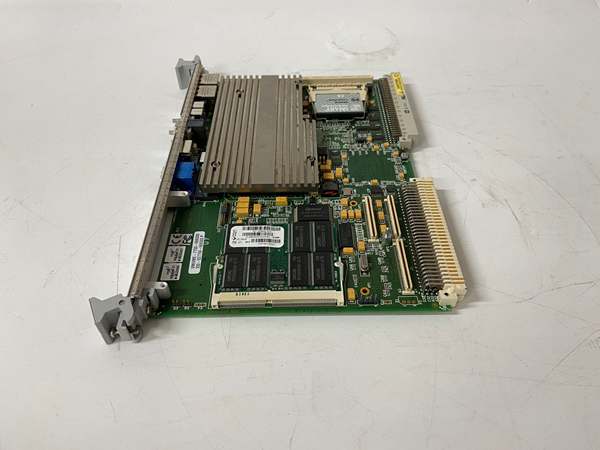
VMIVME-7750
The Real-World Problem It Solves
Desktop PCs and commercial servers can’t survive the heat, vibration, and electrical noise inside a gas turbine enclosure. This board provides a ruggedized x86 computing platform that bolts directly into a VME crate. It eliminates the need for fragile PC towers and spinning hard drives in environments where a single crash costs millions.
Where you’ll typically find it:
- As the primary UCSB host controller in GE Mark VIe turbine control systems.
- Inside power generation control rooms, managing HMI and I/O communications.
- In defense applications requiring a high-reliability, fanless Pentium M platform.
It provides the necessary processing power without the mechanical failure points of a commercial PC.
Hardware Architecture & Under-the-Hood Logic
This is a full-blown PC integrated onto a 6U VME card. It serves as the VMEbus System Controller, bridging the PCI bus to the VME backplane. The Pentium M processor is chosen for its low power consumption and high performance in industrial settings.
- System Initialization: The BIOS initializes the 512MB SDRAM and probes the IDE flash disk for the control application.
- Bus Arbitration: The onboard VMEbridge ASIC manages the VMEbus protocol, allowing the CPU to read/write to other VME modules as memory-mapped I/O.
- I/O Expansion: The dual PMC sites allow for two independent I/O modules (like serial or fiber cards) without consuming additional VME slots, maximizing backplane real estate.
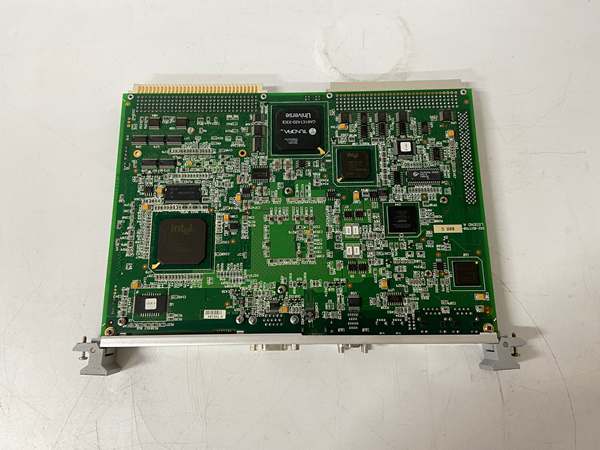
VMIVME-7750
Field Service Pitfalls: What Rookies Get Wrong
Insufficient Power Budgeting
Rookies swap an older, lower-power board for this 1.26GHz version without checking the power budget. The crate’s power supply can’t handle the extra 1.0A on the +5V rail, causing system-wide brownouts.
- Field Rule: Check the VME crate’s total power budget. The draws significantly more current than older 68040 or 1.0GHz boards. Upgrade the crate power supply if necessary.
PMC Slot Overloading
They populate both PMC sites with high-power modules, exceeding the board’s thermal limits. The SBC overheats and throttles the CPU, causing control cycle jitter.
- Quick Fix: Ensure adequate airflow over the PMC modules. If the board is in a sealed enclosure, you may need to derate the CPU speed or use low-power PMC cards.
BIOS Configuration Loss
The onboard battery dies, wiping the CMOS settings. The rookie tries to reflash the firmware instead of fixing the battery.
- Field Rule: Replace the onboard 3.6V battery. After replacement, you’ll need to reset the BIOS boot order to IDE0 and disable unnecessary peripherals like the floppy controller.
Commercial Availability & Pricing Note
Please note: The listed price is for reference only and is not binding. Final pricing and terms are subject to negotiation based on current market conditions and availability.


