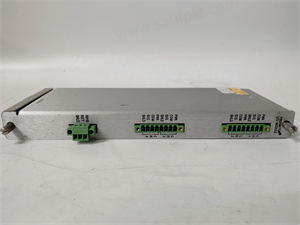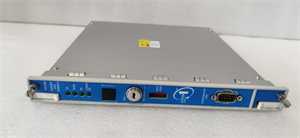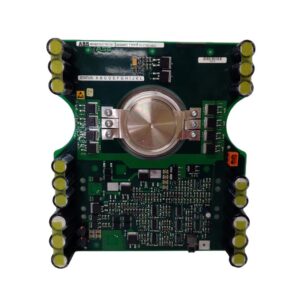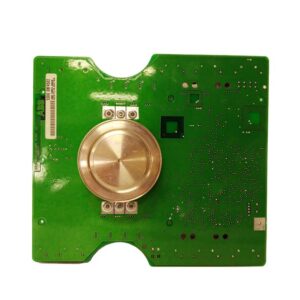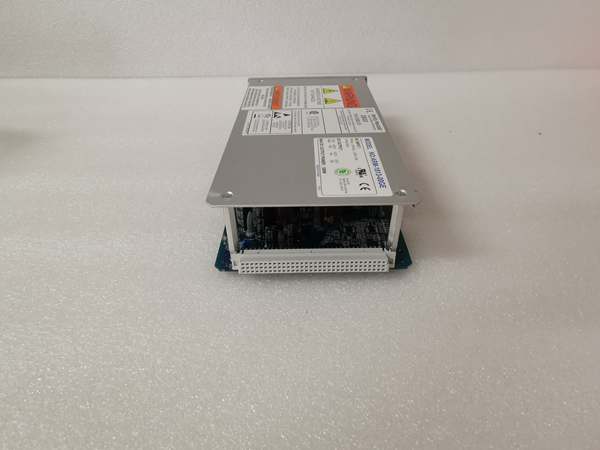
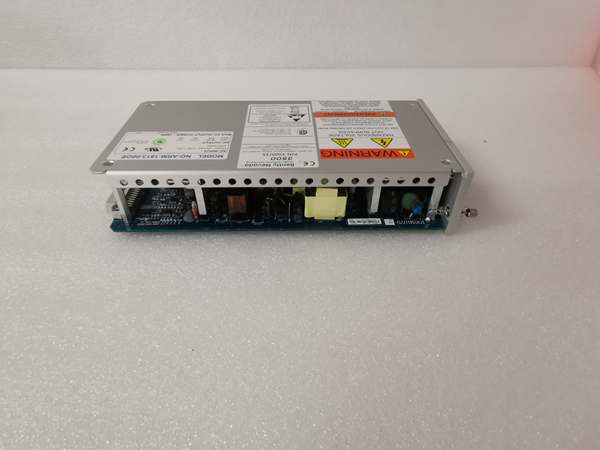
Description
Product Core Brief
- Model: 106M1079‑01
- Brand: BENTLEY
- Series: 106 Machinery Protection Series
- Core Function: Processes vibration sensor signals for rotating‑machinery protection and alarm triggering.
- Product Type: Machinery Protection Input Module
- Key Specs: 4‑channel input | 0‑24 VDC power supply | 4‑20 mA analog output
Note: OEM discontinued; available as new surplus and used tested stock.
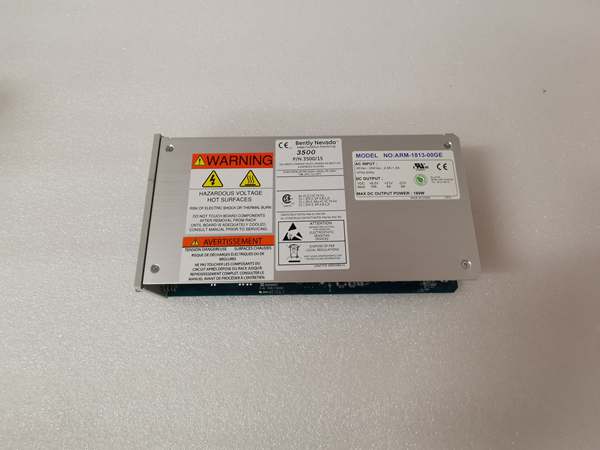
BENTLEY 106M1079‑01
Key Technical Specifications
- Input Channels: 4 independent vibration monitoring channels
- Supply Voltage: 18‑24 VDC nominal
- Analog Output Range: 4‑20 mA per channel
- Sensor Compatibility: Proximity probes, velocity transducers
- Alarm Threshold: User‑configurable via backplane bus
- Operating Temperature: 0 °C to +60 °C
- Isolation: Channel‑to‑backplane galvanic isolation
- Dimensions: 220 mm × 120 mm × 35 mm
- Weight: 0.42 kg
- Compliance: Complies with API 670 machinery‑monitoring requirements
Product Introduction
This is a machinery‑protection hardware unit built for rotating‑asset monitoring. It accepts raw sensor inputs and converts them into usable process signals for plant control systems.
It delivers local alarm logic without host‑system dependency. This reduces reaction latency when high‑vibration conditions develop on turbines or compressors.
QA & Testing SOP
- Incoming Inspection: Cross‑reference part number, serial number against OEM drawing records. Inspect PCB for burn marks, cracked solder joints, counterfeit marking defects. Document serial numbers for traceability.
- Live Testing: Mount on matching backplane, apply rated supply voltage. Establish comms handshake with compatible rack controller. Run continuous 24‑hour load test with simulated vibration input signals.
- Electrical Testing: Use Fluke 115 multimeter and insulation tester. Verify insulation resistance >10 MΩ between signal circuits and chassis ground. Confirm ground‑path continuity to rack earth bar.
- Firmware/Config Backup: Record installed firmware revision number. Photograph all DIP‑switch positions before any configuration change. Store parameter snapshot for reference.
- Final QC & Packaging: Place unit inside anti‑static shielding bag. Apply printed QC pass tag with test‑date stamp. Package with shock‑absorbent foam for transit.
Installation Pitfalls & Guide
❗ Firmware Rev Mismatch: Mismatched rack firmware will create intermittent bus timeouts. Always match the rack firmware revision to the firmware running on the unit.❗ DIP Switch/Jumper Errors: Wrong switch settings will offset alarm thresholds. Take high‑resolution photos of the old hardware before removal for reference.❗ Wiring Incompatibilities: Some older backplane variants have pin‑layout differences. Cross‑check terminal pinout against OEM datasheet before landing field wiring.❗ Power Draw Changes: Adding this unit increases rack current draw. Calculate total rack power consumption to avoid overloading the rack power supply.❗ ESD Dangers: Unprotected handling can destroy internal signal conditioning circuits. Field cases exist where ESD damaged spare units valued over $2000 before installation.
4‑step replacement guide1. Pre‑install: Power down the rack, wear ESD wrist strap, confirm firmware compatibility.2. Removal: Release module latch, slide out old unit, record DIP‑switch positions.3. Install: Slide the replacement firmly into backplane until latch clicks.4. Power‑on Test: Restore rack power, verify bus communication, inject simulated sensor signal to confirm alarm and output response.
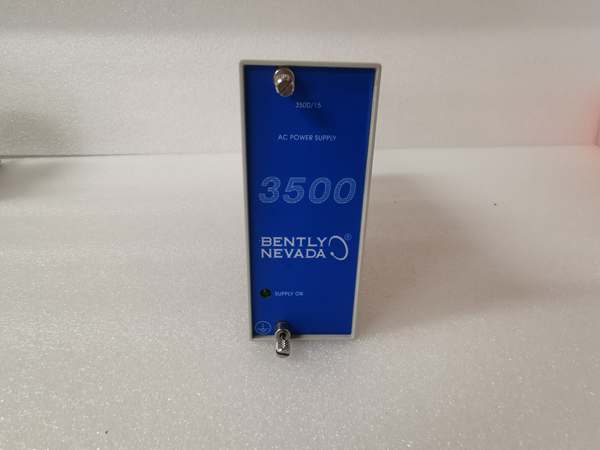
BENTLEY 106M1079‑01
FAQ
Q: Does this unit support hot‑swap operation?A: No. This device draws power directly from the rack backplane. Live removal can cause bus voltage transients that corrupt adjacent cards or damage backplane traces. Full rack power down is mandatory.
Q: Can I use this unit for turbine safety‑shutdown loops?A: It provides alarm and trip outputs, but verify your site safety‑instrumented‑system requirements. It is not SIL‑certified by default. Confirm with OEM datasheet.
Q: What happens if stored configuration is lost after power cycle?A: Hardware DIP‑switches retain base threshold settings. User‑adjusted parameters stored in volatile memory will reset. Document all settings before power loss events.
Q: Is new original stock readily available?A: Original factory production has ended. Most supply comes from new‑surplus or field‑tested used inventory. Lead‑times vary by lot availability.
Q: What warranty can I expect on surplus stock?A: Third‑party stock typically carries limited‑time functional warranty covering hardware defects. It does not cover site‑specific mis‑configuration or field wiring faults. OEM factory warranty is no longer offered.
Q: Can I upgrade to a newer series as a drop‑in replacement?A: Physical form factor is similar, but bus protocol and register mapping differ. Direct drop‑in swap is not possible. Logic configuration and cabling will require modification.