
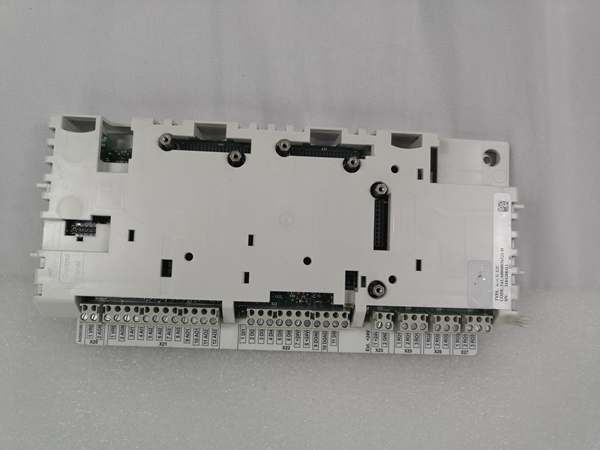
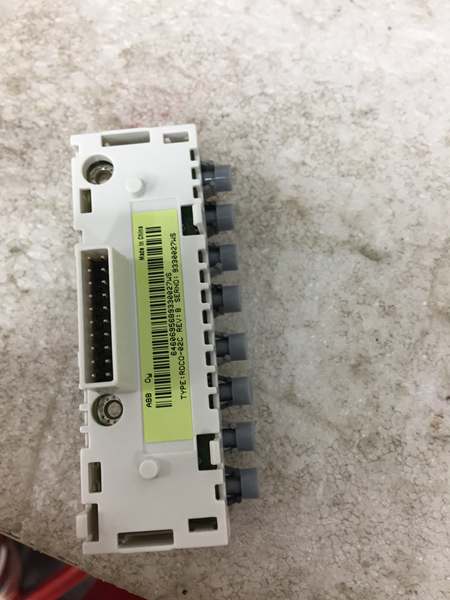
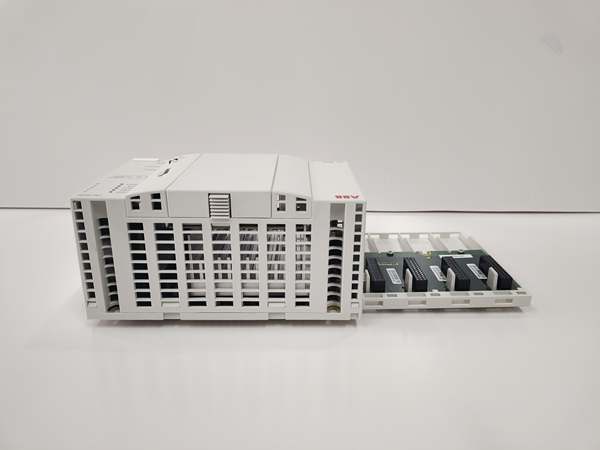
Description
Hard-Numbers: Technical Specifications
- Included Panel: CDP312R control panel (IP54 when mounted)
- Mounting Platform: RPMP-11 platform (snap-on for door thickness 1.5–2.5 mm; no screws required for platform installation)
- Cable Length: 3 m (118 in.) shielded flat-oval cable (from ADPI to RMIO X39)
- Interface Board: ADPI (Panel Interface Board)
- Door Cutout Dimensions: 115 mm × 242 mm (4.53 in. × 9.53 in.)
- Door Thickness Range: 1.5–2.5 mm (0.059–0.098 in.)
- EMC Shield: Included (shield and locking plate)
- Grounding Wire: Included
- Fixing Screws for ADPI: Included (to mount the board to the platform)
- Extension Connector: Included (for panel cable)
- Plug Connector/Telephone Connector: Included (connector item 10010390)
- Quick Guide: Included
- Net Weight: 0.7 kg (kit)
- Protection: IP54 (when CDP312R is attached to the mounting platform)
- Compatible Modules:
- ACS800-04 modules of frame sizes R2–R4 without swing-out panel support (connect cable to RMIO X39 in RDCU)
- ACS800-04/04M/U4 modules of frame sizes R7 and R8 (connect to RMIO X39)
- ACS800 Multidrive modules of frame sizes R2i, R3i, R4i, R7i, R8i (connect to RMIO X39)
- ACS800-04 modules of frame sizes R2–R4 with swing-out panel support (plug cable into socket on bottom of module control panel recess)
- ACS800-04 modules of frame sizes R5 and R6 (plug into module recess)
- ACS800 Multidrive modules of frame sizes R5i (plug into module recess)
- Optional: Connection of NLMD monitoring display (only supported with System Application program)
- Origin: Finland (FI), Estonia (EE) [ABB product page]

ABB RDCU-12C
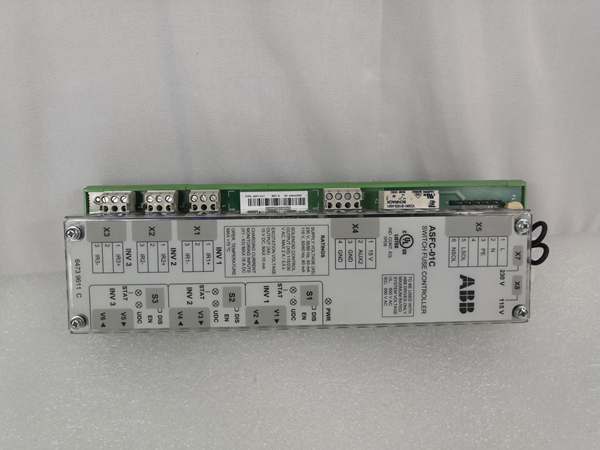
The Real-World Problem It Solves
Operators need safe, convenient access to ACS800/DCS800 drive controls and status without frequently opening the enclosure. RPMP-13 provides a complete door-mounting solution, allowing the CDP312R panel to be mounted on the cabinet door with IP54 protection, EMC shielding, and a pre-wired 3 m cable to the RMIO board. This reduces exposure to internal hazards and streamlines operations in harsh industrial environments.
Where you’ll typically find it:
- Pulp & paper, metal processing, mining, cement, power, chemical, and oil & gas plants
- Situations requiring remote start/终止, speed reference, fault diagnostics, and parameter changes from outside the cabinet
- Retrofit projects to improve operator safety and ease of drive operation
Bottom-line: It’s a complete, EMC-compliant door-mounting kit for the CDP312R control panel, enabling safe, remote drive operation and monitoring.
Hardware Architecture & Under-the-Hood Logic
RPMP-13 is a door/control panel kit that includes the CDP312R panel, ADPI interface board, 3 m shielded flat-oval cable, snap-on mounting platform, EMC shield and locking plate, grounding wire, fixing screws, extension connector, and quick guide.
-
Mounting Platform Snap-on Design: The platform snaps into the door cutout for 1.5–2.5 mm doors without screws for the platform itself. The ADPI board is then fastened to the platform using the provided screws.
-
Panel Attachment: The CDP312R control panel is inserted into the recess on the mounting platform and secured. When attached, the panel achieves IP54 protection.
-
Cable and RMIO Connection:
- For modules without swing-out panel support (R2–R4 without swing-out, R7/R8, Multidrive R2i/R3i/R4i/R7i/R8i), connect the 3 m cable to RMIO board connector X39 in the RDCU unit.
- For modules with swing-out panel support (R2–R4 with swing-out, R5/R6, Multidrive R5i), plug the cable into the socket at the bottom of the control panel recess on the module.
-
EMC Shielding and Grounding: The EMC shield and locking plate must be installed as shown in the manual to ensure EMC compliance. The included grounding wire provides proper grounding.
-
ADPI Interface Board: The ADPI (Panel Interface Board) bridges the control panel and the RMIO via the shielded flat-oval cable. Ensure the ADPI is securely mounted and connected.
-
Optional NLMD Connection: The kit supports connecting an optional NLMD monitoring display (only with System Application program). Refer to the manual for connection details.
Field Service Pitfalls: What Rookies Get Wrong
-
Ignoring Door Thickness Range: The snap-on platform is designed for 1.5–2.5 mm doors only. Using doors outside this range can compromise fit and sealing. Verify door thickness before installation.
-
Incorrect Cutout Dimensions: A cutout of 115 mm × 242 mm must be accurately cut. Oversized or misaligned cutouts prevent proper snap-in and can affect sealing and EMC performance.
-
Skipping EMC Shield Installation: Failing to install the EMC shield and locking plate can lead to EMC compliance issues and interference. Always install the shield as specified in the manual.
-
Forgetting Grounding Wire: Omitting the grounding wire can create grounding/EMC issues. Connect the grounding wire as indicated to ensure proper grounding of the panel and platform.
-
Wrong RMIO Connection Point:
- For modules without swing-out panel support, connect to RMIO X39 in the RDCU.
- For modules with swing-out panel support (R5/R6, R5i), plug into the socket on the bottom of the module’s control panel recess. Connecting to the wrong point causes no communication.
-
Misaligning the ADPI Board: The ADPI board must be fastened securely to the platform using the provided screws. Loose mounting can lead to intermittent connections or poor contact.
-
Forcing the Cable Connector: The flat-oval cable connector should be aligned and inserted gently. Forcing it can damage pins or the connector.
-
Over-tightening the Panel: The control panel is designed to push into the recess; over-tightening or using additional fasteners not specified can stress the panel or mounting platform.
-
Neglecting to Check IP54 After Mounting: Ensure the panel is fully seated and gasketed to maintain IP54 rating. Inspect for gaps or misalignment after installation.

ABB RDCO-02C
Commercial Availability & Pricing Note
- Important note: Listed prices (e.g., ~$1,500–$1,700 USD from distributors) are for reference only and are not binding. Final pricing and terms depend on market conditions, availability, and negotiation.
- Kit contents: RPMP-13 kit includes CDP312R control panel, ADPI interface board, 3 m shielded flat-oval cable, snap-on mounting platform, EMC shield and locking plate, grounding wire, fixing screws, extension connector, plug connector, and quick guide.
- Ordering code: 64736141 (RPMP-13). Confirm compatibility with your ACS800/DCS800 frame size and configuration before ordering.
- Status: While widely stocked as new surplus or by distributors, verify lead time and warranty terms with your supplier.


