
Description
Hard-Numbers: Technical Specifications
- Protocol Support : Ethernet (TCP/IP, UDP, Modbus TCP), RS-232/RS-485, FBP (Field Bus Plug)
- Port Count : 1 Ethernet RJ45, 2 configurable serial ports (COM1/COM2), 1 FBP connector
- Baud/Data Rate : 0.3 to 187.5 kB/s (serial), 10/100 Mbps (Ethernet)
- Operating Temperature : 0°C to +60°C
- Isolation Rating : 500V (I/O to backplane typical for AC500 series)
- Power Draw : 110 mA at 24V DC (approximately 2.6W)
- Supply Voltage : 20.4 to 28.8 V DC (rated 24V)
- Memory Size : 1024 kB user program, 1024 kB user data
- Processing Speed : 0.05 ms per 1000 instructions (logic)
- Dimensions : 67.5mm × 76mm × 62mm (W × H × D)
- Weight : 0.134 kg
- Protection Rating : IP20
- I/O Capacity : Up to 320 DI, 240 DO, 160 AI, 160 AO (local + expansion)

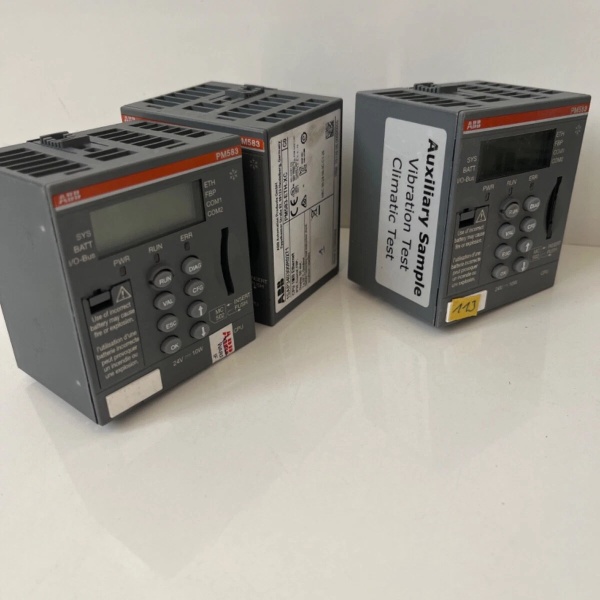
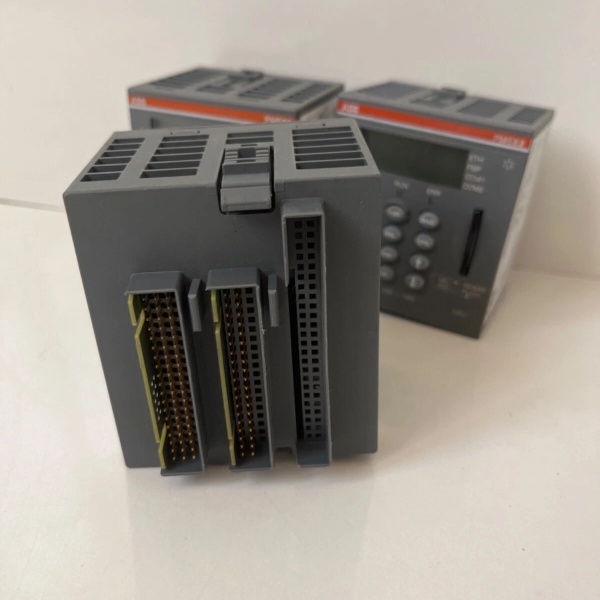
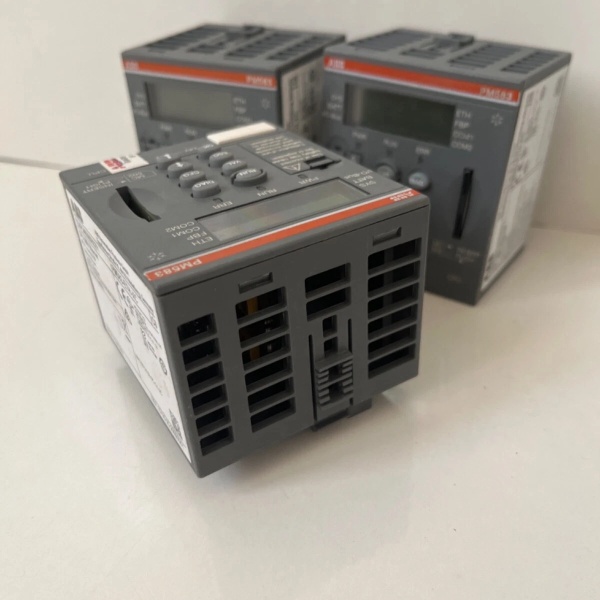
ABB PM583-ETH
The Real-World Problem It Solves
Mid-sized automation tasks need Ethernet connectivity without the bloat of high-end systems. When your legacy serial-based PLC can’t talk to the MES or SCADA system anymore, or you need web-based diagnostics without a separate HMI panel, this CPU bridges that gap.
Where you’ll typically find it:
- Water treatment plant pump stations with remote monitoring requirements
- Factory automation cells with Modbus TCP device integration
- Material handling systems requiring local intelligence and network access
- Small building management systems needing Ethernet-based control
Bottom line: It gives you AC500 reliability with built-in Ethernet, cutting out separate communication cards while keeping cabinet space tight.
Hardware Architecture & Under-the-Hood Logic
The PM583-ETH sits at the heart of the AC500 system as the central processing unit. It houses a 32-bit RISC processor executing user programs with dedicated memory blocks for code and data. The integrated Ethernet port runs independently from the serial ports, with a built-in web server allowing direct 浏览器-based diagnostics and parameter access without connecting programming software.
- Program Execution : The CPU fetches instructions from non-volatile flash memory, executing logic cycles through the RISC processor core at 0.05 ms per thousand instructions.
- I/O Scanning : The module scans local I/O modules and expansion units via the FBP bus, reading input states and writing output states on each scan cycle.
- Serial Communication Processing : COM1 and COM2 handle RS-232/RS-485 traffic independently—COM1 can act as CS31 master for distributed I/O expansion while both ports support Modbus master/slave operations.
- Ethernet Stack Processing : The integrated Ethernet controller handles TCP/IP stack processing, managing Modbus TCP connections, web server requests, and IEC60870-5-104 protocol traffic simultaneously.
- Data Management : User data is stored in battery-backed RAM (or SD card for backup), allowing persistent variable retention across power cycles. The memory management unit ensures separation between program code and runtime data.
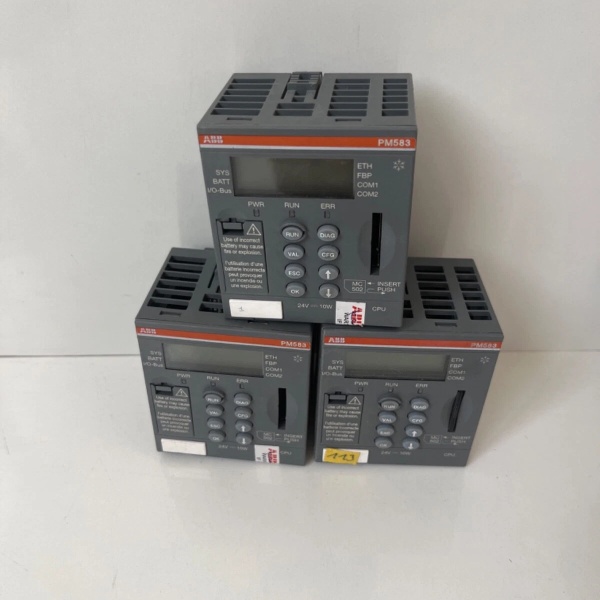
ABB PM583-ETH
Field Service Pitfalls: What Rookies Get Wrong
Mixing Up COM Port Configuration
Rookies assume both serial ports work identically without checking jumper settings or software configuration. COM1 integrates CS31 master functionality that COM2 lacks—configuring both as standard Modbus slaves without understanding the difference breaks distributed I/O expansion or causes address conflicts on the bus.
Field Rule: Always verify the intended function of each COM port in Automation Builder before wiring. COM1 is your CS31 master port for ABB I/O expansion; COM2 is general-purpose serial. Don’t try to make COM2 act as CS31 master—it won’t work.
Ignoring SD Card Backup Until It’s Too Late
Technicians run these CPUs for years without backing up the program to the SD card slot. When the internal flash memory corrupts or the battery fails, you’re left with a dead controller and no recovery image. Reconstructing the logic from scratch means days of downtime.
Quick Fix: Set up a maintenance schedule to pull SD card backups at least quarterly. Keep the SD card in a static-proof bag at the control room—don’t leave it inside the controller where it gets overwritten accidentally during program downloads.
Forgetting Ethernet Port Isolation in Noisy Environments
Running Ethernet cable through the same conduit as VFD power cables causes intermittent communication timeouts that look like CPU failures. New engineers waste hours swapping CPUs instead of checking cable routing and grounding.
Field Rule: Keep Ethernet cables in dedicated trays with at least 12 inches separation from power cables carrying over 50V. Use shielded Cat5e with the shield grounded at the cabinet end only, and verify the Ethernet switch has proper grounding to the same reference potential as the PLC rack.
Commercial Availability & Pricing Note
Please note: The listed price is for reference only and is not binding. Final pricing and terms are subject to negotiation based on current market conditions and availability.


