
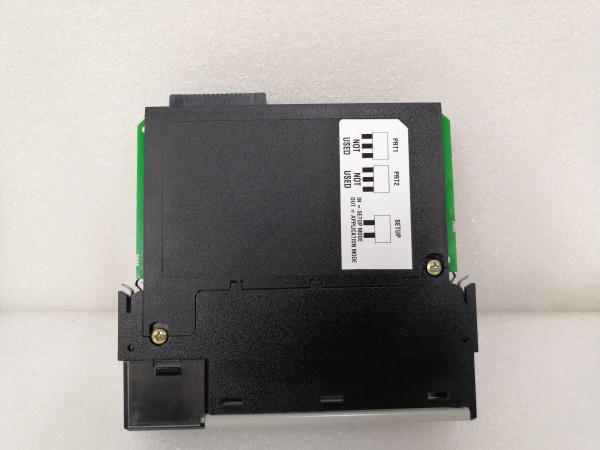
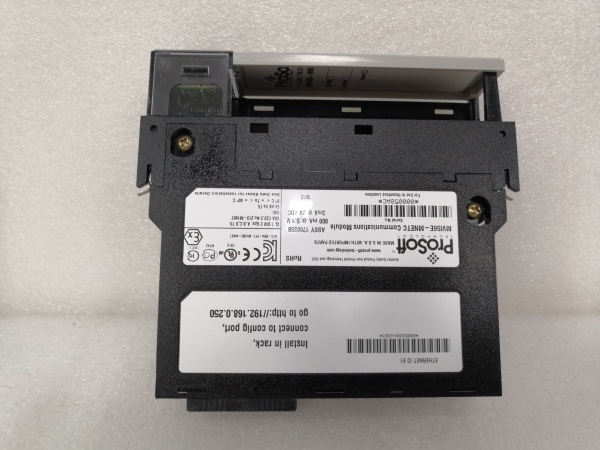
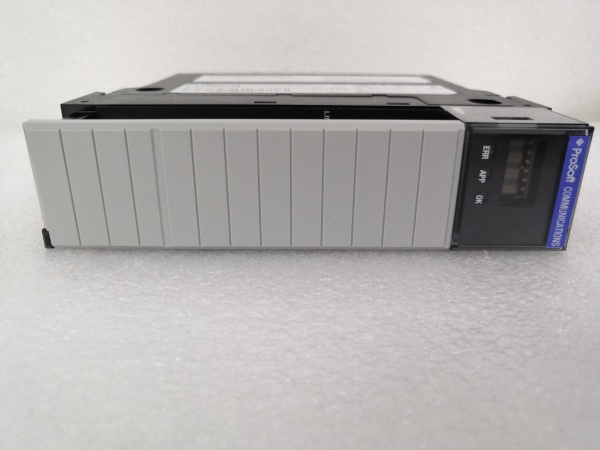
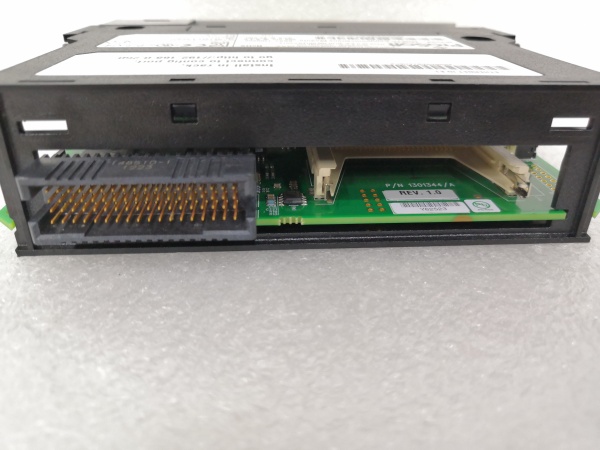
Description
Hard-Numbers: Technical Specifications
- Backplane Compatibility: 1756 ControlLogix single slot
- Ethernet Port: 10/100 Base-T RJ45 (auto-crossover)
- Client Connections: 30 max, 16 commands per client
- Server Connections: 20 max (10 MBAP on port 502, 10 encapsulated on port 2000)
- Data Memory: 10,000 × 16-bit user-definable registers
- Operating Temp: 0°C to 60°C (standard), -25°C to 70°C (XT version)
- Power Draw: 800 mA @ 5 VDC, 3 mA @ 24 VDC
- Isolation: Not specified (assume standard industrial levels)
- Certifications: CE, cULus Class I Div 2, ATEX EN60079-0/15

MVI56E-MNETC
The Real-World Problem It Solves
This module eliminates the need for separate client and server modules in mixed-vendor ControlLogix installations. It provides bidirectional Modbus TCP/IP connectivity without custom gateway programming, saving rack space and commissioning time.
Where you’ll typically find it:
- Water treatment plants connecting ControlLogix processors to legacy Modbus SCADA systems
- Pulp and paper mills integrating Modicon drives with Rockwell PLCs
- Remote I/O racks over ControlNet where bandwidth is at a premium
The bottom line: One slot handles what used to take two modules, with remote diagnostics that keep you from climbing ladders in the middle of the night.
Hardware Architecture & Under-the-Hood Logic
The MVI56E-MNETC operates as an intelligent I/O module with its own microprocessor and independent memory, exchanging data with the ControlLogix backplane via scheduled I/O blocks. It processes Modbus transactions autonomously while the ControlLogix processor focuses on control logic.
- ControlLogix processor reads/writes data to module’s input/output image via backplane I/O blocks
- Onboard firmware manages Modbus TCP/IP client polling and server responses independently
- Client commands execute asynchronously, storing retrieved data in the module’s internal database
- Server connections respond to external Modbus requests (HMIs, SCADA, third-party PLCs)
- Status LEDs and scrolling alphanumeric display provide real-time network health indication
- CIPconnect enables remote configuration through 1756-ENxT or 1756-CNB bridges without local RSLinx connection
MVI56E-MNETC
Field Service Pitfalls: What Rookies Get Wrong
COMM FORMAT Configuration Errors
Setting the RSLogix 5000 module configuration to “SINT” instead of “DATA-INT” corrupts data transfer between processor and module, causing intermittent communication faults.
- Field Rule: Always set COMM FORMAT to “DATA-INT” in the NEW MODULE dialog before downloading to the processor. This ensures proper 16-bit register mapping across the backplane.
CIPconnect IP Address Conflicts
When configuring remote access through 1756-ENxT bridges, duplicate IP addresses between the MVI56E module and the bridge cause unpredictable connectivity loss.
- Quick Fix: Use ProSoft Discovery Service (PDS) to assign a unique temporary IP address before deployment. Verify connectivity with PCB’s “Test Connection” tool before leaving site.
Client Command Limits Exceeded
Configuring more than 16 commands per client connection overloads the module’s command queue, resulting in dropped data and timeout errors in the controller tags.
- Field Rule: Distribute commands across multiple client connections if needed. Never exceed 16 commands per client connection—monitor command counts in PCB’s “Client Commands” tab during commissioning.
Firmware-AOI Version Mismatch
Running older firmware (pre-v3.01) with newer AOI versions limits server functionality and reduces database size from 10,000 to 5,000 registers.
- Quick Fix: Upgrade firmware to v3.01+ via the module’s web server. Verify AOI version compatibility—AOI v1.8+ required for full client/server functionality and 10,000 register support.
Floating-Point Format Confusion
Mixing up Enron and Daniel® floating-point formats causes incorrect scaling of analog values like flow rates and temperatures.
- Field Rule: Explicitly select the correct floating-point format in PCB’s “Client Commands” settings. Test read/write operations with known values before putting the system in production.



