
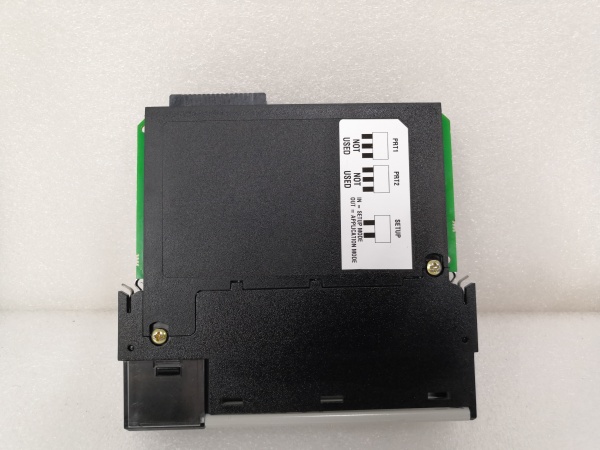
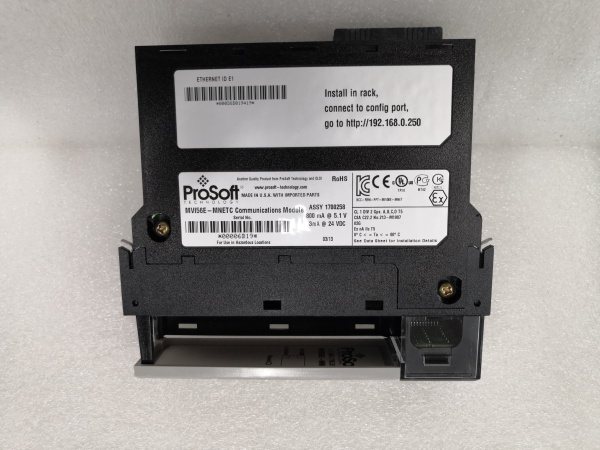
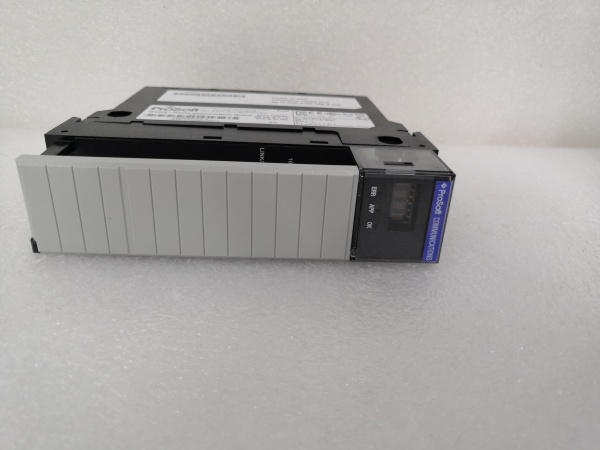
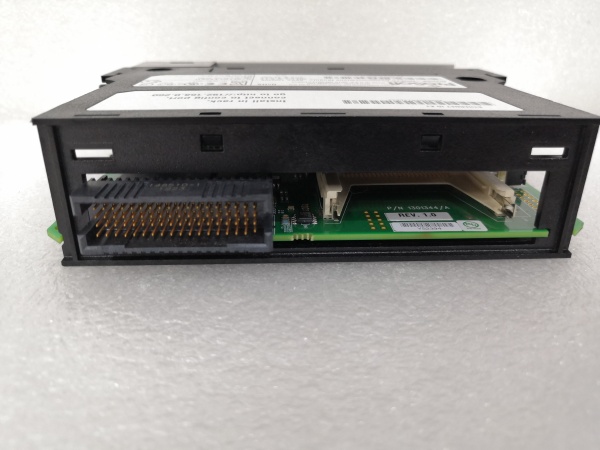
Description
Hard-Numbers: Technical Specifications
- Protocol Support: Modbus TCP/IP (Client and Server), Ethernet/IP (backplane implicit messaging)
- Port Count: 1 x 10/100BaseTX (RJ45)
- Baud/Data Rate: 10/100 Mbps auto-negotiating
- Operating Temperature: 0 to +60°C (32 to 140°F)
- Storage Temperature: -40 to +85°C (-40 to 185°F)
- Isolation Rating: 1500V RMS isolation between backplane and Ethernet port
- Power Draw: 800mA @ 5VDC from ControlLogix backplane
- Backplane Compatibility: 1756 ControlLogix chassis (any slot)
- Connection Limit: Up to 16 simultaneous Modbus TCP connections
- Hot-Swap Capability: Yes – supports online configuration changes without module removal
- Firmware Update Method: Field-upgradeable via Ethernet without removing module from chassis
- LED Indicators: MOD (module status), ETH (Ethernet activity), CFG (configuration status), FAULT
- Connector Type: Standard RJ45
- Dimensions: Standard single-slot ControlLogix form factor

MVI56-MNETC
The Real-World Problem It Solves
You need to integrate Modbus TCP devices into a ControlLogix system, but scheduling a shutdown for configuration changes or firmware updates is a nightmare. The hot-configurable architecture lets you modify register mappings, add devices, or update firmware without taking the process offline. Production keeps running while you work, saving those precious shutdown windows for actual maintenance.
Where you’ll typically find it:
- Chemical processing plants with continuous batch operations where unscheduled downtime costs thousands per hour
- Power generation facilities where safety protocols require formal change management for any system interruption
- Pharmaceutical manufacturing facilities with validated processes that require extensive re-qualification after any shutdown
Bottom line: It delivers full Modbus TCP bridging capability with online maintenance features that keep continuous processes running while you make configuration tweaks or apply firmware updates.
Hardware Architecture & Under-the-Hood Logic
This module functions identically to the base MVI56-MNET in protocol handling, communicating with the ControlLogix processor via backplane Ethernet/IP implicit messaging with an onboard translation processor. The “C” variant adds configuration management circuitry that enables runtime parameter changes through the Ethernet port without requiring a controller 终止 or module removal. The single Ethernet port handles both Modbus TCP traffic and configuration access simultaneously.
- The ControlLogix processor exchanges data with the module via backplane I/O blocks using Ethernet/IP implicit messaging.
- The onboard processor maintains an independent Modbus TCP stack, handling both client and server operations without host processor intervention.
- Configuration data is stored in non-volatile memory accessible through the Ethernet port via ProSoft Configuration Builder software.
- During runtime configuration changes, the module maintains active Modbus connections while updating mapping tables in memory.
- Firmware updates are applied through the Ethernet port using a bootloader that preserves existing configuration data.
- The module updates backplane I/O blocks continuously at the configured RPI rate (typically 20-100ms), with no interruption during configuration updates.
- Failed connection retry logic runs independently, with configurable timeouts and retry counts per device.
MVI56-MNETC
Field Service Pitfalls: What Rookies Get Wrong
Missing the Hot-Config AdvantageTechnicians treat the MVI56-MNETC like a standard MVI56-MNET, scheduling unnecessary shutdowns for simple config changes. They don’t realize the “C” suffix means they can add a Modbus device or tweak a register map while the line keeps running.
Field Rule: Check the exact model number before planning any downtime. The “C” variant supports online configuration—use it. Schedule shutdowns only for physical hardware changes or power supply modifications, not for config tweaks or firmware updates.
Firmware Update During Peak ProductionThe module supports online firmware updates, but that doesn’t mean you should do it during a critical production run. If the update fails due to network instability or power fluctuation, you’re pulling the module anyway—and scrambling for a spare while the plant is down.
Quick Fix: Perform firmware updates during planned maintenance windows, even if the module supports hot-swapping. Use wired Ethernet, verify network stability, and have a spare module programmed and ready. Test the update procedure during commissioning, not the first time you need it.
Configuration Backup NeglectThe ability to change configuration online leads to complacency. Technicians make tweaks without backing up the original working configuration. When a change breaks something, there’s no rollback point, and they’re re-engineering the whole setup at 3 a.m.
Field Rule: Every configuration change starts with a backup. Save the current configuration file with a timestamp before making any edits. If something goes wrong, reload the last known good file. Maintain a configuration history folder—keep at least three previous versions in case you need to step back further.
Simultaneous Connections OverrunWith 16 simultaneous Modbus TCP connections available, technicians load up the module with too many high-frequency polls. The processor hits its processing ceiling, and data latency spikes. The ControlLogix starts faulting on timeout limits, but the module FAULT LED stays off because all connections are technically active.
Quick Fix: Calculate your total transaction load. If you’re polling 16 devices every 50ms with 10 registers each, that’s 320 transactions per second. Check the module’s advertised throughput rating (typically 1000-2000 transactions per second depending on firmware). Leave headroom—don’t run above 60% of capacity for reliable operation.
IP Address Conflicts After Config ChangesTechnicians modify the module’s IP address through online configuration but don’t verify it’s unique on the network before applying. Two devices end up with the same IP, the switch starts flooding, and communication to the entire subnet drops.
Field Rule: Ping the new IP address before applying the change. Document every IP in your network register. If you’re changing an address, update your network documentation at the same time. Never assume an address is free—verify it.
Forgetting Redundant Module SyncIn redundant installations, technicians update the primary module’s configuration but forget to clone it to the standby. When the primary fails, the secondary takes over with old configuration data, causing mismatched data types or missing device mappings.
Field Rule: Redundant pairs must run identical configurations. After any change on the primary, clone the configuration to the secondary immediately. Test failover during commissioning—pull the primary module and verify the secondary picks up seamlessly with correct data.
Client/Server Mode ConfusionThe same port can operate as client or server, and technicians configure the wrong mode for the device type. A Modbus TCP VFD acting as a slave needs the module in client mode, but the configuration sets it as server. Both sides wait for the other to initiate, and no data flows.
Quick Fix: Verify the device’s Modbus role. Masters/clients initiate connections—slaves/servers wait for requests. Configure the MVI56-MNETC as a client for slave devices (drives, meters) and as a server when external masters need to pull data from the ControlLogix.
Please note: The listed price is for reference only and is not binding. Final pricing and terms are subject to negotiation based on current market conditions and availability.

