
Description
Hard-Numbers: Technical Specifications
- Protocol Support: Modbus TCP/IP (Client and Server), Ethernet/IP (backplane implicit messaging)
- Port Count: 1 x 10/100BaseTX (RJ45)
- Baud/Data Rate: 10/100 Mbps auto-negotiating
- Operating Temperature: 0 to +60°C (32 to 140°F)
- Storage Temperature: -40 to +85°C (-40 to 185°F)
- Isolation Rating: 1500V RMS isolation between backplane and Ethernet port
- Power Draw: 750mA @ 5VDC from ControlLogix backplane
- Backplane Compatibility: 1756 ControlLogix chassis (any slot)
- Connection Limit: Up to 16 simultaneous Modbus TCP connections
- Node Address Range: Configurable IP address with subnet mask and gateway
- LED Indicators: MOD (module status), ETH (Ethernet activity), CFG (configuration status), FAULT
- Connector Type: Standard RJ45
- Dimensions: Standard single-slot ControlLogix form factor

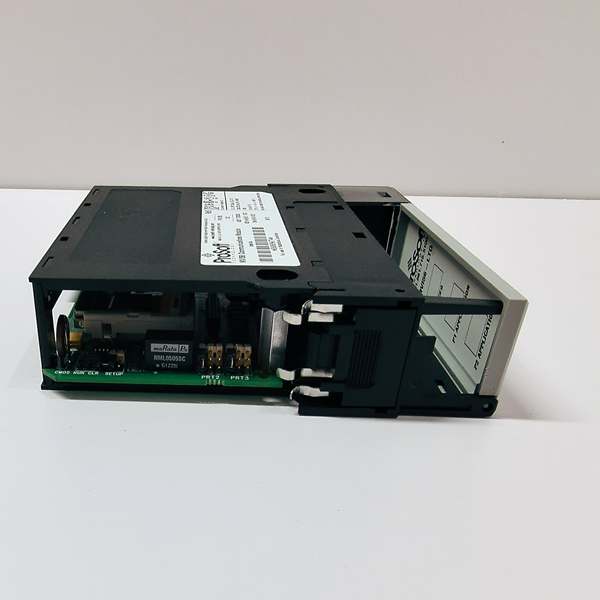
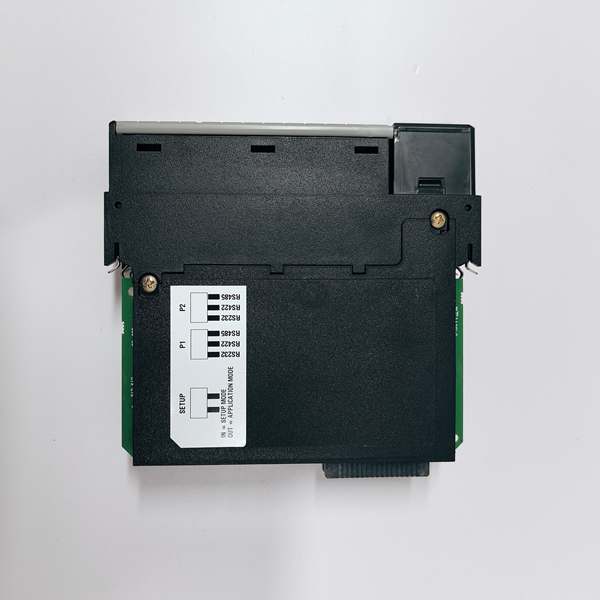
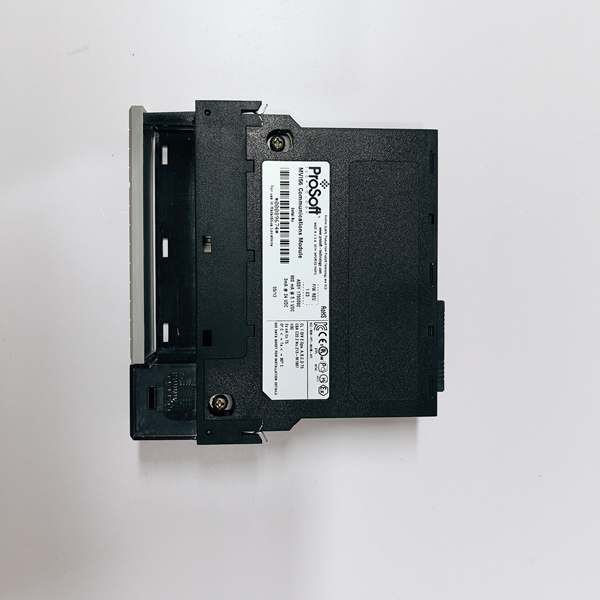
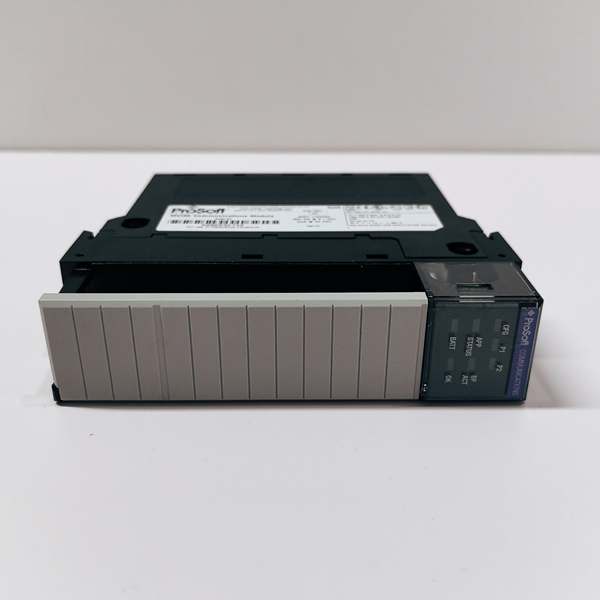
PROSOFT MVI56-LTQ
The Real-World Problem It Solves
You’ve got ControlLogix controlling the process, but peripheral equipment—flow meters, VFDs, temperature transmitters—only speaks Modbus TCP. Hardwiring everything through analog I/O adds termination points, drift, and maintenance headaches. This module sits in the rack and translates data digitally, eliminating extra wiring and improving signal integrity.
Where you’ll typically find it:
- Municipal water treatment facilities integrating Modbus-enabled flow and chemical dosing equipment
- HVAC retrofits where modern ControlLogix BMS systems interface with legacy Modbus chillers and boilers
- Packaging lines connecting ControlLogix motion controllers to Modbus-based printers and labelers
Bottom line: It bridges the protocol gap without adding another enclosure or running miles of copper wire—digital data transfer replaces analog I/O cards and signal conditioners.
Hardware Architecture & Under-the-Hood Logic
This module communicates with the ControlLogix processor via backplane Ethernet/IP implicit messaging while maintaining an independent Modbus TCP stack. The onboard microprocessor handles all protocol conversion, so the ControlLogix processor doesn’t get bogged down with translation overhead. A single Ethernet port handles both client and server operations, with configurable timeouts and retry logic for each connection.
- The ControlLogix processor exchanges data with the module via backplane I/O blocks using Ethernet/IP implicit messaging.
- The onboard processor maps ControlLogix tags to Modbus registers (holding registers 40001+, input registers 30001+, coils 00001+, discrete inputs 10001+).
- In client mode, the module initiates Modbus TCP connections to configured slave devices at specified intervals.
- In server mode, the module listens for incoming Modbus TCP requests from external masters and responds with data from mapped memory areas.
- The module updates backplane I/O blocks continuously at the configured RPI rate (typically 20-100ms), independent of Modbus transaction timing.
- Failed connections trigger retry logic—by default, the module retries three times before flagging a fault, with configurable timeout intervals.
PROSOFT MVI56-LTQ
Field Service Pitfalls: What Rookies Get Wrong
Mixing Up Client and Server ModesTechnicians configure the module as a client when the field device expects a master, or vice versa. Both sides wait for the other to initiate communication, and nothing happens on the network.
Field Rule: Check the device manual first. Modbus TCP masters are clients—they initiate connections. Slaves are servers—they wait for requests. A VFD acting as a Modbus slave needs the MVI56-MNET configured as a client.
Incorrect Register Offset MappingThe device manual says holding register 40001 contains flow rate, but the module reads zero because the configuration is set for register offset 1 instead of 0 (or vice versa). Some vendors count from 1, others from 0.
Quick Fix: Verify the addressing convention in the Modbus device documentation. If the device specifies “holding register 40100,” determine if that’s an absolute address or requires an offset calculation. Test with a known value—command a 50Hz output on a VFD and confirm you read back exactly 50, not 49 or 0.
Single-Port Network BottleneckWith only one Ethernet port, all traffic—both Modbus TCP and backplane communication—shares the same physical connection. In installations with high-frequency polling or multiple devices, this creates bandwidth constraints. Technicians blame the module for “slow data” when the real issue is network congestion.
Field Rule: Calculate your total data rate. If you’re polling 10 devices every 50ms with 20 registers each, you’re generating significant traffic. Consider segmenting networks with a managed switch or upgrade to the dual-port MVI56E-MNET if bandwidth is tight.
Ignoring DHCP on Static NetworksLeaving the module configured for DHCP on a factory network that uses static addressing causes the module to pull a random IP or fail to obtain one. The module boots up with a 169.254.x.x link-local address, and the ControlLogix can’t establish backplane communication.
Quick Fix: Always assign static IP addresses for plant-floor equipment. Document every IP in your network register. If DHCP is required for commissioning, switch to static after installation and lock it in the configuration file.
Improper Wire Gauge on RJ45 TerminationsTechnicians use solid-core Cat5e stranded patch cables for runs to field devices. The RJ45 contacts loosen over time from vibration, and you get intermittent connection drops that correlate with when the forklift drives by.
Field Rule: Use the correct cable type for the application. Solid-core for in-wall conduit runs, stranded for patch cords and equipment connections. Industrial environments demand industrial-grade shielded cable with proper boot strain relief.
Register Data Type MismatchesReading a floating-point temperature value from a Modbus device but configuring the module to read it as two 16-bit integers gives you garbage. The device sends IEEE 754 floating-point format, and the module interprets it as raw integers.
Quick Fix: Confirm the data type and byte order in the device manual. Modbus doesn’t define floating-point—every vendor implements it differently. Some use big-endian, others little-endian. Test with a known temperature like 25.0°C and verify you read exactly 25.0, not 3.67×10⁻³⁴.
Please note: The listed price is for reference only and is not binding. Final pricing and terms are subject to negotiation based on current market conditions and availability.


