
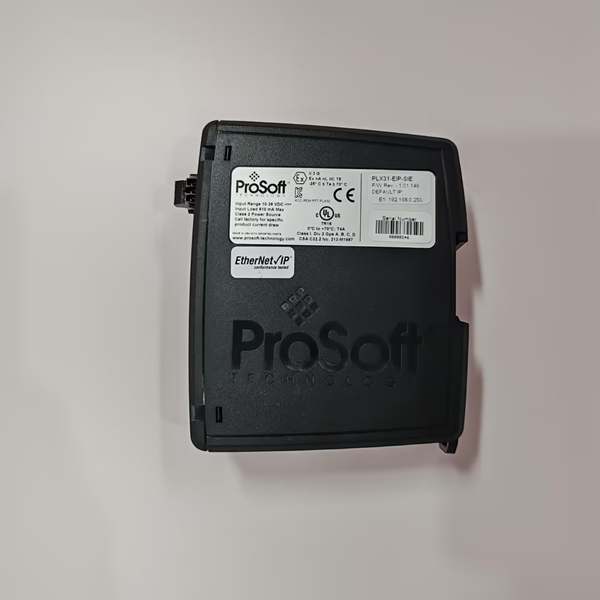
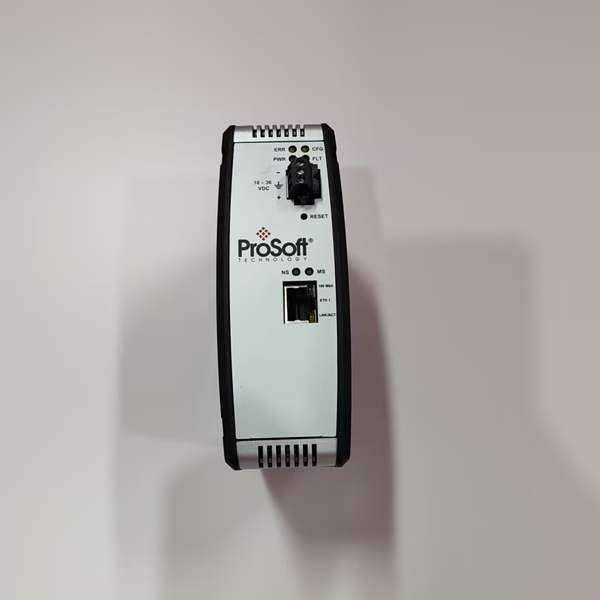
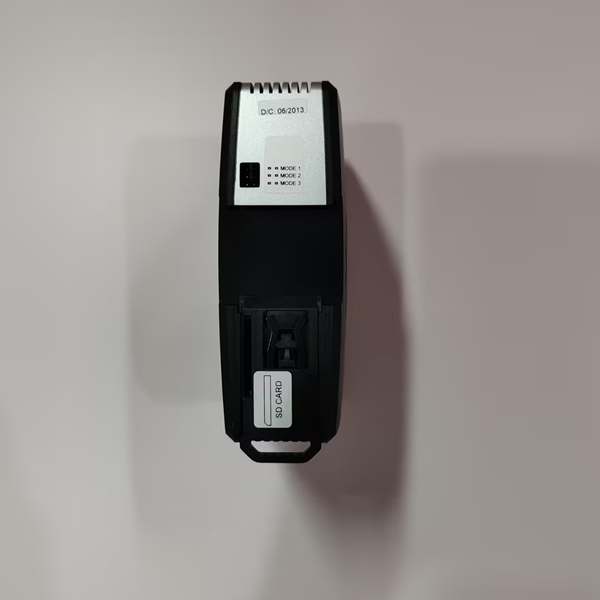
Description
Hard-Numbers: Technical Specifications
-
Backplane Current: 450 mA @ 5V DC, 2 mA @ 24V DC
-
Operating Temperature: -20°C to +70°C (operational), -40°C to +85°C (storage)
-
PROFIBUS Port: DB9 female (RS-485), isolated, +5V terminal resistor power on pins 3/8
-
Baud Rates: 9.6 kbps to 12 Mbps (auto-detect in slave mode, master sets rate)
-
Cable Length: 1200m @ 9.6 kbps, 100m @ 12 Mbps (standard PROFIBUS RS-485)
-
Master Mode Capacity: 125 PROFIBUS DP slave devices, 5000 bytes cyclic data total
-
Slave Mode Capacity: 10 emulated slave devices, independent I/O mapping per slave
-
Protocols: DPV0 (cyclic data exchange), DPV1 Class 1 (MS1) & Class 2 (MS2) acyclic messaging, DPV1 alarming
-
Configuration: PLX50 Configuration Utility (Windows 10/11), SD card backup
-
Logix Integration: Studio 5000 AOP (v21+), auto-generated UDTs and AOIs
-
Redundancy: Master redundancy supported (active/standby with bumpless transfer)
-
Isolation: 1500V DC port-to-port (PROFIBUS to backplane)
-
Enclosure: IP20, NEMA/UL Open Type
- Certifications: CE, UL 94V-0, ATEX/IECEx (II 3G Ex ec IIC T4 Gc)

The Real-World Problem It Solves
Your plant standardized on ControlLogix for the control layer, but the process floor is littered with Siemens ET200S I/O, Schneider Altivar drives, and Turck block I/O—all speaking PROFIBUS DP. Replacing them would cost millions and require revalidation. The ILX56-PBM slots into your 1756 chassis, speaks PROFIBUS natively, and maps all those slave devices into ControlLogix tags like they’re local I/O. No protocol gateway boxes, no extra power supplies, no DIN rail clutter—just one module that turns your Allen-Bradley rack into a PROFIBUS master (or lets it pretend to be 10 PROFIBUS slaves if you’re interfacing to a Siemens PLC).
Where you’ll typically find it:
-
Automotive assembly: Body shop weld controllers (Siemens-based) feeding data to plant-wide ControlLogix SCADA.
-
Water/wastewater: Retrofitting lift stations with existing PROFIBUS motor starters into new ControlLogix-based control systems.
-
Material handling: Conveyor systems with distributed I/O (Turck, Balluff) on PROFIBUS, coordinated by ControlLogix PACs.
Bottom line: It makes PROFIBUS devices look like native ControlLogix I/O, without ripping out cables or retraining technicians on GSD files.
Hardware Architecture & Under-the-Hood Logic
This is a full protocol implementation, not a protocol converter. The module has its own 32-bit processor running the PROFIBUS stack, handling token passing, slave polling, and DPV1 messaging independently of the ControlLogix CPU. The backplane connection is standard 1756 I/O module format—configuration via Studio 5000 AOP, data exchange via produced/consumed tags.
-
Power-up sequence: Backplane 5V/24V applied → Bootloader initializes → Loads application firmware from internal flash → Checks SD card for config backup → Executes PROFIBUS stack.
-
Mode selection: PLX50 Configuration Utility sets Master or Slave mode. Master mode: module owns the PROFIBUS token, polls 1-125 slaves at configured baud rate. Slave mode: module emulates up to 10 independent slave devices, each with unique station address and I/O configuration.
-
Data exchange: Cyclic DPV0 data mapped to ControlLogix UDTs (User Defined Types) via auto-generated AOI. Input data from slaves → Logix tags; Output data from Logix → slaves. Update rate determined by PROFIBUS token rotation time (TTR).
-
DPV1 messaging: Acyclic Class 1 (MS1) for parameter access to configured slaves; Class 2 (MS2) for concurrent multi-master access. CIP message interface in Logix triggers DPV1 read/write operations.
-
Redundancy (Master mode only): Two ILX56-PBM modules in same or remote chassis. Active master runs PROFIBUS; standby monitors via dedicated crosslink. On fault, standby takes token within milliseconds—outputs hold last state or go to failsafe per configuration.
Field Service Pitfalls: What Rookies Get Wrong
Assuming Auto-Baud Works in Master Mode
Slave mode auto-detects baud rate by listening to the bus. Master mode does not—the ILX56-PBM sets the rate, and all slaves must match. Rookies leave it at default 1.5 Mbps when the network was wired for 500 kbps, and wonder why 80% of slaves show “Offline” in the Live List.
-
Field Rule: Check the existing network baud rate with a PROFIBUS tester before configuration. If replacing a failed Siemens CP342-5, note its baud rate setting—the ILX56-PBM must match exactly. Use PLX50 “Device Discovery” to scan at different rates if unknown. Remember: changing baud rate requires power cycle of all slaves with fixed-rate settings.
Forgetting the Terminal Resistor
PROFIBUS RS-485 requires 220Ω termination at both bus ends. The ILX56-PBM provides +5V on pin 6 of its DB9 to power active terminators, but rookies either forget terminators entirely or use passive resistors without the +5V reference.
-
Quick Fix: Install Siemens 6ES7 972-0DA00-0AA0 or equivalent active terminators at both ends. Verify pin 3 (RxD/TxD-P) to pin 8 (RxD/TxD-N) measures ~220Ω with power off. If you’re at the end of the bus, enable the ILX56-PBM’s internal termination in PLX50 (not all revisions have this—check hardware). Shield continuity is critical: connect cable shield to pin 5 (GND) at both ends, not to chassis ground at intermediate points.
Mixing Master and Slave Modes on the Same Bus
Two ILX56-PBMs in Master mode on one PROFIBUS segment = token collision and complete network failure. Even if one is “standby” for redundancy, it must be configured as standby, not as a second master.
-
Field Rule: Verify only one active master per PROFIBUS segment. For redundancy, both modules must be in the same redundancy group configured in PLX50—this makes one active, one standby. If you see “Duplicate” on the module’s 4-char display or flashing BF LED with solid RUN, you’ve got multiple masters fighting for the token. Check GSD files—some slave devices ship with master capability enabled (e.g., programming ports on drives). Disable or isolate them.



