
Description
Hard-Numbers: Technical Specifications
- Protocol Support : Modbus TCP (Client/Server) + PROFIBUS DP (Master/Slave)
- Port Count : 1 or 2 × RJ45 10/100 Mbps Ethernet; 1 × PROFIBUS DP (RS-485)
- DP Baud Rates : 9.6 kbps to 12 Mbps, auto-negotiating
- Operating Temperature : 0°C to 60°C (32°F to 140°F)
- Storage Temperature : -40°C to 85°C (-40°F to 185°F)
- Power Draw : 12-24 VDC, typical 2.5W, 210 mA @ 12V or 105 mA @ 24V
- Isolation : 1500V optical isolation on PROFIBUS DP port
- Max PROFIBUS DP Slaves : 32 (Master mode)
- Max I/O Per Slave : 1024 bytes input / 1024 bytes output
- Modbus Register Mapping : 32768 holding registers
- DP Station Address : 0-125 configurable
- Max Bus Length : 12 Mbps = 100m, 9.6 kbps = 1000m
- Dimensions : 108 × 117 × 32 mm (4.25 × 4.61 × 1.26 in)
- Weight : 0.28 kg

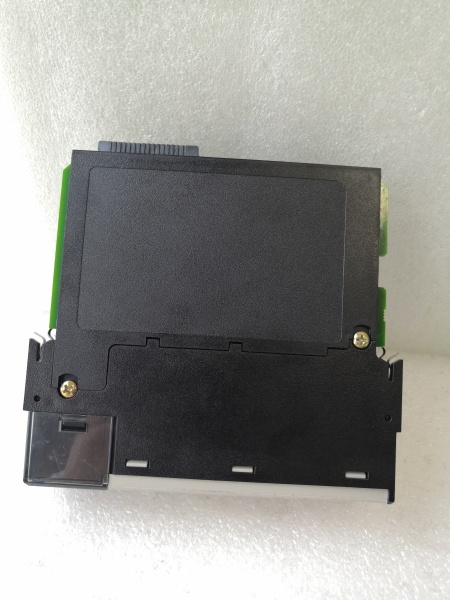
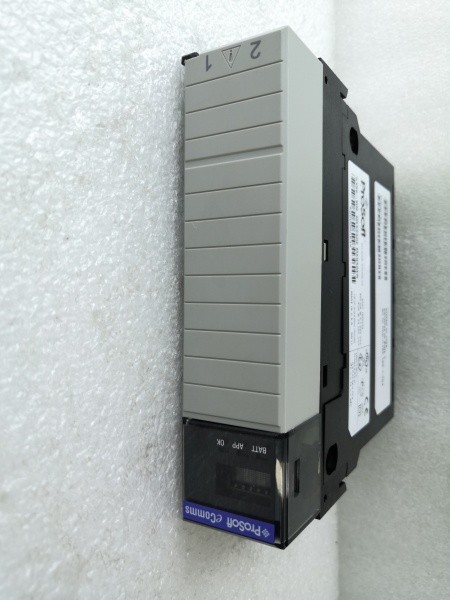
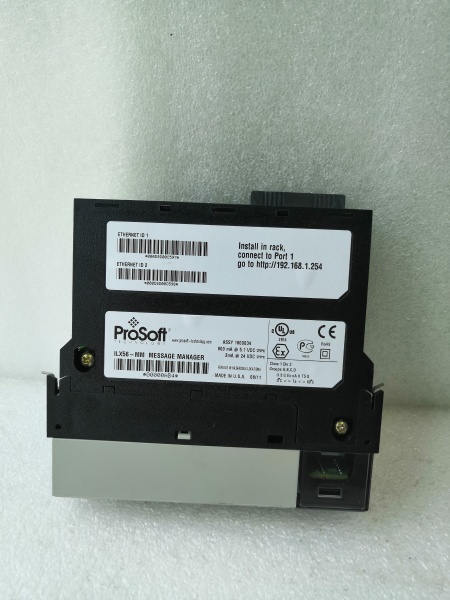
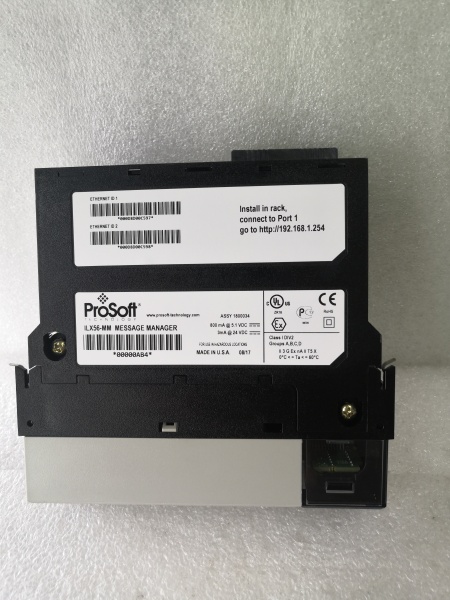
PROSOFT ILX56-MM
The Real-World Problem It Solves
Factory-floor headache : Your SCADA system runs Modbus TCP, but your automation network uses PROFIBUS DP. You don’t want to install costly PROFIBUS cards in every PLC or replace all DP drives. You need a gateway that maps DP I/O data to Modbus registers without custom code or hardware changes.
Where you’ll typically find it:
- Pharmaceutical plants integrating PROFIBUS DP weigh modules into Modbus TCP batch systems
- Steel mills connecting DP-controlled furnaces to Modbus TCP SCADA for real-time temperature monitoring
- Chemical facilities bridging DP flow meters to Modbus TCP DCS for batch recipe integration
Bottom line : It lets you use your existing Modbus TCP infrastructure to manage PROFIBUS DP devices, no additional software licenses needed.
Hardware Architecture & Under-the-Hood Logic
The ILX56-PBM is a standalone DIN-rail gateway with an embedded processor running dual Modbus and PROFIBUS firmware. It does not mount on any PLC backplane. The PROFIBUS port is optically isolated (1500V) to protect against ground loops in mixed-voltage plants. Ethernet ports are non-isolated, so use shielded cables and proper switch grounding.
-
Power-up initialization : Module boots from internal flash, loads GSD file from NVRAM, initializes Ethernet PHY and PROFIBUS DP transceiver. LEDs indicate power, Ethernet link/activity, DP bus status, and mapping errors.
-
DP Master operation : In Master mode, the ILX56-PBM polls up to 32 PROFIBUS DP slaves at the configured baud rate. It negotiates I/O data lengths with each slave and maps DP process data to Modbus holding registers. The gateway handles all token-passing protocol logic automatically.
-
DP Slave operation : In Slave mode, the ILX56-PBM acts as a PROFIBUS DP slave, responding to cyclic data exchanges with external DP masters (e.g., Siemens S7). It translates Modbus register data from TCP clients into PROFIBUS I/O data that the master reads/writes.
-
Modbus TCP integration : The gateway exposes DP I/O data as 32768 holding registers (40001-65536) to Modbus TCP clients. Configuration is via a Web GUI where you map specific DP slave I/O ranges to Modbus register offsets. Data is synchronized bidirectionally in real time (latency ~2ms per cycle).
-
Diagnostics and fault handling : Built-in DP watchdog monitors each slave connection. If a slave drops off the bus, crashes, or 终止s responding, the gateway flags a fault and holds last-known values or sets data to zero per your configuration. Event logs include bus errors, CRC failures, and Modbus TCP connection status.
PROSOFT ILX56-MM
Field Service Pitfalls: What Rookies Get Wrong
Using the wrong PROFIBUS cable type
Rookies run PROFIBUS DP on standard Ethernet cable or unshielded twisted pair. This causes signal attenuation and interference, especially at higher baud rates (12 Mbps). DP bus fails randomly or drops slaves during peak plant loading.
- Field Rule : Only use PROFIBUS Class A shielded twisted-pair cable (red outer sheath for Siemens, white for generic). Keep minimum cable distance from power lines (6 inches). For 12 Mbps runs over 100 meters, use Class B cable with better shielding.
Forgetting DP bus termination resistors
PROFIBUS DP requires 150Ω termination resistors at both ends of the bus to prevent signal reflections. Rookies skip termination or add it in the wrong places (not at physical ends of the cable). CRC errors spike, and slaves drop out during startup.
- Quick Fix : Install termination resistors only at the gateway and the farthest DP slave device. Use a multimeter to confirm resistance between pins A and B (should be 150Ω with the bus powered off). If you still get CRC errors, check for open or shorted shield wires.
Setting DP station address too high
PROFIBUS DP allows station addresses from 0 to 125. Rookies pick high addresses (e.g., 100) thinking they’re out of range, but some master controllers have address limits. This prevents the gateway from being detected during bus initialization.
- Field Rule : Start with station address 1 or 2. Test with your DP master first before setting a higher address. Siemens S7-300/400 typically accept up to 126, but older DP masters may have lower limits.
Ignoring GSD file compatibility
The ILX56-PBM requires a GSD (General Station Description) file to be imported into your DP master configuration. Rookies use the wrong GSD version or skip this step entirely. The master cannot communicate with the gateway.
- Field Rule : Download the latest GSDML file from ProSoft’s website. Import it into your master hardware catalog before adding the ILX56-PBM as a slave. Verify the GSD file matches your firmware version—older versions may have different I/O size limits.
Overloading DP bus with too many slaves
The spec says 32 slaves, but that assumes short cable runs and ideal conditions. Rookies daisy-chain 32 slaves on a 500-meter bus, then wonder why it’s slow or drops slaves randomly. Bus loading exceeds 80% of capacity.
- Field Rule : Calculate bus loading using ProSoft’s DP Bus Calculator (available for download). If loading exceeds 70%, split the bus into two segments with a DP repeater. For high-speed runs (12 Mbps), limit to 8 slaves per segment to prevent token timeout errors.
Not accounting for Modbus register offset
Rookies map Modbus register 40001 directly to PROFIBUS DP I/O byte 0, but some PLCs expect 40001 to be byte 1. This causes off-by-one errors in SCADA data logging. Flow meter values are off by a factor, or VFD speeds show random numbers.
- Field Rule : Build a mapping spreadsheet before touching the Web GUI. Document each DP slave’s I/O offsets, then map them to Modbus register ranges starting at 40001. Test with a Modbus simulator to confirm register values match DP slave outputs.
Disabling PROFIBUS auto-baud rate
Rookies manually set baud rate to 12 Mbps thinking it’s fastest, but the DP bus may operate at a lower rate due to slower slaves. The gateway fails to connect because baud rate mismatch.
- Field Rule : Enable auto-baud rate detection in the Web GUI. The ILX56-PBM auto-negotiates the highest common baud rate supported by all slaves on the bus. If you set it manually, verify every slave on the bus supports that rate.
Forgetting ground isolation between segments
In plants with multiple building entrances, ground potential differences cause DP bus errors. Rookies tie PROFIBUS ground from one panel to another without isolation, creating ground loops that fry the gateway’s DP transceiver over time.
- Field Rule : Use the ILX56-PBM’s optical isolation (1500V) to your advantage. Keep the PROFIBUS port ground floating—do not tie it to panel ground. If you must ground, do it at the gateway only, not at both ends.
Not testing bus length limits
Rookies run 12 Mbps PROFIBUS over 200 meters, exceeding the spec limit. The gateway randomly drops slaves or gets CRC errors during production runs, but works fine during testing.
- Field Rule : Use Profibus bus length chart to verify max distance for your baud rate. At 12 Mbps, max length is 100 meters. At 1.5 Mbps, max is 200 meters. At 9.6 kbps, max is 1000 meters. Longer runs need optical repeaters.


