
Description
Key Technical Specifications
| Technical Indicator | Details |
|---|---|
| Manufacturer | National Instruments (NI) |
| Communication Compatibility | Fully compliant with IEEE 488.2 standard, supporting functions such as serial/parallel polling and service requests |
| Data Transfer Performance | 850 kbytes/s GPIB data transfer rate, 12 Mb/s full-speed USB 1.1 signaling |
| Controllable Device Quantity | Up to 14 GPIB programmable instruments |
| Power Supply | USB bus-powered, maximum power consumption of 200 mA, no external power supply required |
| Physical Dimensions | 10.7 cm × 6.6 cm × 2.6 cm (4.2 in × 2.6 in × 1.0 in) |
| Operating Environment | Operating temperature: 0 – 55°C; Storage temperature: -20 – 70°C; Operating humidity: 10 – 90% RH (non-condensing); Storage humidity: 5 – 95% RH (non-condensing) |
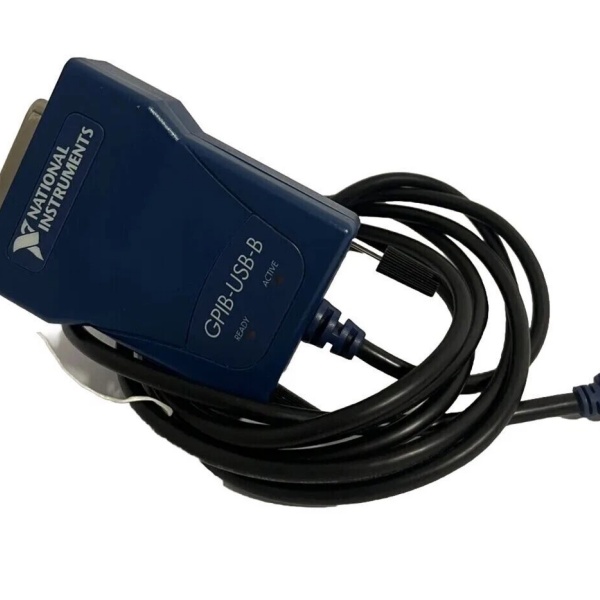
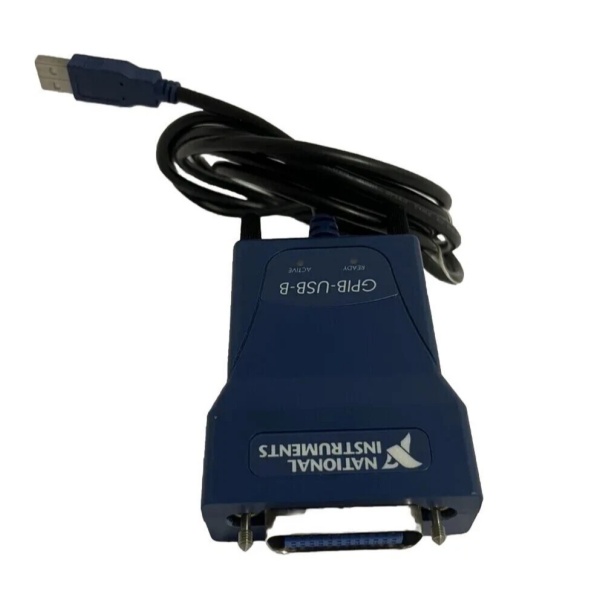
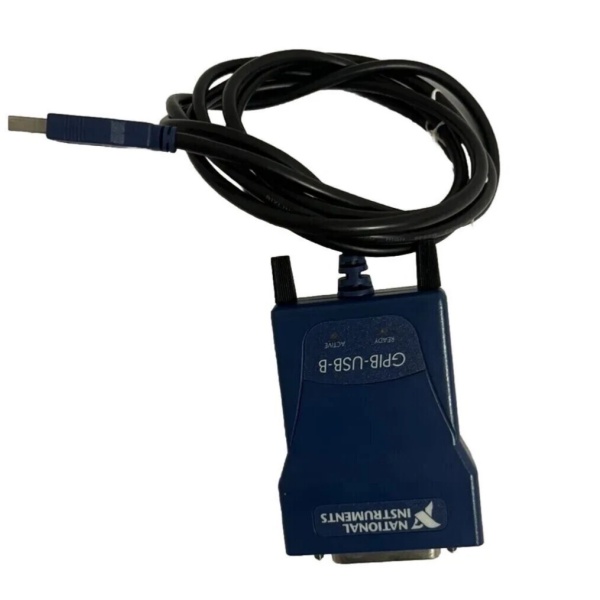
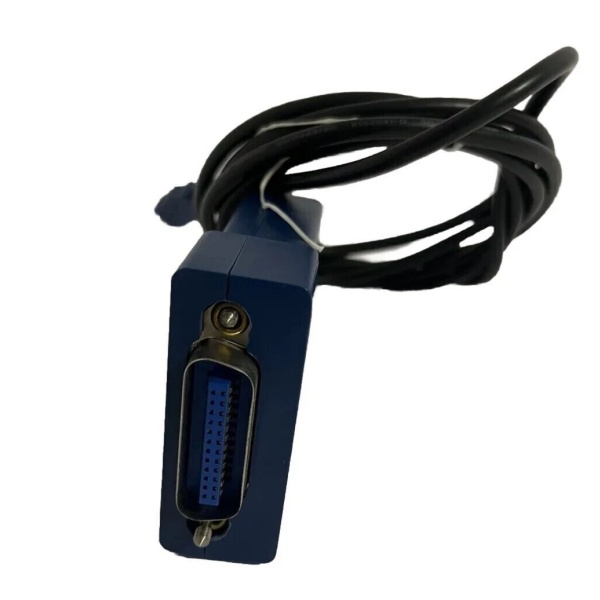
| Connectors & Accessories | Equipped with USB standard Type A plug and IEEE 488 24-pin GPIB connector; comes with a 2-meter USB cable |
| Indicators | LED indicators for USB configuration and USB active status |
| Software Compatibility | Works with NI-488.2 drivers (versions 2.0 – 17.6), and is compatible with LabVIEW, LabWindows/CVI, Measurement Studio and other NI software |
| Weight | Lightweight design, about 180g (including USB cable weight) |
NI GPIB-USB-B
Field Application & Problem Solved
In scenarios such as university laboratory teaching, field portable testing, and small – scale electronic product testing, traditional GPIB interfaces had obvious drawbacks. Early desktop computers with dedicated GPIB expansion cards were not portable, while laptops lacked internal I/O slots to connect GPIB instruments. In addition, some legacy GPIB instruments required cumbersome DIP switch configuration and computer restart operations during interface connection, which slowed down the test progress. Moreover, external – powered GPIB interfaces were inconvenient to carry for field testing, and cable connections were complicated.
The NI GPIB – USB – B solved these problems well. Its plug – and – play design eliminates the need for external DIP switches and computer restarts after installation. The USB bus power supply saves users from carrying an additional power adapter. Its compact size and light weight make it ideal for matching laptops in portable testing. For example, in a university’s electronic measurement experiment class, students used this controller to connect laptops to GPIB oscilloscopes and signal generators, which not only simplified the experimental setup but also allowed them to complete instrument control and data collection anytime and anywhere. In the field testing of electronic components, engineers used it to connect GPIB multimeters to record data in real time, avoiding the trouble of traditional wired connection and fixed – location testing. Compared with its predecessor GPIB – USB – A, its 850 kbytes/s transfer rate is 200 kbytes/s higher, which also improves the efficiency of data transmission in multi – instrument collaborative testing.
Installation & Maintenance Pitfalls (Expert Tips)
- Driver Version Matching Issues: Using an incompatible NI – 488.2 driver version will cause the device to fail to be recognized. For example, if you install a driver version higher than 17.6, the controller may not work normally. It is recommended to check the operating system type first (Windows 2000/XP, Windows Me/98 or Linux) and install the corresponding 2.0 – 17.6 version driver. You can download the matching driver from NI’s official archive website to ensure compatibility.
- Incorrect Daisy – Chain Connection Order: When controlling multiple GPIB instruments, incorrect connection order will lead to communication failures. Many users connect the controller first when building a star or daisy – chain configuration, resulting in signal conflicts. The correct approach is to connect all the cables between the instruments first, and then connect the GPIB – USB – B as the last device in the connection chain to ensure smooth signal transmission.
- Ignoring USB Cable Quality: Using non – standard or aging USB cables will affect data transmission stability. Since the controller relies on USB cables for both power supply and data transmission, using a low – quality cable may cause problems such as intermittent disconnection and reduced transfer rate during testing. It is recommended to use the original 2 – meter USB cable that comes with the device. If replacement is needed, choose a certified USB 1.1 or higher – grade cable with a length not exceeding 3 meters.
- Exceeding Temperature Operating Limits: Using the device in high – temperature environments such as outdoor testing in summer may cause performance degradation. The standard operating temperature of the controller is 0 – 55°C. When used in an environment exceeding 55°C, the USB signal may be unstable, and even the device may be damaged. In high – temperature or low – temperature field scenarios, it is necessary to use thermal insulation or heat dissipation measures to keep the device within the specified temperature range.
NI GPIB-USB-B
Technical Deep Dive & Overview
The core advantage of the NI GPIB – USB – B lies in its ability to bridge the connection gap between modern USB – interface computers and traditional GPIB instruments. It adopts the TNT series Talker/Listener/Controller IEEE 488.2 ASIC chip, which can fully realize all functions of the GPIB controller. This means that applications written for other NI GPIB controllers can be directly used on this device without modification, greatly reducing the cost of software migration for users.
Its plug – and – play design is another major highlight. Unlike traditional GPIB interface cards that require opening the computer chassis for installation, users only need to insert this controller into the computer’s USB port, and the system can automatically recognize it. There is no need to restart the computer when reconfiguring the IEEE 488.2 interface, which significantly improves the efficiency of test setup. In addition, the blue appearance of the device makes it easy to distinguish from the black GPIB – USB – A, avoiding confusion during use.
However, this product also has obvious limitations. As an obsolete model, it only supports USB 1.1, and its 850 kbytes/s transfer rate is much lower than the later GPIB – USB – HS (1.8 Mbytes/s) and other models. At the same time, the NI – 488.2 driver version it supports is also limited, so it may not be compatible with the latest operating systems and software versions. Even so, for scenarios that do not require high – speed data transmission, such as basic instrument control and simple data collection, the NI GPIB – USB – B still has good usability due to its stable performance and low use threshold. It is still a common choice for second – hand markets and legacy test system maintenance.



