
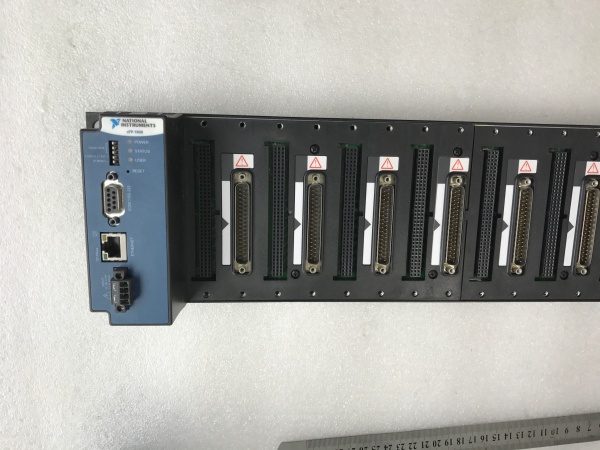
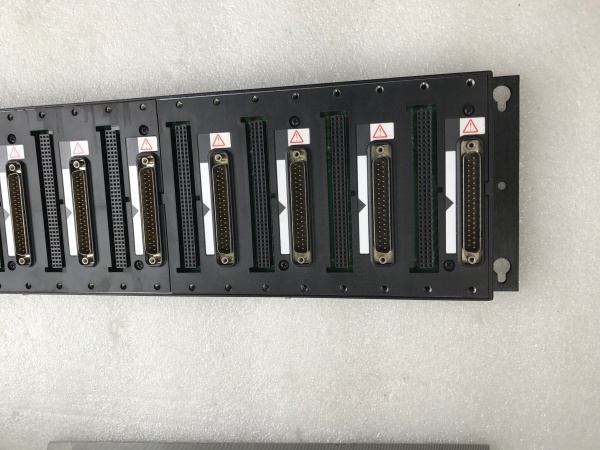
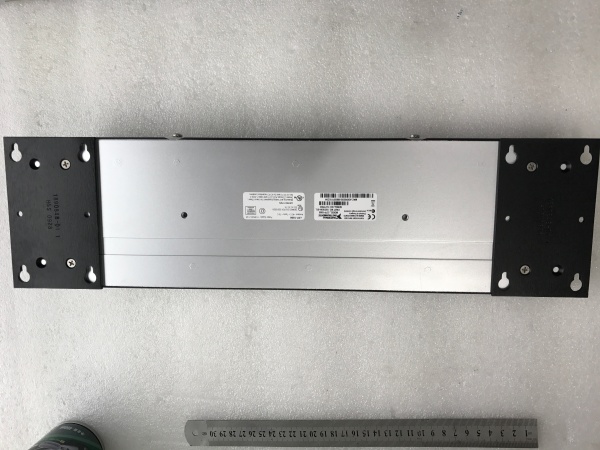
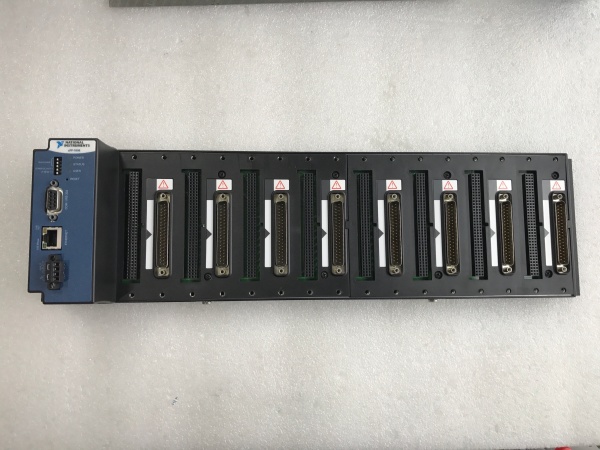
Description
Hard-Numbers: Technical Specifications
- I/O Slots: 8 C-Series/Compact FieldPoint module slots
- Network Ports: 2 × RJ-45 100Base-TX (auto-crossover)
- Protocols: Modbus TCP, Ethernet/IP, OPC UA
- Network Redundancy: Ring topology support with 10 ms switchover
- Operating Temperature: -40 to 70 °C (-40 to 158 °F)
- Power Input: 10 to 30 V DC
- Power Draw: 24 V DC at 1.5 A (typical)
- Humidity: 5 to 95% RH (non-condensing)
- Isolation: 500 V RMS network to I/O backplane
- Watchdog Timer: Software-configurable, 1 ms to 65 s range
- Status Indicators: Power, Network, Module Fault LEDs
- Dimensions: 14.0 × 8.9 × 7.6 cm (5.5 × 3.5 × 3.0 in.)

NI CFP-1808
The Real-World Problem It Solves
When you need to drop I/O nodes into remote locations and bring them back over Ethernet without worrying about single points of failure, this module handles the job. The dual-port redundancy keeps data flowing even when a cable gets cut in the field.
Where you’ll typically find it:
- Oil and gas wellhead sites where remote I/O racks communicate over long-distance fiber
- Water treatment plants with distributed pump stations
- Manufacturing cells requiring ring network redundancy for uptime
Bottom line: It provides industrial-grade Ethernet connectivity with redundancy, keeping remote I/O online when the network gets messy.
Hardware Architecture & Under-the-Hood Logic
The CFP-1808 acts as the brain of a Compact FieldPoint bank, managing communication between the I/O modules and the host network over Ethernet. It runs a real-time OS and supports multiple industrial protocols simultaneously.
Signal flow and processing logic:
- I/O Backplane Access: Controller polls or subscribes to data from up to 8 I/O modules.
- Protocol Processing: On-board processor translates data to Modbus TCP, Ethernet/IP, or OPC UA.
- Network Switching: Dual Ethernet ports pass traffic through with ring topology support.
- Redundancy Management: Hardware monitors link status and switches to backup path within 10 ms on failure.
- Data Streaming: Processed data streams out via Ethernet to PLCs, HMIs, or SCADA systems.
- Watchdog Protection: If communication fails, watchdog forces outputs to safe states per configuration.
NI CFP-1808
Field Service Pitfalls: What Rookies Get Wrong
Misconfigured Redundancy Mode
Engineers set up both ports but forget to enable ring mode properly, so the redundancy never kicks in when a cable fails. The network goes down and they wonder why the backup didn’t work.
- Field Rule: Verify redundancy mode in NI MAX or your configuration software. Test failover by unplugging the primary cable while monitoring traffic—switchover should happen within 10 ms.
Ignoring Power Supply Margin
The CFP-1808 draws up to 1.5 A at 24 V, but techs often undersize the power supply after adding more I/O modules. This causes intermittent reboots or brownouts under heavy load.
- Quick Fix: Calculate total current draw for all modules plus the 1808 itself. Use a power supply rated for at least 1.5× the calculated load. If you see random reboots, check your supply voltage under load—it should stay above 21 V.
Wrong IP Address After Replacement
Swapping in a replacement CFP-1808 without preserving IP configuration leaves the module at its default address, breaking network connectivity and wasting hours troubleshooting.
- Field Rule: Before pulling a failed unit, document the IP configuration. On the replacement, set the IP via the front-panel DIP switches or NI MAX before installation. Keep a spreadsheet of assigned IPs for all remote nodes.



