
Description
Hard-Numbers: Technical Specifications
- Protocol Support: Profibus DP, DeviceNet, CANopen, EtherCAT (configuration dependent)
- Data Rate: Up to 12 Mbps (Profibus), 1 Mbps (CANopen), 100 Mbps (EtherCAT)
- Port Configuration: 1 fieldbus port, 1 auxiliary serial port
- Isolation Rating: 500V optical isolation (fieldbus to drive logic)
- Power Draw: 3.0W max from S700 backplane
- Operating Temperature: 0°C to +50°C (32°F to +122°F)
- LED Indicators: PWR, RUN, ERR, BUS, TX/RX (status diagnostics)
- Node Address Range: 0-127 (bus dependent)
- Update Rate: Configurable up to 4 kHz (application dependent)
- Dimensions: 80mm × 100mm (standard S700 option card)

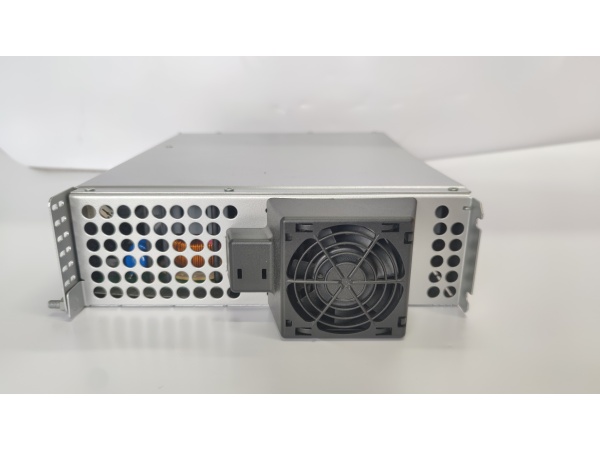
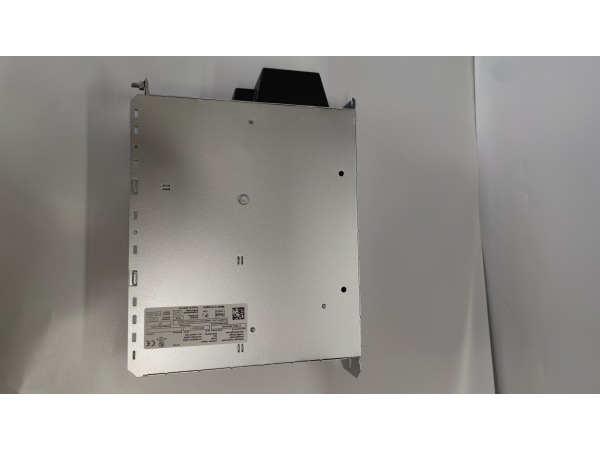
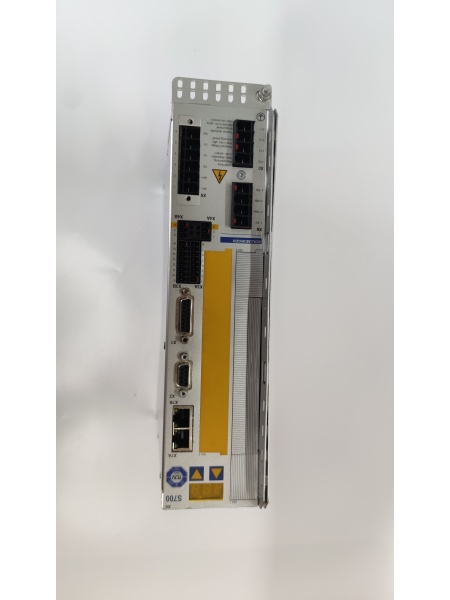
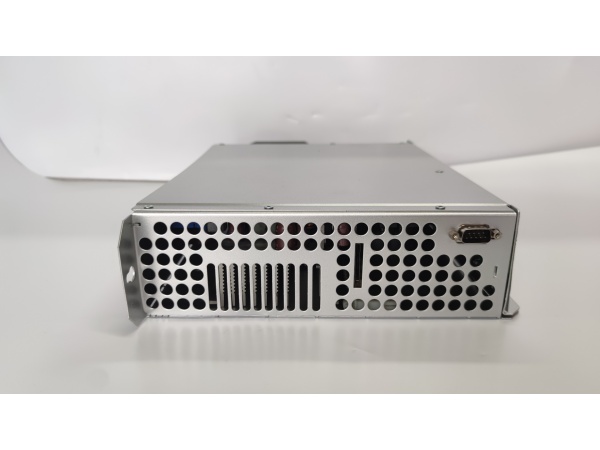
KOLLMORGEN S70602-NANANA
The Real-World Problem It Solves
Your S700 drive runs perfectly in standalone mode, but integrating it into a plant-wide control architecture becomes a nightmare without the right communication layer. This option card eliminates gateway complexity by providing direct fieldbus connectivity, letting the drive speak the same protocol as your PLC without external translation hardware.
Where you’ll typically find it:
- Material handling lines with Profibus-based PLC control
- Packaging cells using DeviceNet or CANopen networks
- Motion-intensive applications requiring EtherCAT synchronization
The bottom line: It bridges the gap between drive-level power and plant-level control, removing integration headaches and reducing potential failure points in your communication architecture.
Hardware Architecture & Under-the-Hood Logic
This module plugs into the S700 backplane, establishing direct data exchange with the main drive processor through a parallel bus interface. The onboard microcontroller handles all protocol parsing, framing, and error checking, offloading communication tasks from the motion control processor.
Signal flow works like this:
- Fieldbus signals enter through the front connector (DB9 or RJ45)
- Microcontroller validates incoming protocol frames and checks CRC
- Process data (command words, setpoints) extracts and translates to internal format
- Status data (actual values, fault codes) packages into outbound frames
- Data exchanges with main drive processor over backplane at drive update rate
- LED indicators reflect real-time communication health and error states
Field Service Pitfalls: What Rookies Get Wrong
Bus Termination ErrorsThe last device on a Profibus or CANopen segment needs a termination resistor enabled. Techs forget to configure the DIP switches on the card, or worse, enable termination on multiple devices and kill the signal.
- Field Rule: Use a bus analyzer to verify impedance. Measure between the data lines at the card connector—you should see 120 ohms only at the physical endpoints of the segment.
Node Address ConflictsWhen swapping drives during maintenance, techs clone the configuration file without changing the node address. Now you’ve got two devices with the same ID on the network and the whole bus collapses.
- Quick Fix: Every drive gets a unique node address. Document your address scheme and verify it before commissioning. When replacing a card, extract the old address from the controller project or from the physical label on the card—don’t guess.
Ignoring Ground Reference DifferencesThe fieldbus ground and drive logic ground are isolated for a reason. Techs tie them together for “convenience” and create ground loops that cause erratic communication or damage the isolation circuitry.
- Field Rule: Never connect the shield drain to the logic ground terminal on the drive. Ground the shield at the controller end only, and use proper shielded cable throughout the segment. If you’re seeing intermittent faults, check for ground potential difference between locations with a multimeter.



