
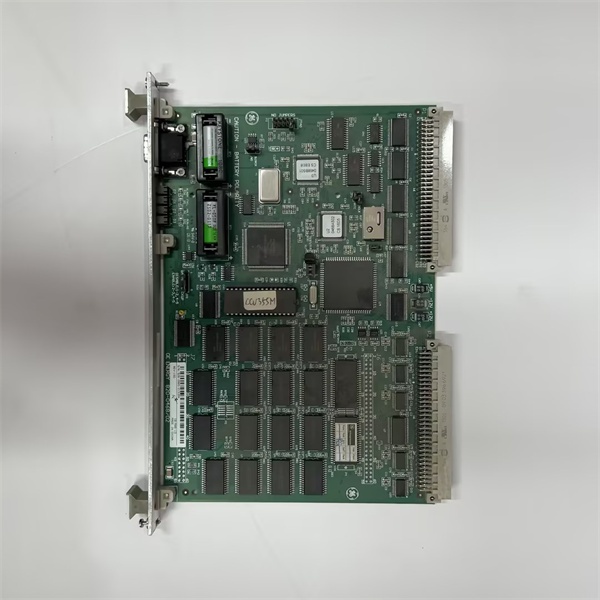
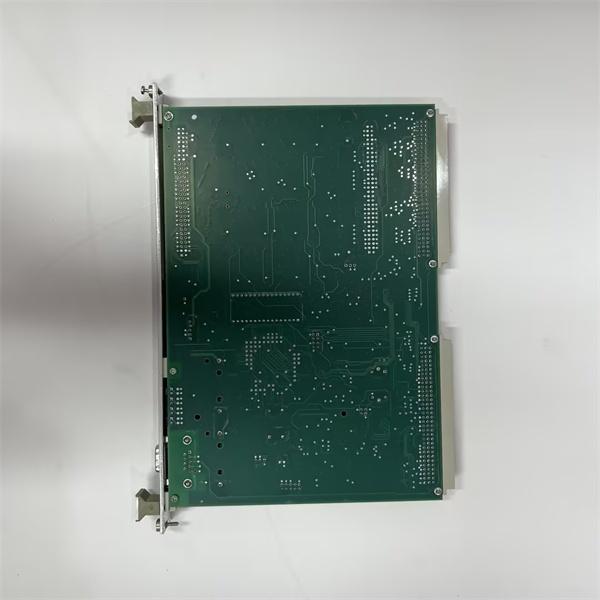
Description
Hard Numbers: Technical Specifications
- Processor: Motorola 68302 @ 16 MHz
- Memory: 512 KB SRAM, 512 KB EPROM, 128-byte EEPROM
- Serial Ports: 8 Independent Asynchronous Serial Ports
- Serial Signal: EIA-232-D / EIA-422-A / EIA-485 (Software Selectable per port)
- Data Rates: 110 to 38,400 bps (Standard), up to 76,800 bps (Some protocols)
- Isolation Rating: 1500 V AC Optically Isolated (Serial Lines to Logic)
- Watchdog Timer: Hardware Watchdog (100ms to 1.6 sec) + Software Heartbeat
- Power Draw: +5V DC @ 300mA (Typical), +24V DC @ 20mA (Typical)
- Operating Temperature: -40°C to +70°C (-40°F to +158°F)
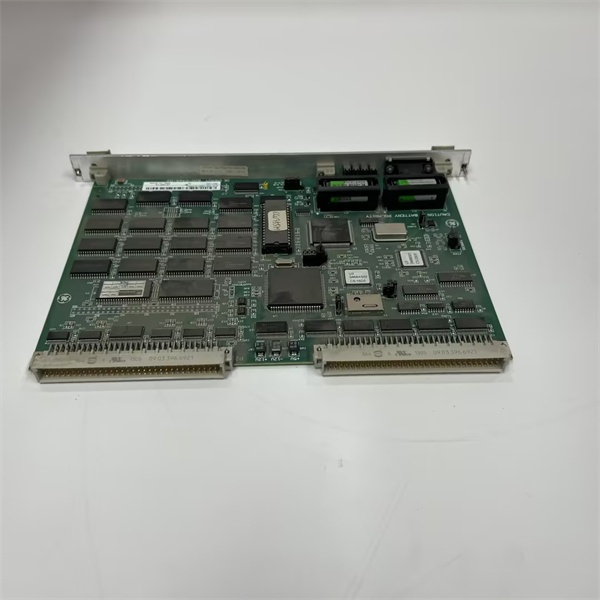
GE WESDAC D20M
The Real-World Problem It Solves
Modern substations are flooded with intelligent electronic devices (IEDs)—relays, meters, and controllers—all speaking different dialects of Modbus, DNP, or proprietary protocols. If the main D20 processor had to handle all this serial chatter directly, it would choke, leading to sluggish response times and missed SCADA updates. The WESDAC acts as a dedicated communications workhorse, managing up to eight independent serial ports simultaneously, translating protocols, and feeding clean, processed data to the main CPU.
Where you’ll typically find it:
- In D20/D200 RTUs at transmission substations, polling data from a dozen different protective relays.
- Inside power plant control cabinets, bridging legacy turbine controls with modern SCADA systems.
- At water treatment facilities, aggregating data from various pumps and chemical feed systems.
It eliminates the need for external protocol gateways and keeps your main RTU processor free for critical control tasks.
Hardware Architecture & Under-the-Hood Logic
This module is essentially a dedicated communication computer on a single board. It doesn’t just pass data; it processes and buffers it. Under the hood, the Motorola 68302 processor runs a specialized real-time kernel optimized for serial I/O.
- Data Reception: The 68302’s integrated UARTs receive raw serial data from the field devices via the optically isolated transceivers.
- Protocol Processing: The processor parses the incoming data streams, stripping headers, checking CRCs, and converting the data into a standardized internal format based on the configured protocol (e.g., extracting specific register values from a Modbus response).
- Buffering: Processed data is temporarily stored in the module’s 512 KB SRAM. This allows the module to handle burst transmissions without losing data, even if the main D20 backplane is busy.
- Host Communication: The packages the buffered data and transfers it to the main D20 processor over the backplane using a high-speed memory-mapped interface, minimizing the load on the host CPU.
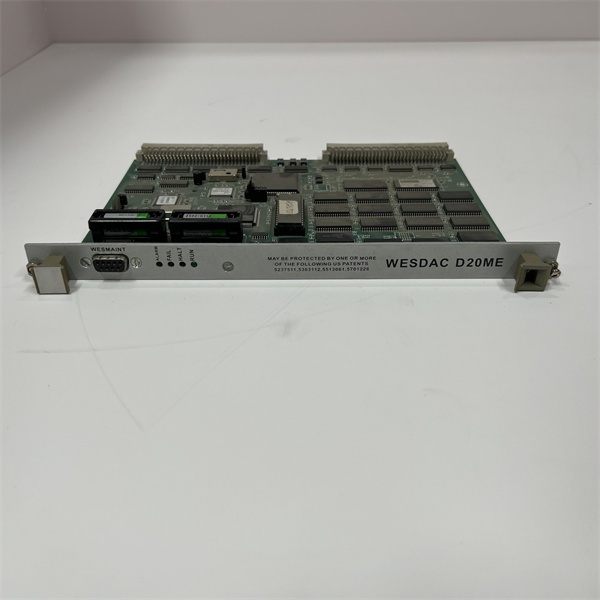
GE WESDAC D20M
Field Service Pitfalls: What Rookies Get Wrong
Incorrect Cable Pinouts for Mixed Protocols
Rookies often assume all eight serial ports are wired identically. They try to daisy-chain multiple Modbus devices using standard straight-through cables, only to find that Ports 1-4 and Ports 5-8 have different pinouts for EIA-485 signals.
- Field Rule: Always consult the GE WESDAC manual for the exact 26-pin ribbon cable pinouts. Use a breakout board to verify your custom cables match the port’s configured signaling standard (EIA-232, 422, or 485) before connecting to the field.
baud Rate Mismatches and Parity Errors
They configure the software for a specific protocol but forget that the physical dip-switches or software jumpers on the module must also match the field device’s speed and parity. A slight mismatch causes continuous framing errors, flooding the processor and causing it to stop responding.
- Quick Fix: Connect a laptop running a terminal emulator (like PuTTY or HyperTerminal) to the suspect port. Set it to auto-detect baud rate and listen to the raw data. If you see garbled characters, your baud rate or parity setting on the is wrong.
Ignoring the Hardware Watchdog
When the module hangs due to a severe electrical transient or a protocol storm from a faulty IED, the hardware watchdog timer is supposed to reset the processor automatically. Rookies disable the watchdog in the software configuration to “troubleshoot,” forgetting to re-enable it. If the module hangs again, it stays down until manually reset.
- Field Rule: Never leave the watchdog timer disabled in a production environment. If you must disable it for testing, set a reminder to re-enable it immediately after. Check the module’s status LEDs; a rapidly blinking “STATUS” light usually indicates a watchdog timeout or a critical firmware error.
Commercial Availability & Pricing Note
Please note: The listed price is for reference only and is not binding. Final pricing and terms are subject to negotiation based on current market conditions and availability.



