
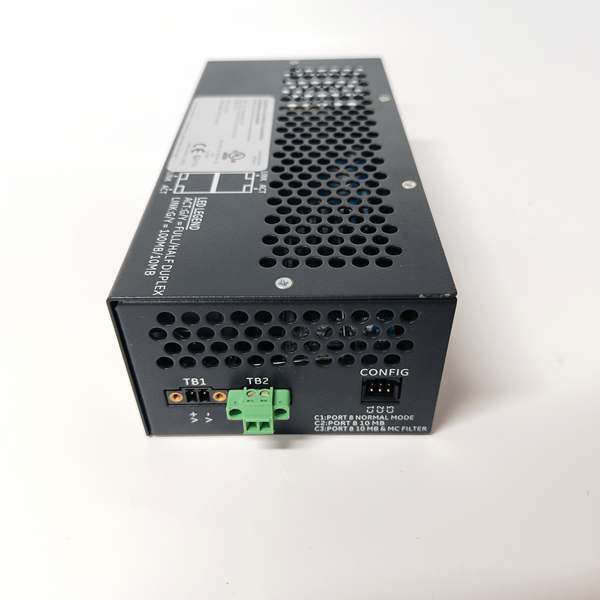
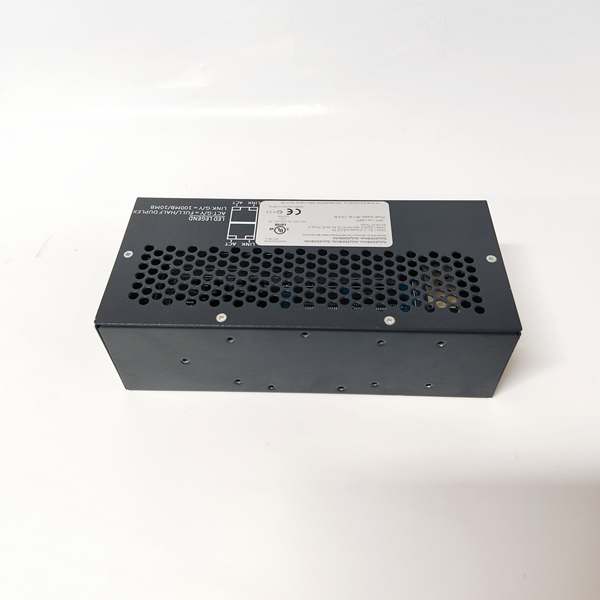
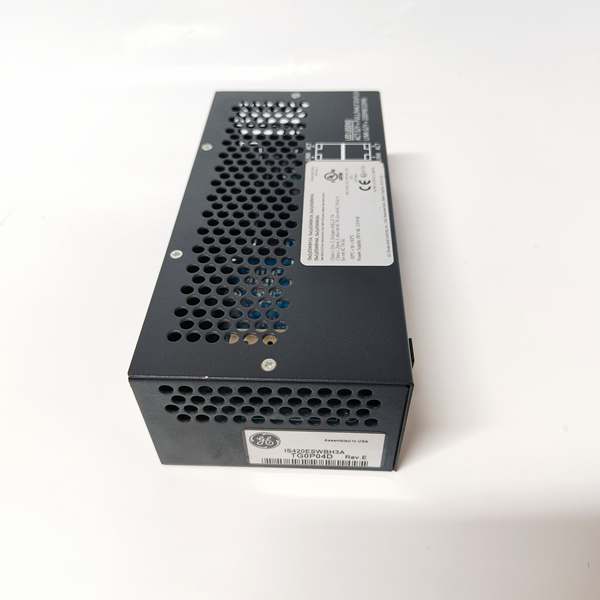

Description
Hard-Numbers: Technical Specifications
- Switch Type: Layer 2 Managed Switch
- Number of Ports: 16 Ethernet ports (10/100/1000 Mbps)
- Port Configuration: 12 x copper RJ45, 4 x SFP fiber slots (100/1000 Mbps)
- Port Speed: Auto-negotiation 10/100/1000 Mbps
- Backplane Speed: 1 Gbps internal switching fabric
- VLAN Support: Up to 64 VLANs, 802.1Q tagging
- QoS Priority: 4 priority queues per port, DSCP/802.1p tagging
- Redundancy Support: RSTP (Rapid Spanning Tree), GE proprietary ring protocol
- Network Protocols: TCP/IP, UDP, ICMP, ARP, IGMP Snooping
- Throughput: 96 Gbps switching capacity, 71 Mpps forwarding rate
- Latency: < 10 μs typical port-to-port
- Packet Buffer: 1 MB shared buffer per port group
- Module Power Draw: 3.5A @ 5VDC from backplane
- Backplane Current: 5V: 3.5A max
- Operating Temperature: -20°C to 70°C (-4°F to 158°F)
- Storage Temperature: -40°C to 85°C (-40°F to 185°F)
- LED Indicators: PWR, OK, FAULT, individual port status (LINK/ACT), RING (ring status)
- Cooling: Forced air (requires Mark VIe backplane cooling)
- Field Termination: RJ45 ports for copper, SFP cages for fiber transceivers
- Module Slot: Mark VIe I/O backplane (any slot in control rack)
- Communication: Backplane via TCP/IP (embedded switch processor)
- Firmware Version: Compatible with Mark VIe v6.0 and later
- Management: Web interface, CLI, SNMP v2c/v3, GE ToolboxST software

IS420ESWBH3A
The Real-World Problem It Solves
Turbine control networks carry time-critical traffic for governor control and safety functions. The IS420ESWBH3A delivers managed switching with QoS prioritization and ring redundancy, ensuring your control traffic gets through without packet loss while supporting VLAN segmentation for office and data networks.
Where you’ll typically find it:
- Gas turbine control racks connecting controllers, I/O, and HMIs
- Steam turbine control cabinets with distributed network architecture
- Combined cycle plants with redundant ring topologies
Bottom line: It gives you managed switching with traffic prioritization for critical control networks.
Hardware Architecture & Under-the-Hood Logic
The IS420ESWBH3A is a managed Ethernet switch designed for Mark VIe turbine control networks. The module includes 12 copper RJ45 ports (10/100/1000 Mbps) and 4 SFP fiber slots (100/1000 Mbps). The internal switching fabric operates at 1 Gbps backplane speed with 96 Gbps total switching capacity. The switch supports Layer 2 management features: VLAN segmentation (802.1Q), QoS prioritization (4 priority queues per port), IGMP Snooping for multicast filtering, and rapid spanning tree for loop prevention. Redundancy is supported via GE’s proprietary ring protocol for sub-50ms failover in ring topologies. An embedded ARM processor manages switch configuration, port status monitoring, and backplane communication. The switch supports multiple management interfaces: web interface (HTTPS), command-line interface (Telnet/SSH), SNMP for network management systems, and GE ToolboxST software integration. Firmware updates are loaded via backplane or network TFTP server.
Internal signal flow:
- Ethernet packets arrive at switch ports (RJ45 copper or SFP fiber)
- Packet passes through physical layer (PHY) transceiver
- MAC address table lookup determines destination port
- QoS priority tag (DSCP/802.1p) is evaluated
- Packet placed in appropriate priority queue
- Switching fabric forwards packet to destination port
- Packet buffer absorbs burst traffic (1 MB per port group)
- Forwarding rate monitored for congestion (71 Mpps maximum)
- Latency measured < 10 μs for port-to-port transfer
- Ring protocol monitors ring health for redundancy
- Spanning tree protocol prevents network loops
- Diagnostic data (port statistics, errors, congestion) collected
- Embedded processor communicates with main controller via backplane
Field Service Pitfalls: What Rookies Get Wrong
Misconfigured VLANs create network isolationThe switch supports up to 64 VLANs for traffic segmentation. I’ve seen technicians create VLANs but forget to assign ports, causing devices to be unable to communicate across the network.
- Field Rule: Document your VLAN design before configuration. Assign each device to the correct VLAN (control traffic on VLAN 10, office traffic on VLAN 20). Verify 802.1Q tagging is enabled on trunk ports between switches. Test inter-VLAN routing if using a layer 3 switch or router. Document VLAN assignments per port in your network diagrams.
Ignoring QoS settings causes latency on control trafficControl traffic requires low latency. I’ve seen operators leave QoS disabled, causing non-critical traffic (SCADA data logging) to delay control packets and increase turbine response times.
- Field Rule: Configure QoS priority queues for control traffic. Mark governor control and safety traffic as high priority (DSCP 46/47). Use lower priority for data logging and HMI refresh. Test latency with a network analyzer during commissioning—control traffic should have < 1 ms jitter. Document QoS policy in your network management plan.
Forgetting to configure ring redundancy causes single point of failureThe switch supports GE’s ring protocol for redundancy. I’ve seen technicians build ring topologies but disable the ring protocol, creating a single point of failure that brings down the network when one switch fails.
- Field Rule: Always enable GE ring protocol on all switches in the ring topology. Configure primary and secondary ring ports per switch. Test ring failover by disconnecting a ring cable—verify network recovers within 50 ms. Document ring topology and failover test results in your maintenance procedure.
Incorrect SFP transceiver compatibility causes port failuresThe switch has 4 SFP slots for fiber connections. I’ve seen technicians install third-party SFP modules that aren’t GE-approved, causing port failures or intermittent connectivity.
- Field Rule: Use only GE-approved SFP transceivers or equivalent with documented compatibility. Verify SFP wavelength (850nm multi-mode for short runs, 1310nm single-mode for long runs) and speed (100 Mbps or 1 Gbps). Document SFP type and wavelength per port in your installation records. Test SFP transceivers with a loopback module before installation.
Leaving unused ports enabled creates security vulnerabilitiesUnconfigured ports are open network access points. I’ve seen technicians leave all 16 ports enabled without security, allowing unauthorized devices to connect to the control network.
- Field Rule: Disable all unused ports in the switch configuration. Enable port security on active ports to restrict MAC addresses. Use port-based ACLs (Access Control Lists) to limit traffic types per port. Document enabled ports and security settings in your network security policy.
Overlooking SNMP configuration prevents proactive monitoringThe switch supports SNMP for network management. I’ve seen technicians never configure SNMP, resulting in lack of visibility into port errors, congestion, and switch health.
- Field Rule: Configure SNMP v2c or v3 for network monitoring integration. Set up trap notifications for critical events (port down, link loss, high CPU utilization). Integrate with your network management system (NMS) for trending port statistics. Document SNMP community strings (v2c) or authentication credentials (v3) in your secure configuration database.
Commercial Availability & Pricing Note
Please note: The listed price is for reference only and is not binding. Final pricing and terms are subject to negotiation based to current market conditions and availability.



