
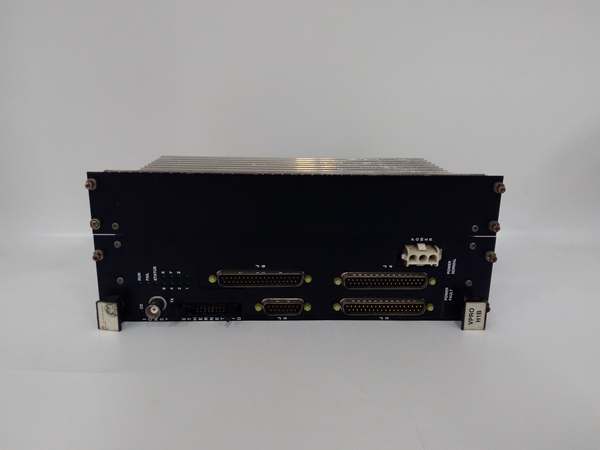
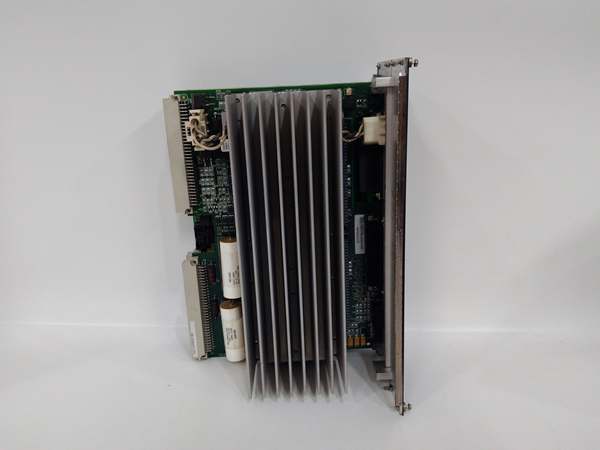
Description
Hard-Numbers: Technical Specifications
- Processor: 300 MHz AMD Elan SC520
- Operating System: QNX Neutrino Real-Time OS (RTOS)
- Memory: 256 MB DDR SDRAM
- Protocol Support: IONet (Proprietary GE), EGD, SRTP, Modbus TCP
- Port Count: 1 x 10Base2 BNC (IONet), 1 x RS-232 D-Sub (Debug)
- Data Rate: 10 Mbps (IONet), 115.2 kbps (Serial)
- Operating Temperature: -30°C to +65°C (-22°F to 149°F)
- Power Draw: 5 V @ 2.5 A, 12 V @ 0.5 A (Typical)
- Isolation Rating: 1500 V AC (Port-to-Backplane)
- Dimensions: 160 mm x 100 mm (6U VME Form Factor)
- Weight: 0.4 kg (0.88 lbs)
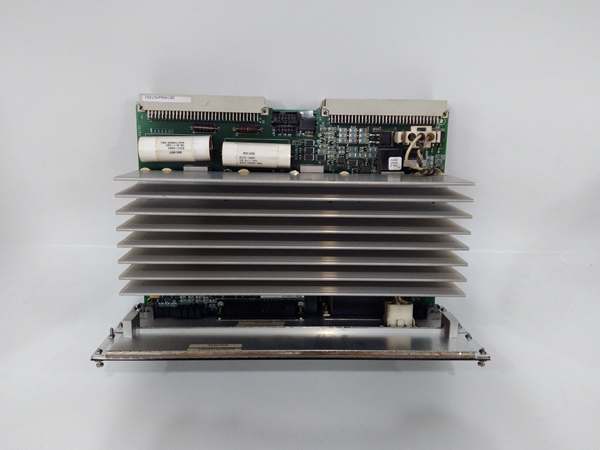
IS215VPROH1B
The Real-World Problem It Solves
When a turbine is spinning at 3,600 RPM, a millisecond delay in control loop execution can mean the difference between smooth operation and a catastrophic trip. This processor ensures your protection algorithms and control logic execute deterministically, acting as the brain of the Mark VIe rack.
Where you’ll typically find it:
- Seated as the primary CPU in the central Mark VIe VME rack of a Frame 7FA gas turbine.
- Running the show in a steam turbine control cabinet, processing LVDT feedback for valve positioning.
- Acting as the I/O Net master in a distributed control system (DCS) architecture, talking to remote TBCI/TBUI packs.
Bottom line: If this card isn’t happy, your turbine isn’t running.
Hardware Architecture & Under-the-Hood Logic
This isn’t your average off-the-shelf PC motherboard. It is a ruggedized, deterministic controller designed specifically for the VME bus. It marries a 300 MHz AMD processor with the QNX RTOS to guarantee that critical control tasks preempt everything else.
- Code Execution: Pulls compiled control logic (blocks/ladders) from flash memory and executes it in a strict, time-sliced loop.
- I/O Scanning: Polls the VME backplane for local I/O status and fetches remote I/O data via the 10Base2 IONet port.
- Data Processing: Performs closed-loop PID calculations, sequence of events (SOE) logging, and alarm limit checking.
- Communication Dispatch: Packages results and sends commands back to the I/O modules and out to the plant’s HMI via EGD or Modbus TCP.
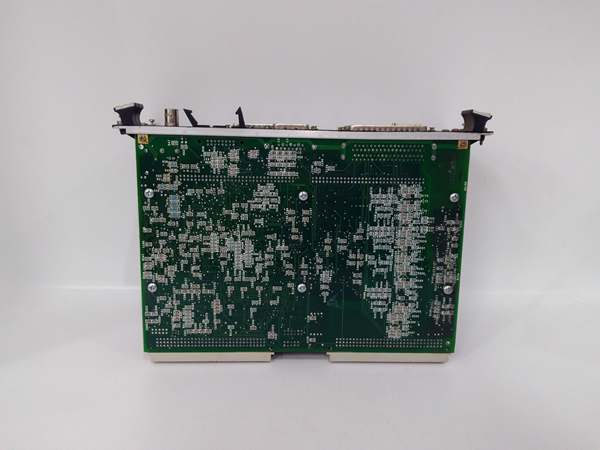
IS215VPROH1B
Field Service Pitfalls: What Rookies Get Wrong
The “Forgotten” Hardware Configuration Jumpers
Amateurs will spend hours debugging why the processor won’t sync with the I/O network, completely ignoring the hardware configuration jumpers (often near the BNC connector). If the jumper isn’t set for the correct node ID or cable type, the IONet link will remain dead.
- Field Rule: Always verify the jumper settings against the system architecture drawing before powering up a replacement. Snap a photo of the old board’s jumpers if you have to.
Static Kills the SDRAM
The SDRAM on this board is highly sensitive to electrostatic discharge. Rookies love to walk up to a live rack, pop the old processor out, and shove the new one in without discharging themselves. One static zap can corrupt the memory, leading to random crashes weeks later.
- Quick Fix: Touch the metal chassis of the rack before handling the module. Use a grounded anti-static wrist strap. It takes five seconds and saves you a world of hurt.
Mismatched Firmware Versions
Swapping a dead VPROH1B with a brand-new spare often leads to a “Firmware Mismatch” fault on the HMI. The ToolboxST software expects a specific firmware version, and the new board rarely matches out of the box.
- Field Rule: Check the firmware version of the failed board (via ToolboxST logs) before swapping. Be prepared to download the matching firmware to the new card using the maintenance laptop immediately after installation.
Commercial Availability & Pricing Note
Please note: The listed price is for reference only and is not binding. Final pricing and terms are subject to negotiation based on current market conditions and availability.



