
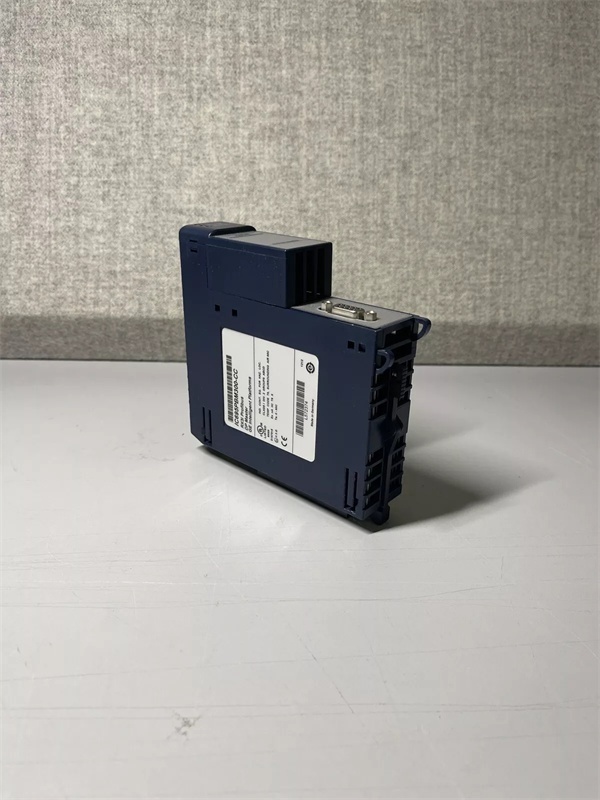
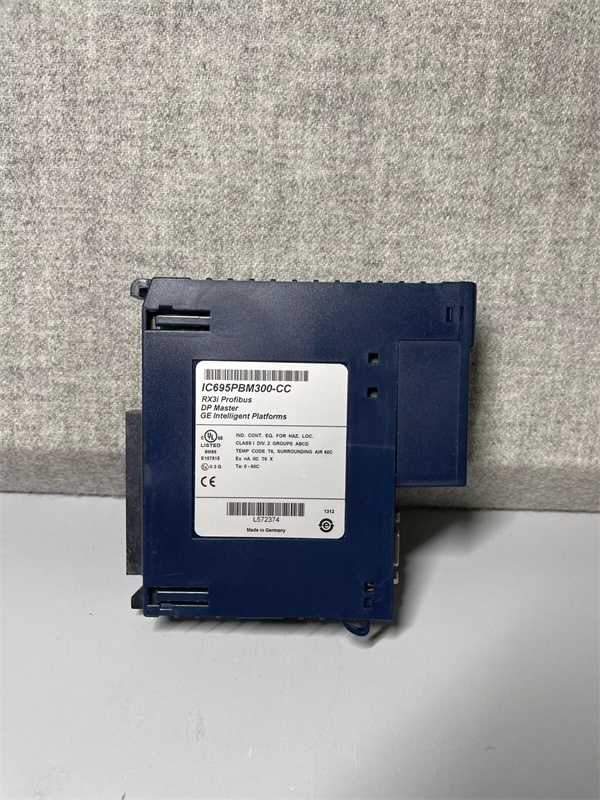
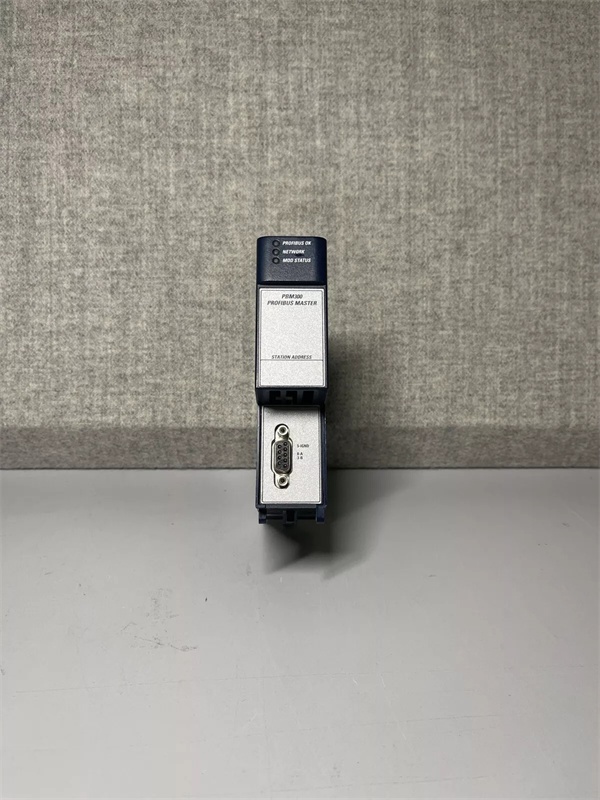
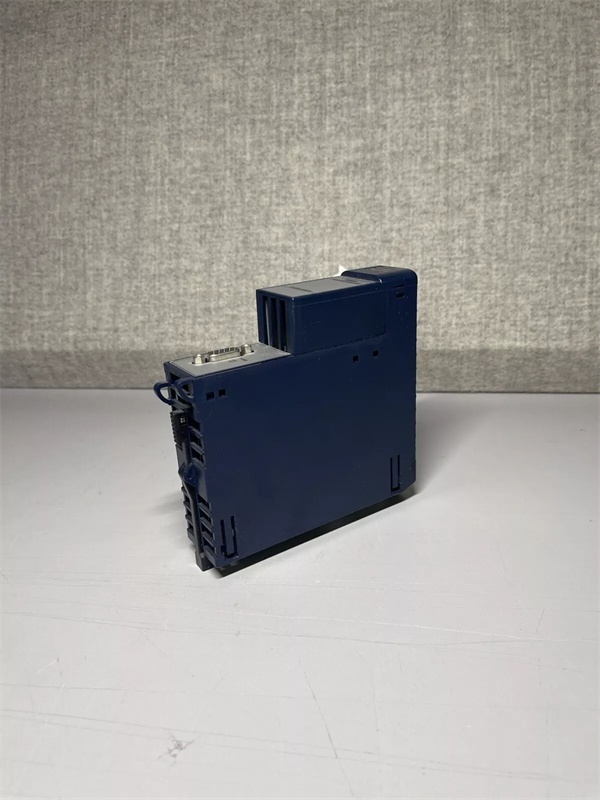
Description
Hard-Numbers: Technical Specifications
- Protocol Support: Profibus DP (Decentralized Peripherals) per IEC 61158
- Operating Mode: DP Master (Class 1), DP Slave (Class 2)
- Profibus Data Rate: 9.6 kbps, 19.2 kbps, 45.45 kbps, 93.75 kbps, 187.5 kbps, 500 kbps, 1.5 Mbps, 3 Mbps, 6 Mbps, 12 Mbps
- Max Slave Nodes: 125 slaves per network (theoretical), 64 practical limit recommended
- Connector Type: 9-pin D-sub (female) or terminal block via adapter
- Operating Temperature: 0°C to 60°C (32°F to 140°F)
- Storage Temperature: -40°C to 85°C (-40°F to 185°F)
- Isolation Rating: 1500V RMS between Profibus interface and backplane
- Power Draw: 800mA @ 5VDC from backplane
- Backplane Current: 5V: 800mA max
- LED Indicators: PWR, RUN, OK, FLT, BF (Bus Fault), MS (Master/Slave status)
- GSD File: GE_PBM300.GSD (for configuring slaves in third-party masters)
- Bus Termination: Built-in 220Ω/390Ω termination resistor (configurable via DIP switch)
- Module Slot: Universal RX3i backplane slot (any position except CPU slot 0)

GE IC695PBM300
The Real-World Problem It Solves
Profibus is still the backbone of many European-built systems, and legacy field devices—VFDs, servo drives, valve islands—speak Profibus DP natively. The IC695PBM300 lets your RX3i controller talk to these devices without expensive protocol converters or complete system retrofits.
Where you’ll typically find it:
- Automotive assembly lines communicating with Siemens S7 PLCs via Profibus DP
- Packaging machines running Profibus-enabled servo drives and encoder networks
- Chemical process plants linking to ABB or Danfoss VFDs through DP master-slave architecture
Bottom line: It extends the life of your Profibus infrastructure while modernizing your controller platform.
Hardware Architecture & Under-the-Hood Logic
This module interfaces the RX3i backplane to the Profibus DP network through a dedicated Profibus ASIC (Application Specific Integrated Circuit). Unlike Ethernet modules, this hardware handles token-passing and deterministic bus access without relying on the CPU. The module maintains its own buffer memory for input/output data exchanges and diagnostic data, ensuring real-time performance regardless of PLC scan time. The Profibus port is optically isolated from the backplane to survive ground loops and voltage spikes common in long cable runs.
Internal signal flow:
- Profibus master issues telegram to slave address via 9-pin D-sub port
- Signal passes through magnetic coupling and optical isolation barrier
- Profibus ASIC processes frame checksum and verifies slave response time
- Input data from slaves is buffered in module’s dedicated DPRAM (Dual Port RAM)
- Output data from CPU is staged in DPRAM for next cycle transmission
- Module exchanges data with RX3i CPU via backplane memory windows
- Diagnostics and watchdog status are continuously monitored; fault triggered if slave fails to respond within 3 x Tsd (slot time)
- If Master mode, token passing logic manages network access timing
- If Slave mode, module responds to external master commands with stored I/O data
GE IC695PBM300
Field Service Pitfalls: What Rookies Get Wrong
Incorrect termination settings cause bus failuresThe most common failure mode is mismatched termination at the ends of the Profibus segment. The IC695PBM300 has built-in termination resistors controlled by DIP switches, but technicians often forget to enable termination on the first and last device only.
- Field Rule: Only the first and last devices on a physical segment should have termination enabled (DIP switch ON). All intermediate devices must have termination OFF (OFF). Use a multimeter to measure 220Ω between A and B lines at the bus ends.
Mixing cable types and ignoring cable length limitsProfibus is picky about cable impedance. Running standard Cat5e or untwisted control wire causes reflections that corrupt frames. I’ve seen technicians run 800 feet of cheap wire and wonder why the BF (Bus Fault) LED won’t go off.
- Field Rule: Use certified Profibus cable (violet, shielded twisted pair with characteristic impedance 150Ω). Maximum segment length depends on baud rate: 100m @ 12Mbps, 200m @ 6Mbps, 400m @ 1.5Mbps, 1200m @ 93.75kbps. Repeaters are required for longer runs.
Addressing conflicts crash the networkSetting duplicate Profibus addresses on multiple slaves is a guaranteed network crash. The IC695PBM300 will continuously retry communication and eventually fault out. I’ve seen this happen when swapping a spare drive without reconfiguring its node address.
- Field Rule: Every slave must have a unique DP address (1-125). Before commissioning, create an address map and verify each device’s DIP switch or parameter setting. Use the module’s GSD file configuration tool to scan the network and detect address conflicts before going live.
Ignoring baud rate mismatchesSetting the master baud rate higher than what the slowest slave can handle causes timeouts and failures. Many legacy drives default to 1.5 Mbps, while the master might be set to 12 Mbps.
- Field Rule: Match the master baud rate to the slowest device on the network. Check each slave’s manual for supported baud rates. If you have mixed-speed devices, segment the network with repeaters or gateways to isolate high-speed and low-speed sections.
Improper grounding destroys the isolationProfibus networks are notorious for ground loops due to long cable runs between buildings or cabinets. The module has 1500V isolation, but that protection is worthless if you tie the shield to ground at both ends improperly.
- Field Rule: Shield should be grounded at the PLC cabinet end only. Use capacitive grounding (220pF to 470pF) at the far end to provide EMI protection without creating DC ground loops. Never connect the shield to chassis ground at multiple points along the run.
Commercial Availability & Pricing Note
Please note: The listed price is for reference only and is not binding. Final pricing and terms are subject to negotiation based on current market conditions and availability.


