
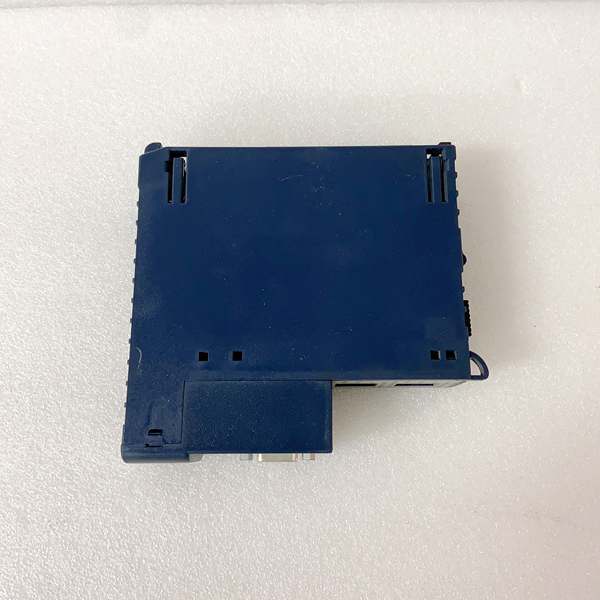
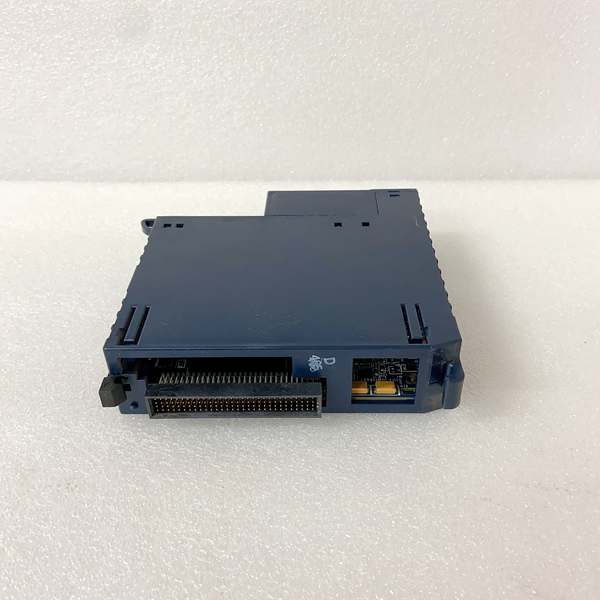
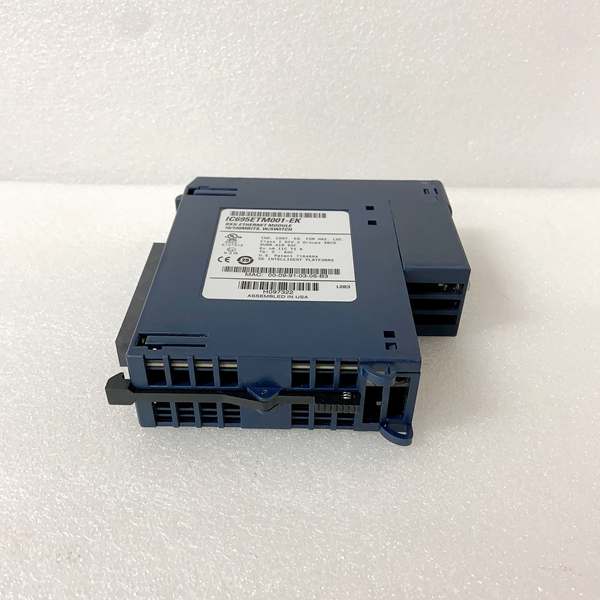
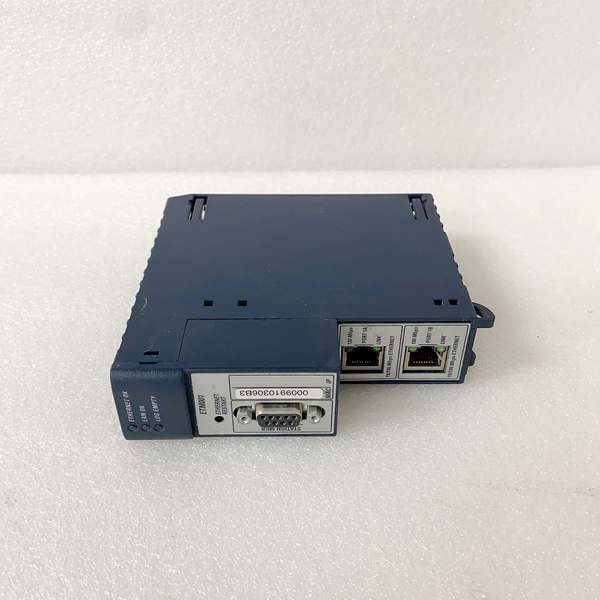
Description
Hard-Numbers: Technical Specifications
- Protocol Support: Modbus TCP/IP, Ethernet/IP, SRTP (GE proprietary), PROFINET IO Device
- Port Count: 2 x 10/100BaseT RJ45 (independent, configurable)
- Data Rate: 10/100 Mbps auto-negotiation
- Operating Temperature: 0°C to 60°C (32°F to 140°F)
- Storage Temperature: -40°C to 85°C (-40°F to 185°F)
- Isolation Rating: 1500V RMS (optical isolation between ports and backplane)
- Power Draw: 1.2A @ 5VDC from backplane
- Backplane Current: 5V: 1.2A max
- LED Indicators: PWR, RUN, OK, FLT, A/B Port Status (LINK/ACT)
- Dimensions: 132mm x 146mm x 50mm (5.2″ x 5.75″ x 2″)
- Firmware Version: Compatible with Proficy Machine Edition v9.0 and later
- Module Slot: Universal RX3i backplane slot (any position except CPU slot 0)

GE IC695ETM001
The Real-World Problem It Solves
Ethernet connectivity in harsh industrial environments is non-negotiable—legacy serial ports are dead, and modern plant architectures demand high-speed, reliable network access. The IC695ETM001 bridges your RX3i PLC to the rest of the world without sacrificing the isolation and ruggedness you need on the plant floor.
Where you’ll typically find it:
- Power plant turbine control systems communicating with DCS nodes over fiber
- Refinery process units linking PLCs to distributed I/O racks via Ethernet/IP
- Paper mill drive systems requiring PROFINET integration with Siemens controllers
Bottom line: It gets your RX3i onto the network reliably, with redundancy that keeps the line running when one cable gets cut.
Hardware Architecture & Under-the-Hood Logic
This module plugs directly into the RX3i universal backplane and acts as the network gateway for the entire rack. It carries its own dedicated microprocessor to handle all Ethernet traffic independently—this offloads the CPU and prevents network storms from crashing your control logic. The dual ports are galvanically isolated from the backplane and from each other, protecting your controller from surges and ground loops that come with running copper across a plant.
Internal signal flow:
- Incoming packets hit Port A or Port B → RJ45 magnetic transformer
- Signal passes through optical isolation barrier (1500V protection)
- Packet is buffered in module’s dedicated RAM (off the backplane)
- Module firmware parses protocol tags (Modbus TCP, E/IP, SRTP, PROFINET)
- Valid data is exchanged via backplane memory to RX3i CPU (%I/%Q/%R references)
- Outgoing traffic follows the reverse path with collision detection and retransmission logic
- If both ports are enabled, module monitors link status and auto-failover occurs within 50ms
GE IC695ETM001
Field Service Pitfalls: What Rookies Get Wrong
Improper grounding causes random faultsI’ve seen technicians leave the chassis floating or tie the module ground to building steel at multiple points. This creates ground loops that fry the optical isolation and cause intermittent communication drops.
- Field Rule: Bond the backplane chassis to plant ground at ONE point only. Use star grounding for your copper runs—never daisy-chain grounds across cabinets.
Mixing protocols on the same portThe IC695ETM001 supports multiple protocols, but configuring Modbus TCP and Ethernet/IP simultaneously on Port A creates packet storms. The module’s processor can’t cleanly interleave traffic, and the red FAULT LED will haunt you.
- Quick Fix: Assign one protocol per port in Proficy Machine Edition. Port A = Modbus TCP, Port B = Ethernet/IP, or vice versa. Keep it segregated.
Ignoring cable length limits and shieldingRunning 300-foot Cat5e through a high-noise cable tray next to VFD outputs is a recipe for CRC errors. The module has decent noise immunity, but it’s not magic.
- Field Rule: Maximum cable length is 100 meters (328 feet) per Ethernet spec. Use shielded Cat5e/6 with proper drain wire termination to cabinet ground. Route at least 12 inches away from power cables.
Not updating firmware before commissioningOld firmware has known bugs in PROFINET device discovery and failover timing. I’ve spent hours troubleshooting “phantom” disconnects that were fixed with a firmware update.
- Field Rule: Check current firmware version in Machine Edition before powering up. If below v5.00, upgrade via the backplane before configuring the IP address. Don’t skip this step.
Commercial Availability & Pricing Note
Please note: The listed price is for reference only and is not binding. Final pricing and terms are subject to negotiation based on current market conditions and availability.



