
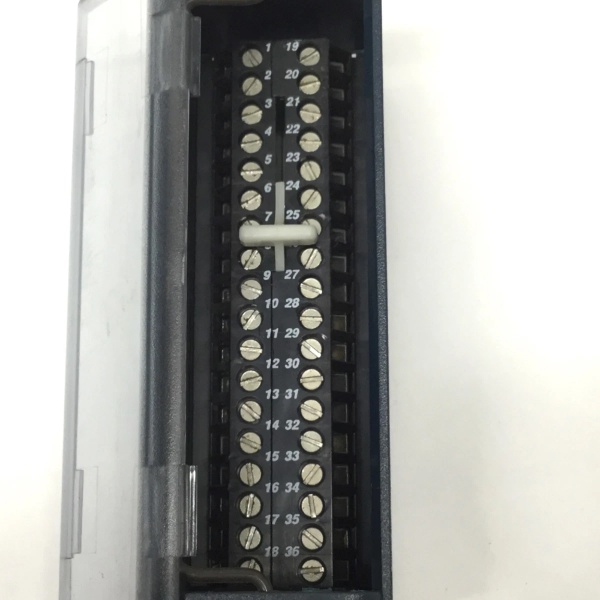
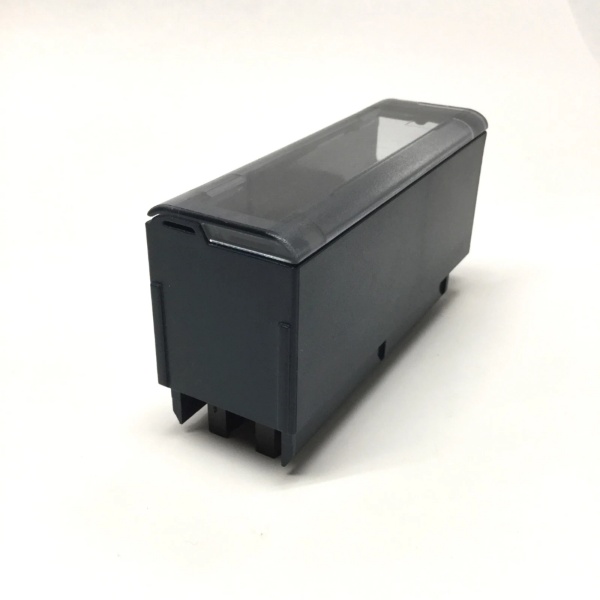
Description
Hard-Numbers: Technical Specifications
- Output Voltage: 3 V DC
- Battery Capacity: 15 Ampere-hours (Ah)
- Battery Type: 3-Cell Lithium (Li), total lithium content 5.1 grams
- Operating Temperature: 0°C to +60°C
- Nominal Shelf Life: 7 years at 20°C storage (without adapter cable connected)
- Weight: 224 grams
- Dimensions: 5.7″ L x 2.56″ W x 1.57″ H (approx. 145 x 65 x 40 mm)
- Connector: 4-pin JAE connector (male)
- Cable: 2 ft (0.6 m) twisted 22 AWG red/black wire with female connector
- Compatibility: PACSystems RX3i (e.g., IC695CPU310/315/320) and RX7i (e.g., IC698CPE010) CPUs .
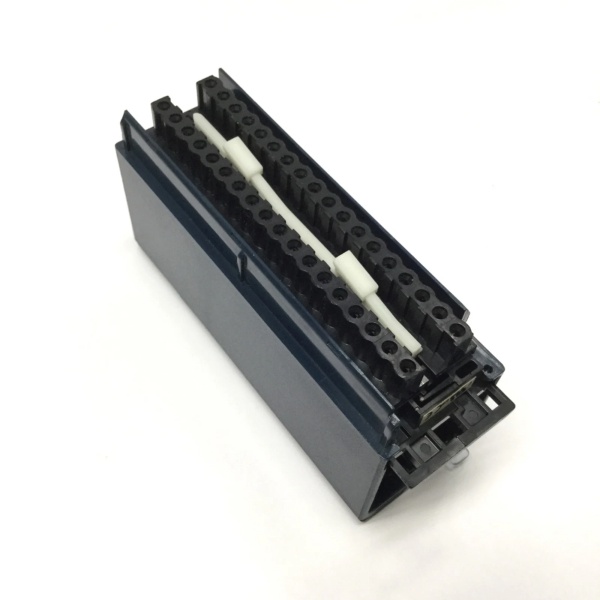
GE IC694TBB032
The Real-World Problem It Solves
When main power drops, the CPU’s internal capacitor bank might only save data for days. This external battery extends that to months, preventing the catastrophic loss of control logic, recipe parameters, and machine state that occurs when RAM clears.
Where you’ll typically find it:
- Critical Process Control: In continuous processes (chemical, refining) where a restart from scratch after a prolonged outage is prohibitively expensive or dangerous.
- Batch Operations: On production lines with complex, multi-step recipes that must be preserved through a power cycle to resume operation.
- Safety & Shutdown Systems: Paired with controllers managing safety interlocks or sequential shutdown procedures that cannot afford to lose their state.
It’s cheap insurance against losing weeks of production tuning because someone kicked a power cord.
Hardware Architecture & Under-the-Hood Logic
This isn’t a dumb battery pack. It’s a smart module with monitoring circuitry that interfaces directly with the CPU’s power management system. Its sole job is to provide clean, regulated backup voltage to the RAM chips.
- Power Source: Three lithium cells are connected in series to provide the nominal 3V DC output .
- Voltage Regulation & Monitoring: An internal circuit manages the battery output, ensuring a stable voltage to the CPU and monitoring the battery’s state of charge.
- CPU Handshake: The module communicates its status (e.g., “battery good,” “battery low”) to the CPU via the connector pins. This allows the PLC to generate a maintenance alarm before the battery fails.
- Isolation & Protection: The design includes diodes or FETs to prevent the main system power from charging the battery and to isolate the battery when the CPU is powered normally.
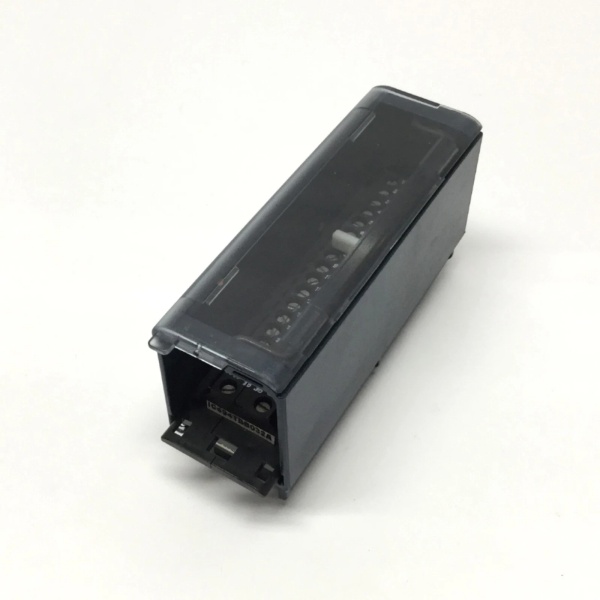
GE IC694TBB032
Field Service Pitfalls: What Rookies Get Wrong
Installing with Power Off
The biggest mistake is connecting this battery while the CPU is powered down. This instantly puts the battery under load and begins draining it, significantly shortening its service life before the system even powers up .
- Field Rule: Always connect the IC695ACC302-AA to the CPU’s battery terminals only when the CPU is powered ON. The manual isn’t kidding about this.
Ignoring the Shelf Life Clock
This battery has a 7-year shelf life from manufacture date, not from when you install it . A new-in-box module sitting on a shelf for 5 years is already mostly dead.
- Quick Fix: Check the manufacturer’s date code on the label before installation. If it’s more than 2-3 years old, test its voltage under a small load or consider it suspect.
Forcing the Connector
The 4-pin JAE connector is keyed but can be damaged if forced. A bent pin can prevent the CPU from recognizing the module or disable the low-battery warning.
- Field Rule: Align the connector carefully by matching the guide rails. If it doesn’t slide in smoothly, don’t push. Check for debris or bent pins on the CPU’s socket.
Please note: The listed price is for reference only and is not binding. Final pricing and terms are subject to negotiation based on current market conditions and availability.



