
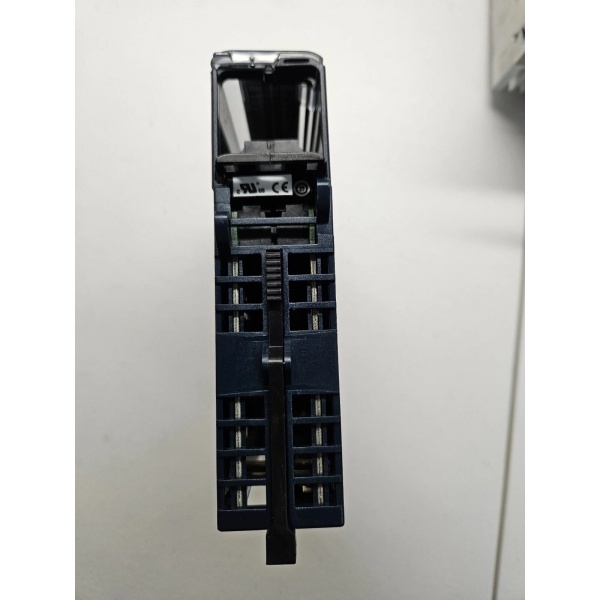
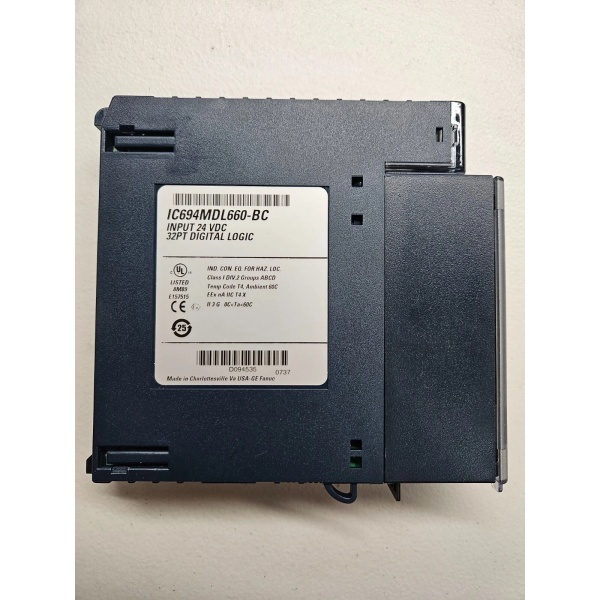
Description
Hard-Numbers: Technical Specifications
- Rated Input Voltage: 24VDC
- Input Voltage Range: 0 to +30VDC
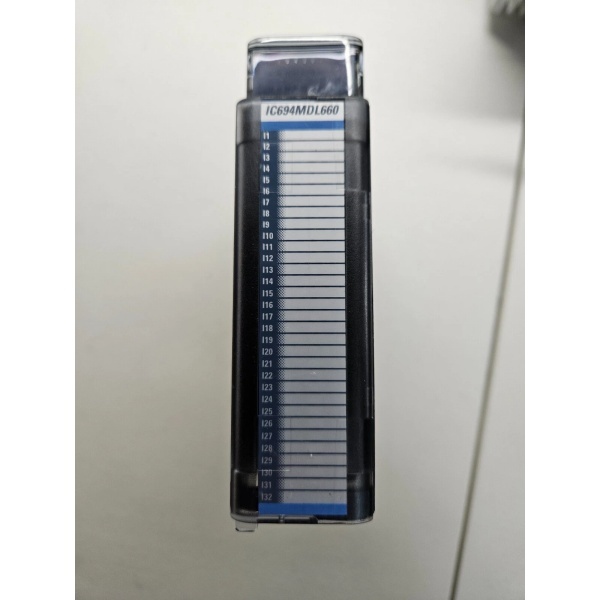
- Inputs per Module: 32 (four isolated groups of eight inputs each)
- Input Current: 7.0mA typical at rated voltage
- On-State Voltage: 11.5 to 30VDC
- Off-State Voltage: 0 to 5VDC
- On-State Current: 3.2mA minimum
- Off-State Current: 1.1mA maximum
- Input Filter Times: 0.5ms, 1.0ms, 2.0ms, 5ms, 10ms, 50ms, 100ms (selectable per module via software)
- On/Off Response Time: Matches selected filter time
- Backplane Power Draw: 300mA maximum from +5VDC bus (all inputs on)
- Isolation Rating (Field-to-Backplane): 250VAC continuous / 1500VAC for 1 minute
- Isolation Rating (Group-to-Group): 250VAC continuous / 1500VAC for 1 minute
- Operating Temperature: 0°C to +60°C (+32°F to +140°F)
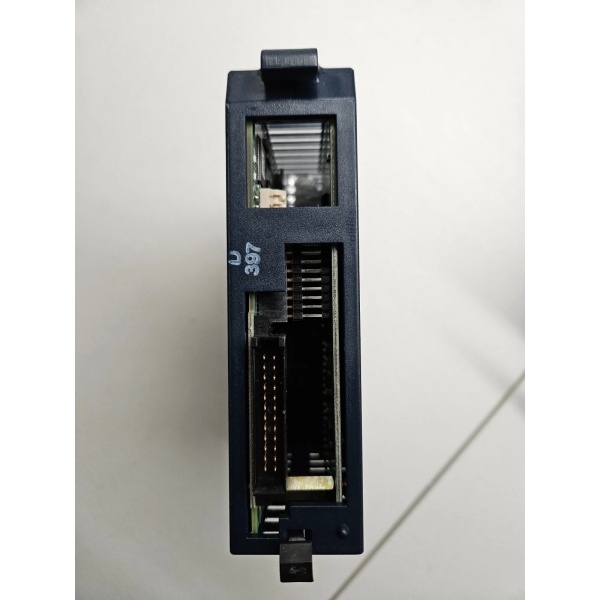
- Terminal Block: IC694TBB032 (box-style) or IC694TBS032 (spring-style), ordered separately
- Module ID: 0x058h
- CPU Requirement: RX3i CPU release 2.90 or later (not compatible with Series 90-30)
- Hot Swappable: Yes
GE IC694MDL660
The Real-World Problem It Solves
One module, multiple response times. The IC694MDL660 lets you tune input filtering in software instead of swapping modules. Running high-speed encoder inputs at 0.5ms this week, then re-deploying the same module on a contactor panel with 100ms debounce filtering next week—no hardware change required. The terminal block presence detection catches a common failure mode: operators leaving the terminal block loose after maintenance.
Where you’ll typically find it:
- High-speed counting applications where 2ms fixed response is too slow but 100ms is needed for noisy relay contacts
- Mobile equipment panels that get re-configured between job sites
- Retrofit projects where sensor types change but I/O slots don’t
Bottom line: Software-configurable filter time means one part number covers multiple response requirements. Stock one module instead of three.
Hardware Architecture & Under-the-Hood Logic
Unlike the simpler IC694MDL655, this module has onboard intelligence. It uses 48 input bits and 16 output bits to exchange data with the CPU—not just input states, but also module status and filter configuration. The module reports its terminal block presence status, giving the CPU visibility into whether the field wiring is actually connected.
Signal flow and configuration breakdown:
- Field device connects to one of 32 input terminals on the removable terminal block (IC694TBB032 or IC694TBS032).
- Input current flows through optocoupler; the signal is digitally filtered according to the software-configured filter time.
- Filter time is set by writing a binary value to the module’s output reference bits (0000 = 0.5ms, 0001 = 1ms, etc.).
- The module sends 48 bits to the CPU: bits 1-11 for status (module ID, board ready, terminal block present), bits 17-48 for input states.
- Terminal block status is monitored by a mechanical interlock; a red/green TB LED indicates lock status locally.
GE IC694MDL660
Field Service Pitfalls: What Rookies Get Wrong
CPU Compatibility TrapThis module requires RX3i CPU firmware release 2.90 or later. It will not work with a Series 90-30 CPU or an older RX3i CPU. If you plug it into a legacy rack, the module won’t communicate and you’ll waste hours troubleshooting.
- Field Rule: Before ordering or installing, verify the CPU firmware version in Proficy Machine Edition. If the CPU is older than release 2.90, either upgrade the firmware or use IC694MDL655 instead.
Terminal Block Ordered SeparatelyThe module does not ship with a terminal block. Order IC694TBB032 (screw terminal) or IC694TBS032 (spring cage) separately. Forgetting this means the module arrives but you can’t wire it.
- Quick Fix: Add the terminal block to your BOM as a separate line item. Standard practice for RX3i high-density modules.
Filter Time Configuration Syntax ErrorsThe filter time is set via a binary value in the output reference bits, not a simple millisecond integer. Writing “10” doesn’t give you 10ms—you need to write the correct binary pattern (10011 = 10ms according to the manual).
- Field Rule: Use the lookup table from GFK-2379. Write the binary value, not the millisecond value. Test your configuration by toggling an input and verifying response time with a scope or PLC timestamp.
Ignoring Terminal Block Diagnostic MessagesThe module sends “Loss of Terminal Block” faults to the CPU when the terminal block is removed or not fully seated. Some sites disable these alarms as nuisance trips, then miss a real wiring failure.
- Field Rule: Keep the terminal block diagnostics enabled. If you get frequent false alarms, check the terminal block latch—it may be worn or the operator isn’t seating it correctly.
Commercial Availability & Pricing Note
Please note: The listed price is for reference only and is not binding. Final pricing and terms are subject to negotiation based on current market conditions and availability.



