
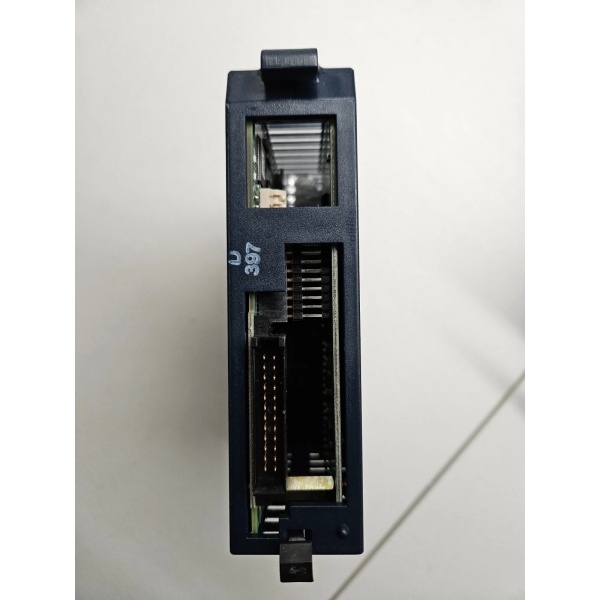
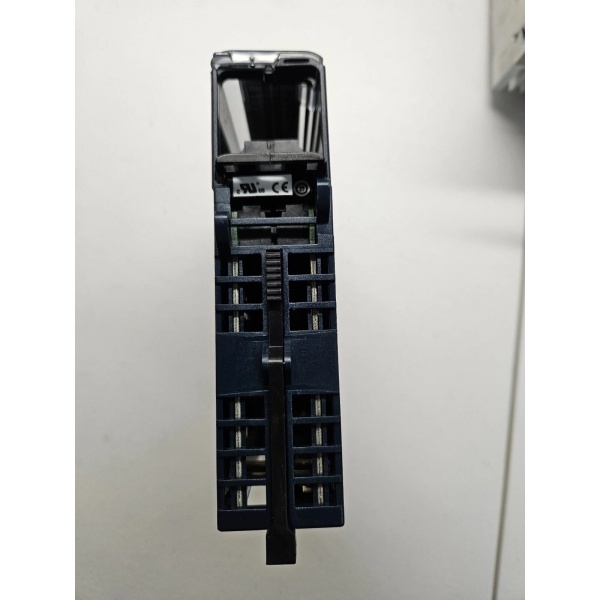
Description
Hard-Numbers: Technical Specifications
- Rated Input Voltage: 24VDC
- Input Voltage Range: 0 to +30VDC
- Inputs per Module: 32 (four isolated groups of eight inputs each)
- Input Current: 7.0mA typical at rated voltage
- On-State Voltage: 11.5 to 30VDC
- Off-State Voltage: 0 to 5VDC
- On-State Current: 3.2mA minimum
- Off-State Current: 1.1mA maximum
- Input Filter Times: 0.5ms, 1.0ms, 2.0ms, 5ms, 10ms, 50ms, 100ms (selectable per module via software)
- On/Off Response Time: Matches selected filter time
- Backplane Power Draw: 300mA maximum from +5VDC bus (all inputs on)
- Isolation Rating (Field-to-Backplane): 250VAC continuous / 1500VAC for 1 minute
- Isolation Rating (Group-to-Group): 250VAC continuous / 1500VAC for 1 minute
- Operating Temperature: 0°C to +60°C (+32°F to +140°F)
- Terminal Block: IC694TBB032 (box-style) or IC694TBS032 (spring-style), ordered separately
- Module ID: 0x058h
- CPU Requirement: RX3i CPU release 2.90 or later
- Hot Swappable: Yes
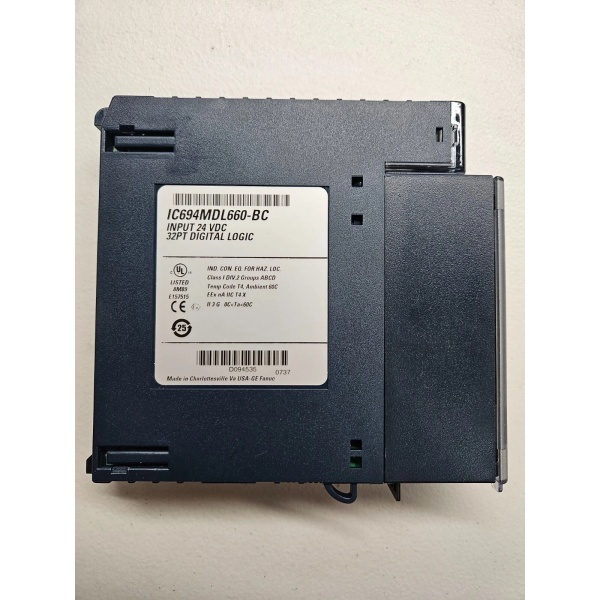
GE IC694MDL660
The Real-World Problem It Solves
This is the November 2005 hardware revision that replaced all earlier IC694MDL660 versions. The key improvement is in the module status diagnostic bit—Revision BC reports “Firmware Update Mode” status instead of the generic “Module I/O Data Ready” flag from earlier revisions. This gives maintenance teams visibility when a module is stuck waiting for firmware rather than having a hardware fault.
Where you’ll typically find it:
- Replacement stock for existing IC694MDL660 installations
- New projects where the latest revision is specified
- Sites with firmware update procedures that need the enhanced status reporting
Bottom line: Same function as the base IC694MDL660, but with a diagnostic bit that actually tells you when firmware is the problem.
Hardware Architecture & Under-the-Hood Logic
The architecture is identical to IC694MDL660. The difference is in how the module reports status to the CPU. Revision BC modified the interpretation of bit 10 in the module status word.
Module status bit differences:
- IC694MDL660A (Initial Release): Bit 10 = “Module I/O Data: 1=ready, 0=not ready”
- IC694MDL660-AB and -BC: Bit 10 = “Firmware Update Mode: 1 = module waiting for firmware update”
- This change allows the CPU to distinguish between a module that’s simply not ready versus one stuck in firmware update mode.
- All other functionality—input filtering, terminal block detection, isolation ratings—remains unchanged.
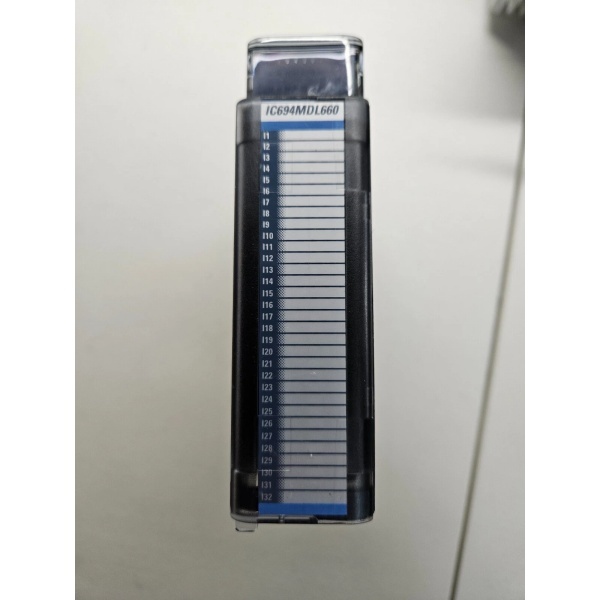
GE IC694MDL660
Field Service Pitfalls: What Rookies Get Wrong
Misinterpreting the Module Status BitIf your ladder logic or HMI monitors bit 10 of the module status word, the meaning changed with Revision BC. Old code expecting “Module I/O Data Ready” will misinterpret “Firmware Update Mode” status. A 1 on this bit used to mean “ready”; now it means “waiting for firmware update.”
- Field Rule: Review any custom diagnostic logic that reads module status bits. Update your documentation and code to match the Revision BC bit interpretation.
Assuming All Revisions Are Interchangeable for Firmware UpdatesThe firmware update procedure varies by revision. The -BC revision handles firmware updates more gracefully than earlier versions, but you still need to follow the correct power-cycle sequence if an update fails and leaves the module in “lights out” condition.
- Quick Fix: If a firmware update fails and the module goes dark, cycle power to the module and retry. Avoid rapid power cycling (periods under 1 second) which can leave the module in an undefined state.
Terminal Block Not Included—StillLike the base IC694MDL660, Revision BC ships without a terminal block. The revision letter doesn’t change this. You still need to order IC694TBB032 or IC694TBS032 separately.
- Field Rule: Add the terminal block to your purchase order as a separate line item. This catches every technician at least once.
Commercial Availability & Pricing Note
Please note: The listed price is for reference only and is not binding. Final pricing and terms are subject to negotiation based on current market conditions and availability.



