
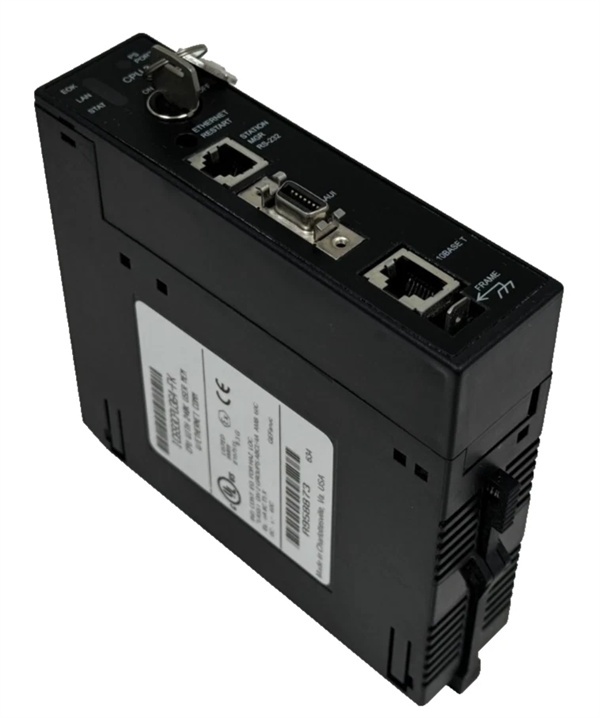
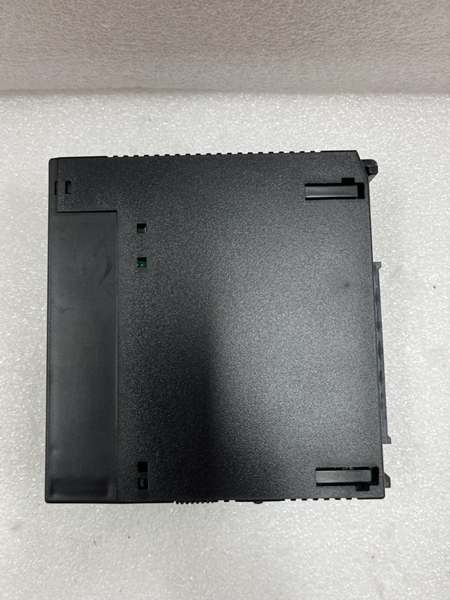
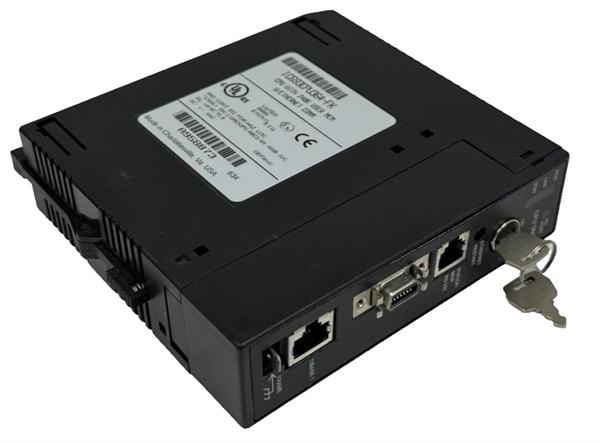
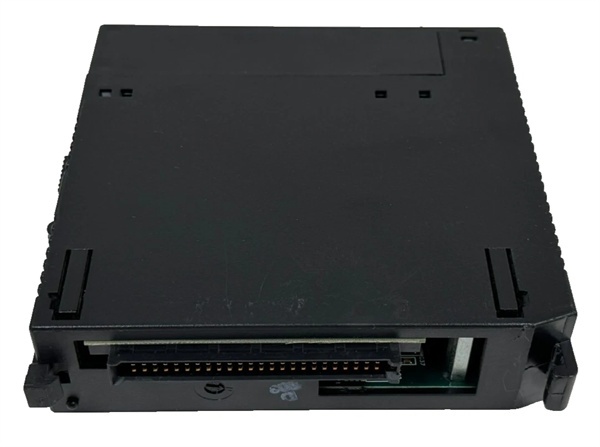
Description
Hard-Numbers: Technical Specifications
- Processor: Three (3) x Intel 80486DX4 @ 25 MHz per processor
- Firmware Revision: CJ (matched across all three processors in TMR set)
- Architecture: Triple Modular Redundancy (TMR) – 3-vote 2-out-of-3
- User Program Memory: 80 KB per processor (240 KB total)
- Register Memory: 240 KB per processor (720 KB total)
- Voting Cycle: 50-100 microseconds
- Discrete I/O: 2048 points max combined (%I + %Q)
- Analog Input: 128 words (%AI) per processor
- Analog Output: 64 words (%AQ) per processor
- Ethernet Port: 1 x RJ-45 10/100 Mbps auto-sensing
- Ethernet Protocols: SRTP, Modbus TCP, EGD
- Serial Ports: 2 x SNP/X (master/slave)
- Baud Rate: Up to 115.2 Kbaud
- Operating Temperature: 0°C to 60°C (32°F to 140°F)
- Power Draw: 3.2 A @ +5 VDC (all three processors active)
- Scan Rate: 0.25-0.3 ms per 1K Boolean logic (including voting overhead)
- SIL Rating: SIL 3 capable (per IEC 61508)

The Real-World Problem It Solves
Your TMR safety system needs all three processors running identical firmware, or the voting circuit rejects mismatched data and faults the entire rack. The CJ revision provides a stable, field-proven firmware baseline that ensures proper synchronization across the three CPU modules in your safety-critical application. When you replace a failed processor, you need the exact same CJ revision to maintain TMR integrity without requiring a full three-processor firmware upgrade.
Where you’ll typically find it:
- Legacy TMR Upgrades: Existing Series 90-30 TMR systems originally configured with CJ firmware, requiring exact-revision replacement modules to maintain compatibility
- Spares Inventory Management: Facilities maintaining critical spares with matched firmware revisions to ensure immediate field replacement capability
- Firmware-Frozen Safety Systems: Nuclear or chemical facilities where firmware changes require complete re-validation, so systems remain on stable CJ revision through the asset lifecycle
Bottom line: The CJ suffix is your firmware version identifier—and in TMR systems, matching revisions across all three processors isn’t optional, it’s mandatory for operation.
Hardware Architecture & Under-the-Hood Logic
The IC693CPU364-CJ operates identically to the base IC693CPU364 in terms of hardware architecture—three 80486DX4 processors with independent memory, synchronized voting circuit, and backplane interface. The “-CJ” designation refers only to the firmware revision loaded onto each processor, which dictates timing parameters, instruction execution behavior, and synchronization protocol. All three processors must execute identical CJ firmware to ensure they vote on the same data at the same clock cycle.
-
Firmware Loading at Boot: Each of the three processors loads CJ revision firmware from non-volatile memory simultaneously during power-up. The firmware version is verified across all three processors before synchronization begins.
-
Synchronization Protocol Execution: The CJ firmware implements the specific timing algorithm that aligns all three processors within the 50-100 microsecond window. If firmware versions mismatch, timing parameters differ and synchronization fails.
-
Voting Logic Firmware: CJ firmware defines the voting circuit behavior—how disagreements are detected, how single-processor faults are masked, and how dual failures trigger safe-state transitions. All three processors must implement identical voting logic.
-
Instruction Set Compatibility: CJ firmware defines the supported instruction set and execution timing. A mismatched firmware running on Processor A would execute logic at different timing than B and C, causing continuous voting mismatches.
-
Diagnostic Handler: CJ firmware includes diagnostic routines that run on each processor and report status to the voting circuit. Mismatched diagnostic handlers report inconsistent status data, causing fault alarms even if logic executes correctly.
-
Ethernet Stack Implementation: CJ firmware includes the TCP/IP stack and protocol handlers (SRTP, Modbus TCP, EGD). All three processors run identical network stacks to ensure coordinated data transmission through the single Ethernet port.
-
Memory Management: CJ firmware defines memory addressing, register allocation, and data structure formats used by the user program. Mismatched firmware would cause memory access violations when processors attempt to vote on register values.
-
Backplane Communication: CJ firmware controls how each processor communicates with the Series 90-30 backplane. Identical firmware ensures all three processors drive the backplane with consistent timing and signal levels during voting operations.

GE IC693CPU364
Field Service Pitfalls: What Rookies Get Wrong
Mixing firmware revisions in TMR set
You replace a failed CJ processor with a newer CK revision because that’s all available in inventory. The TMR system faults immediately because the three processors can’t synchronize—the timing algorithms differ between CJ and CK firmware. You’ve now created a mismatch that requires a complete three-processor upgrade or sourcing an exact CJ replacement.
Field Rule: Never mix firmware revisions in a TMR system. All three IC693CPU364 modules must have identical revision codes (all -CJ, all -CK, etc.). Verify revision labels before installation. Use programming software to confirm firmware matches across all three processors. Maintain spare inventory with exact matching revisions. If you must upgrade, upgrade all three modules simultaneously during a planned outage.
Ignoring revision label readability
You pull a spare from inventory and the revision label is faded or scratched. You install it assuming it’s the right version, then the TMR system faults when the processors boot to different firmware levels. Now you’re troubleshooting a fault that you created yourself.
Field Rule: Read and verify the revision label (-CJ, -CK, etc.) before installing any TMR processor. If the label is unreadable, connect the module to programming software and read the firmware version directly. Never assume a module’s revision based on appearance or inventory records—labels can be wrong, inventory records can be stale. Confirm firmware version before applying power.
Assuming later firmware is backward compatible
You think upgrading one processor from CJ to CK will work because CK is “newer and better.” The TMR system faults because CK firmware changes timing parameters, breaking synchronization with the remaining CJ processors. Newer isn’t backward compatible in TMR systems.
Field Rule: TMR systems require identical firmware, not compatible firmware. A single processor with different firmware—older or newer—will break TMR operation. The voting circuit expects identical timing, instruction sets, and diagnostic handlers from all three processors. Never upgrade individual processors. If upgrading firmware, plan a full three-processor upgrade and verify the new revision is compatible with your application before implementation.
Skipping firmware verification after repairs
A third-party repair shop reflashes a failed CJ processor and returns it. You install it without verifying the exact firmware version. The TMR system faults because the repair shop loaded a slightly different CJ build or used incorrect calibration data. Your “repaired” processor doesn’t match your other two.
Field Rule: Verify firmware version on any repaired or refurbished module before installation. Use programming software to read the exact firmware build number and compare it against your existing processors. Document the build number for all three processors in your maintenance log. Don’t trust repair shop labels—verify independently. A mismatched “repair” will cause the same fault as the original failure.
Neglecting spare firmware management
You have a spare CJ processor that’s been sitting on the shelf for eight years. You install it after a failure and discover the firmware is an older CJ build that doesn’t support your current program features. Now you’re scrambling to find another CJ or upgrade all three processors.
Field Rule: Maintain your spare inventory at the same firmware revision as your installed base. When you upgrade your TMR system firmware, update your spares simultaneously. Periodically verify spare modules match your current production firmware version. Document firmware levels in your spares tracking system. Don’t discover firmware mismatches during an emergency—find and fix them during planned maintenance.
Commercial Availability & Pricing Note
Please note: The listed price is for reference only and is not binding. Final pricing and terms are subject to negotiation based on current market conditions and availability.



