
Description
3. Key Technical Specifications
| Parameter | Value |
|---|---|
| Type | I/O Bus Expansion Cable (Wye Cable) |
| Length | 6 feet (2 meters) |
| Connector 1 (End 1) | Single 25-Pin D-Sub Male Connector |
| Connector 2 (End 2) | Dual-Head 25-Pin D-Sub Connectors (1 Male, 1 Female) |
| Cable Type | Belden 8107 (Twisted Pair, 24 AWG) |
| Shielding | 100% Continuous Shield (Braid over Foil) |
| Impedance | 100Ω Nominal |
| Voltage Rating | 30V DC |
| Current Rating | 24 AWG Copper, 7 x 32 stranding |
| Compatibility | Series 90-30 Baseplates, RX3i Serial Expansion Backplanes |
| Maximum System Length | 50 ft (15 m) total for expansion; 700 ft (213 m) for remote |
| Maximum Cables in Chain | 7 (CPUs 350-364) or 4 (CPUs 331-341) |
| Termination | Requires termination at end of chain (IC693ACC307 or IC693CBL302/314) |
| Product Lifecycle Status | Discontinued/Obsolete |
| Weight | 0.25 lbs (0.11 kg) |
IC693CBL300
4. Product Introduction
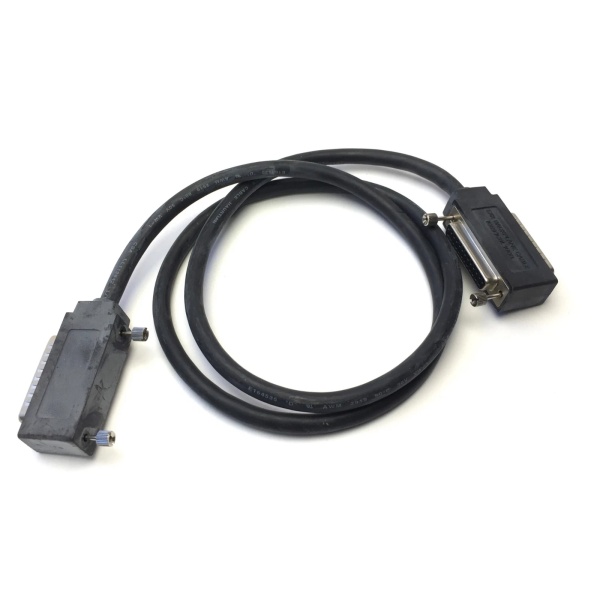
The GE IC693CBL301 is an I/O Bus Expansion Cable, also known as a “Wye cable,” designed for GE Fanuc Series 90-30 PLC systems and PACSystems RX3i Serial Expansion Backplanes. This cable extends the I/O bus from the CPU baseplate to expansion or remote baseplates, enabling system scalability when additional I/O slots are required or when baseplates need to be positioned at a distance from the CPU.
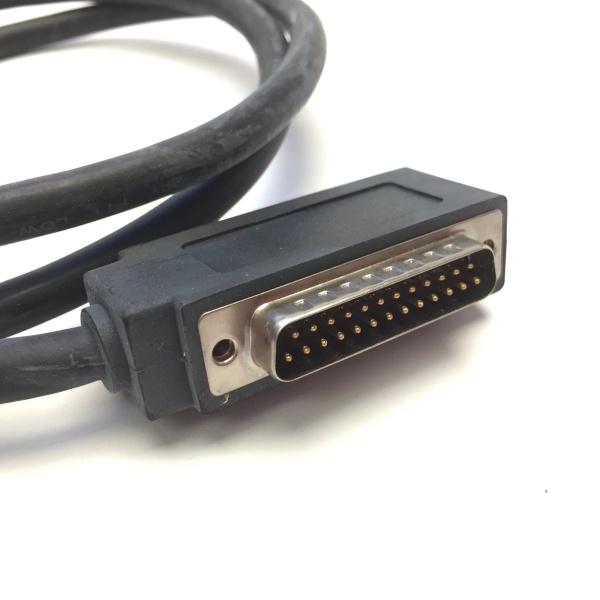
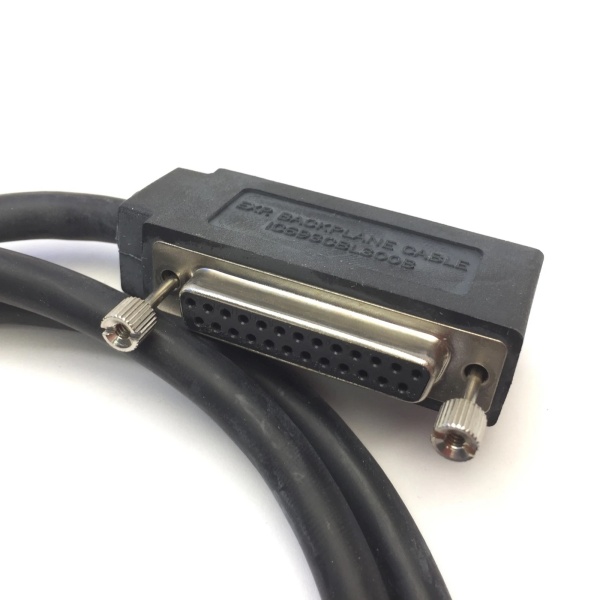
The cable features a three-connector Wye configuration: one end has a single 25-pin D-sub male connector, while the other end has a dual-head 25-pin D-sub connector (one male and one female). This design supports daisy-chaining, allowing up to seven expansion baseplates to be linked in a single system. The IC693CBL301 is 2 meters (6 feet) in length, providing greater flexibility for baseplate spacing compared to the 1-meter IC693CBL300.
Constructed with Belden 8107 twisted-pair wire and featuring 100% continuous shielding (braid over foil), this cable ensures excellent noise immunity and signal integrity in industrial environments. The cable is rated for 30V DC operation and maintains a nominal impedance of 100Ω for reliable data transmission.
5. QA & Testing SOP (Transparency Building)
1. Incoming InspectionVerify part number and revision against GE Fanuc records. Inspect all three 25-pin D-sub connectors for bent pins, corrosion, or damage to the metal shells. Confirm cable length is 2 meters (6 feet). Check the continuous shielding for cuts or abrasions that could compromise noise immunity.
2. Visual InspectionInspect the dual-head connector end to ensure both the male and female connectors are present and properly aligned. Verify that the metal connector shells make proper contact with the cable shield for grounding. Check cable jacket integrity and connector strain relief for signs of damage or wear.
3. Electrical Continuity TestingUse a multimeter to verify continuity for all 25 pins between the single male connector end and both the male and female connectors on the dual-head end. Ensure the pin mapping matches the specification (pin-to-pin continuity). Verify that pin 1 connections align with baseplate requirements.
4. Shield Integrity TestMeasure the continuity of the shield across the entire 2-meter cable length. Verify that the drain wire or shield makes proper contact with the metal connector shells at both ends. Ensure there are no breaks in the 100% continuous shielding.
5. Insulation Resistance TestUsing a megohmmeter, test insulation resistance between adjacent conductors and between conductors and the shield. The insulation resistance should exceed 10MΩ to prevent short circuits and ensure reliable signal transmission.
6. Compatibility VerificationTest cable fit with compatible Series 90-30 baseplates (IC693CHS391/392/393/397/398/399) or RX3i Serial Expansion Backplanes (IC694/693CHS392/398). Verify proper mating, locking, and that connectors seat fully.
7. Final QC & PackagingLabel with part number, test date, and QC pass status. Package in anti-static bag with desiccant to prevent moisture damage during storage and transport.

IC693CBL300
6. Installation Pitfalls & Guide (Engineer to Engineer)
❗ Daisy-Chain OrientationThe Wye cable must be installed with correct orientation. Connect the single male connector to the CPU baseplate (or previous expansion baseplate). Connect the male connector from the dual-head end to the next expansion baseplate. The female connector on the dual-head end is reserved for either the next cable in the chain or the terminator plug.
❗ Total Cable Length LimitThe total maximum cable length from the CPU baseplate to the last expansion baseplate is 50 feet (15 meters). The total maximum distance to the last remote baseplate is 700 feet (213 meters). Exceeding these limits can cause erratic PLC operation, signal degradation, or communication failures. When combining multiple cables (e.g., IC693CBL301 + IC693CBL313), carefully calculate total length.
❗ Improper TerminationThe last baseplate in the expansion chain must be properly terminated. This can be achieved using an I/O Bus Terminator Plug (IC693ACC307), by using the 50-foot cable (IC693CBL302/314) with built-in terminating resistors, or by building a custom cable with 120Ω termination resistors on the appropriate signal pairs (pins 2-3, 8-9, 12-13, 16-17, 20-21, 24-25). Failure to terminate will cause signal reflections and system instability.
❗ Connecting/Disconnecting Under PowerNever connect or disconnect I/O Bus Expansion cables while power is applied to the I/O expansion baseplates. This can cause unexpected PLC operation, data corruption, or hardware damage. Always power down the system before making or breaking connections.
❗ Shielding GroundingThe cable’s 100% continuous shield must be properly grounded through the metal connector shells. Ensure that connector shells are fully seated and making metal-to-metal contact with the baseplate connectors to maintain shield continuity. Improper grounding reduces noise immunity.
❗ Pin 1 Requirements (Older Baseplates)For early remote baseplates (IC693CHS393E and earlier, IC693CHS399D and earlier), pin 1 on the cable connector mating to the baseplate may need to be removed or the shield drain wire must not be connected. Newer baseplate revisions do not require this modification.
Installation Guide
-
System Planning: Determine the number of expansion/remote baseplates and calculate total cable length. Ensure total length does not exceed 15 meters (expansion) or 213 meters (remote). Verify CPU model supports the required number of expansion cables (4 or 7).
-
Power Down: Turn off power to all baseplates in the system.
-
First Connection: Connect the single male connector of the IC693CBL301 to the 25-pin female connector on the CPU baseplate (or the previous expansion baseplate in a daisy-chain).
-
Chain Connection: Connect the male connector from the dual-head end to the 25-pin female connector on the next expansion/remote baseplate.
-
Continue Chain or Terminate: For additional baseplates, connect the next cable (e.g., another IC693CBL301, IC693CBL313, etc.) to the female connector on the dual-head end. For the last baseplate, install an I/O Bus Terminator Plug (IC693ACC307) into the female connector, or use a terminated cable (IC693CBL302/314).
-
Power Up and Verify: Restore power to the system. Verify that all expansion backplanes are recognized and communicating properly. Check for any error LEDs on the CPU or expansion modules.
7. FAQ (Frequently Asked Questions)
Q: What is the difference between IC693CBL301 and IC693CBL300?A: Both are Wye cables with identical connector configurations. The only difference is length: IC693CBL300 is 1 meter (3 feet), while IC693CBL301 is 2 meters (6 feet).
Q: How many IC693CBL301 cables can I use in one system?A: CPUs 350-364 support up to seven I/O expansion cables in the system. CPUs 331-341 support a maximum of four I/O expansion cables. This includes all cable types in the expansion chain.
Q: What is the maximum total cable length allowed?A: For local expansion baseplates, the maximum total length from CPU to the last expansion baseplate is 50 feet (15 meters). For remote baseplates, the maximum total length from CPU to the last remote baseplate is 700 feet (213 meters).
Q: Can I mix different cable lengths in the same system?A: Yes, you can mix different cable lengths (e.g., IC693CBL300, CBL301, CBL313, etc.) in the same daisy-chain, as long as the total length does not exceed the maximum allowed distance and the number of cables does not exceed the CPU’s limit.
Q: Do I need to terminate the last baseplate?A: Yes, the last baseplate in the expansion chain must be properly terminated with IC693ACC307, IC693CBL302/314, or custom termination resistors. Failure to terminate will cause signal reflections and system instability.
Q: Can I connect/disconnect this cable while the system is powered?A: No, never connect or disconnect I/O Bus Expansion cables while power is applied to the I/O expansion baseplates. Always power down before making connections.
Q: What happens if I exceed the maximum cable length?A: Exceeding the maximum cable length can cause signal degradation, data errors, or complete communication failure between the CPU and expansion baseplates. The PLC system may exhibit erratic operation.
Q: Is this cable compatible with RX3i systems?A: Yes, the IC693CBL301 is compatible with PACSystems RX3i systems when used with the Serial Bus Transmitter Module (IC695LRE001) and Serial Expansion Backplanes (IC694/693CHS392/398).
Q: Why is the cable called a “Wye cable”?A: It’s called a Wye cable because it splits like the letter “Y” – one end has a single connector, while the other end splits into two connectors (one male, one female), allowing daisy-chaining of multiple baseplates.
Q: What is the Belden 8107 cable specification?A: Belden 8107 is a twisted-pair, 24 AWG copper cable with 7 x 32 stranding. It features overall braid over foil shielding, rated for 30V DC at 80°C (176°F), with a nominal impedance of 100Ω and 70% velocity of propagation.



