
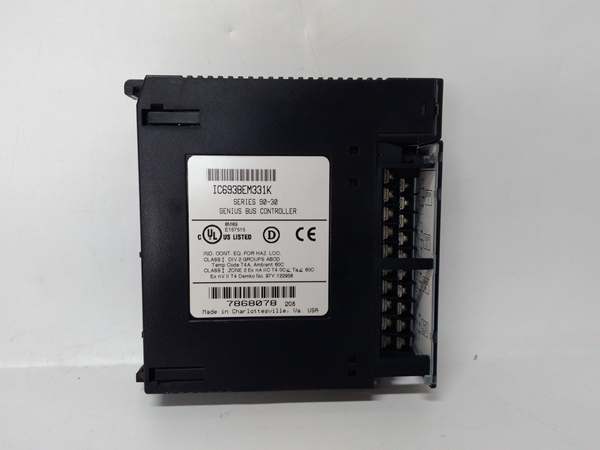
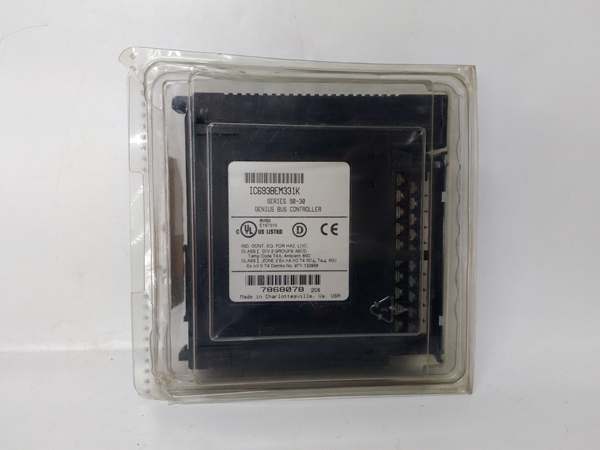
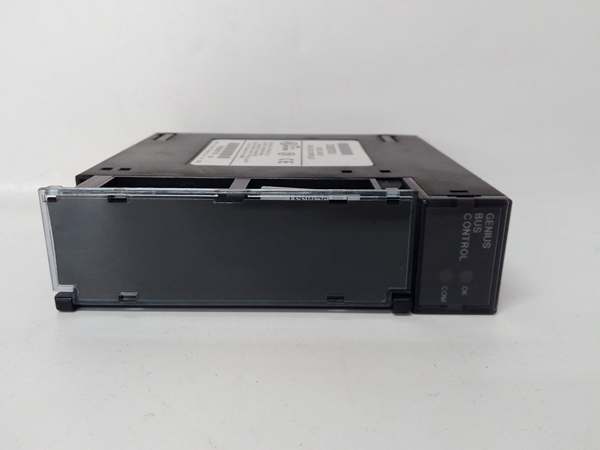
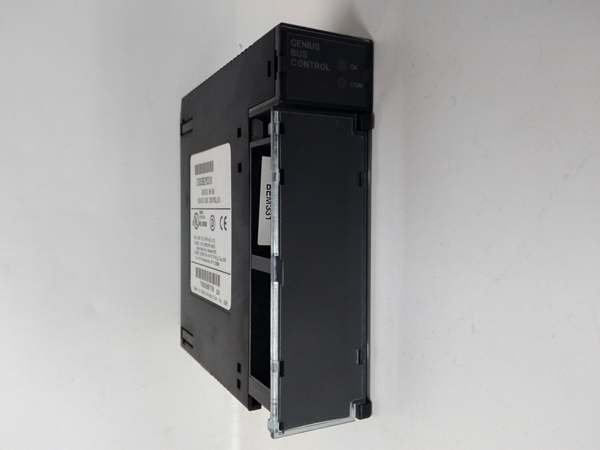
Description
Hard-Numbers: Technical Specifications
- Interface Type: Genius Bus Controller (GBC) for Series 90-30
- Network Type: Genius I/O Serial Bus – token-passing, single twisted pair
- Global Memory: 1536 bytes total (768 inputs + 768 outputs)
- Supported I/O per GBC: Up to 128 discrete or 64 analog points per module
- Maximum Drops: 4 drop positions per module (up to 30 Genius blocks total)
- Hand-Held Monitor Ports: 4 ports (one per drop)
- Communication Speed: Up to 153.6 kbaud in High-Speed mode
- Update Rates: Programmable (default 10–20 ms)
- Diagnostic LEDs: OK, BUS, CONFIG, ERROR, RUN
- LED Indicators per Drop: RUN, STATUS
- Power Consumption: 800 mA @ 5 VDC from backplane
- Isolation: 1500 VAC continuous between field and backplane
- Operating Temperature: 0°C to +60°C (32°F to +140°F)
- Storage Temperature: -40°C to +85°C (-40°F to +185°F)
- Humidity: 5–95% non-condensing
- Lifecycle Status: Discontinued/Obsolete

IC693BEM331
The Real-World Problem It Solves
Standard GBC modules with limited global memory (e.g., IC693BEM330) constrain large Genius networks by restricting the amount of I/O data that can be exchanged between the PLC and remote blocks. The IC693BEM331 addresses this constraint with 1536 bytes of global data memory, supporting up to 128 discrete or 64 analog I/O points per module—enabling large-scale distributed I/O architectures without requiring multiple GBC modules or complex network segmentation.
Where you’ll typically find it:
- Manufacturing automation: Complex production lines with dozens of remote I/O stations
- Material handling: Large-scale conveyor systems and sorting facilities with extensive distributed I/O
- Process industries: Water/wastewater treatment with numerous remote pump stations and tank farms
- Automotive assembly: Production lines with multiple workstation I/O clusters
Bottom line: The IC693BEM331 provides expanded global memory capacity for large Genius networks, eliminating the need for multiple GBC modules and reducing network complexity in applications with extensive distributed I/O requirements.
Hardware Architecture & Under-the-Hood Logic
The IC693BEM331 builds on the standard GBC architecture with increased global memory capacity (1536 bytes vs. standard implementations). The module maintains all core GBC functionality—token-passing network protocol, drop position management, and HHM support—while providing expanded data mapping capabilities for large-scale I/O systems.
-
Processor & Memory Architecture
- Dedicated microprocessor manages Genius protocol and token passing
- 1536 bytes global data memory (768 input + 768 output bytes)
- Global memory mapping allows PLC CPU to read/write remote I/O data transparently
- Dual-port buffer architecture for non-blocking data exchange
-
Drop Position Management
- 4 configurable drop positions per module
- Each drop includes dedicated HHM port
- Supports up to 30 total Genius blocks across all drops
- Automatic block addressing and configuration discovery
-
Global Data Exchange Mechanism
- PLC writes output data to global memory, GBC transmits to remote blocks
- Remote blocks write input data to global memory, GBC transmits to PLC
- Data exchange occurs transparently to PLC program
- Configurable update rates (default 10-20 ms, faster in high-speed mode)
-
Hand-Held Monitor (HHM) Interface
- 4 HHM ports (one per drop) for on-site diagnostics and configuration
- Allows real-time monitoring of I/O status and network health
- Password protection for configuration security
- Independent per-drop RUN and STATUS LEDs
-
High-Speed Mode Operation
- Supports 153.6 kbaud communication in high-speed mode
- Reduced network cycle time for faster I/O updates
- Requires Genius blocks capable of high-speed operation
- Configurable via PLC software
-
Diagnostic & Error Handling
- LED indicators provide instant visual status (OK, BUS, CONFIG, ERROR, RUN)
- Per-drop RUN and STATUS LEDs for localized diagnostics
- Comprehensive fault detection for network errors, timeouts, and block failures
- Automatic reconfiguration on block addition or removal
IC693BEM331
Field Service Pitfalls: What Rookies Get Wrong
Mixing standard and high-speed blocks on the same network
Rookies install standard-speed Genius blocks on a high-speed network configured for 153.6 kbaud. Communication fails with blocks that can’t keep up, causing partial network loss and unpredictable I/O behavior.
- Field Rule: Verify all Genius blocks on the network support the configured communication speed. If using high-speed mode, ensure every block is rated for 153.6 kbaud operation. For mixed networks, configure the GBC for standard speed and accept slower update rates for compatibility.
Exceeding the 1536-byte global memory limit
Rookies add I/O blocks without calculating global memory usage. When total I/O exceeds 1536 bytes, some points are not mapped to global memory, causing PLC program variables to read incorrect values.
- Field Rule: Calculate global memory allocation before adding I/O blocks. Each discrete I/O typically uses 1 bit (8 points per byte). Each analog I/O typically uses 2 bytes (16-bit). Ensure total global memory usage stays under 1536 bytes. For expansion, install additional GBC modules or segment the network.
Not verifying per-drop LED indicators
Rookies only check the main module LEDs and ignore per-drop RUN and STATUS indicators. A single drop with communication failure goes unnoticed, and I/O points on that drop remain dead while the rest of the network operates normally.
- Field Rule: Monitor both main module LEDs and per-drop indicators. The per-drop RUN LED should be solid green for active drops. A flashing or off RUN LED indicates communication problems with that drop. Use the HHM to diagnose specific drop issues.
Assuming 1536 bytes equals 1536 I/O points
Rookies confuse global memory bytes with I/O point counts. They expect 1536 discrete I/O points but actually get 128 (since each discrete point uses 1 bit, not 1 byte).
- Field Rule: Understand global memory mapping. Discrete I/O packs 8 points per byte (1536 bytes × 8 = 12,288 bits maximum theoretical, but practical limit is 128 points due to block addressing). Analog I/O uses 2 bytes per point (64 points maximum). Always calculate based on point type, not just byte count.
Improper HHM port selection
Rookies connect the HHM to any available port without considering drop configuration. Connecting to an unused or improperly configured drop provides no diagnostic access, wasting troubleshooting time.
- Field Rule: Verify which drops have active Genius blocks before connecting the HHM. Use the HHM ports corresponding to active drops. Drops without connected blocks will show no I/O data and may appear non-functional. Document drop assignments in as-built drawings.
Leaving unused drops unconfigured
Rookies install the module with fewer than 4 active drops but don’t disable unused drops in configuration. The GBC repeatedly attempts to communicate with nonexistent blocks, increasing network cycle time and causing unnecessary errors.
- Field Rule: Configure only active drops in the PLC software. If a drop has no connected Genius blocks, disable it in the GBC configuration. This reduces network traffic and eliminates timeout errors for inactive drops.
Using incorrect cable for high-speed mode
Rookies install high-speed mode with standard unshielded cable. At 153.6 kbaud, signal integrity degrades, causing communication errors and data corruption.
- Field Rule: High-speed mode requires shielded twisted-pair cable with proper termination. Use Belden 9841 or equivalent. Install termination resistors at both ends of the bus. Verify cable impedance and shielding integrity before enabling high-speed mode.
Not updating PLC program for 1536-byte mapping
Rookies replace a standard GBC with the IC693BEM331 but don’t update the PLC program’s global memory references. The PLC attempts to access memory addresses that don’t exist or are mapped differently, causing program errors.
- Field Rule: When installing an IC693BEM331, update the PLC program’s global memory configuration. Remap %I and %Q references to match the new 1536-byte global memory layout. Verify all I/O references point to correct addresses before commissioning.
Commercial Availability & Pricing Note
Please note: The listed price is for reference only and is not binding. Final pricing and terms are subject to negotiation based on current market conditions and availability.



