
Description
Hard-Numbers: Technical Specifications
- Protection Functions: Overcurrent (50/51), Earth Fault (50N/51N), Sensitive Ground Fault (50SG/51SG), Directional Elements (67P/67G), Overvoltage/Undervoltage (59/27), Frequency (81U/O), Breaker Failure (50BF), Auto-Recloser (79), Synchrocheck (25)
- Slot F I/O: 16 Digital Inputs + 8 Form-C Outputs (Option 1 board)
- Slot G I/O: None (0)
- Total I/O Capacity: 16 Digital Inputs + 8 Digital Outputs
- Communication: Redundant 10/100BaseTX Copper Ethernet (2 RJ45 ports) + Front RS232 Port + Graphic Display
- Protocols: IEC 61850 Edition 2, Modbus RTU/TCP, DNP 3.0 Level 2, IEC 60870-5-103/104, IEEE 1588 PTP
- Power Supply: 110-250V DC (88-300V range) / 120-230V AC (96-250V range), HI range
- Power Draw: 25-30 VA typical, 45 VA maximum
- Operating Temperature: -40°C to +70°C
- Isolation Rating: 2000V AC RMS I/O-to-chassis
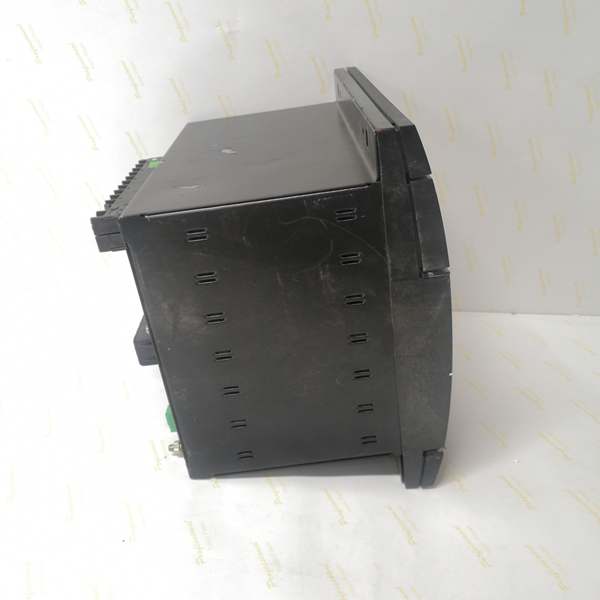
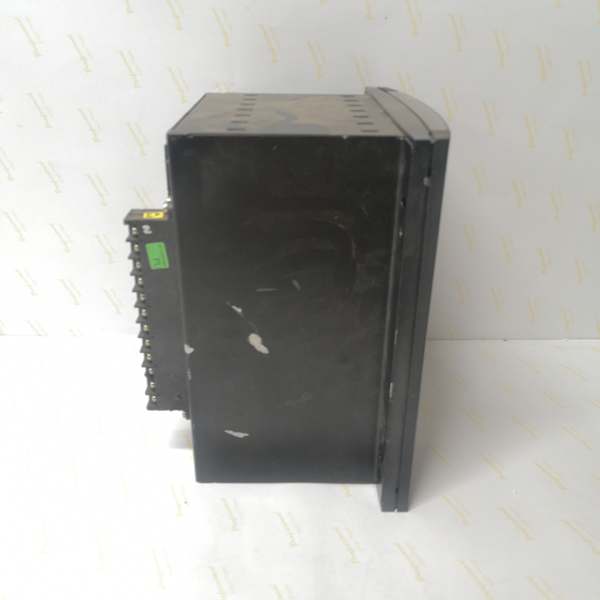
- Dimensions: 168 × 150 × 55 mm (½ 19″ rack, 6U high)
- Weight: 5 kg (11 lbs)
- Language: English only (graphic display model)

The Real-World Problem It Solves
Critical substations need redundant communication for N-1 reliability, but fiber infrastructure isn’t always available or cost-effective. This unit provides dual redundant copper Ethernet ports, graphic display for operator situational awareness, and trip circuit supervision in a single chassis.
Where you’ll typically find it:
- Distribution substations with copper-based process bus and IEC 61850 architecture
- Industrial plants requiring redundant Ethernet without fiber optic infrastructure
- Critical feeder protection schemes where network failure cannot be tolerated
- Retrofits upgrading from single-port relays to redundant communication
This configuration delivers high-availability copper networking with advanced visualization and supervision, ideal for applications where copper infrastructure exists and fiber installation is impractical.
Hardware Architecture & Under-the-Hood Logic
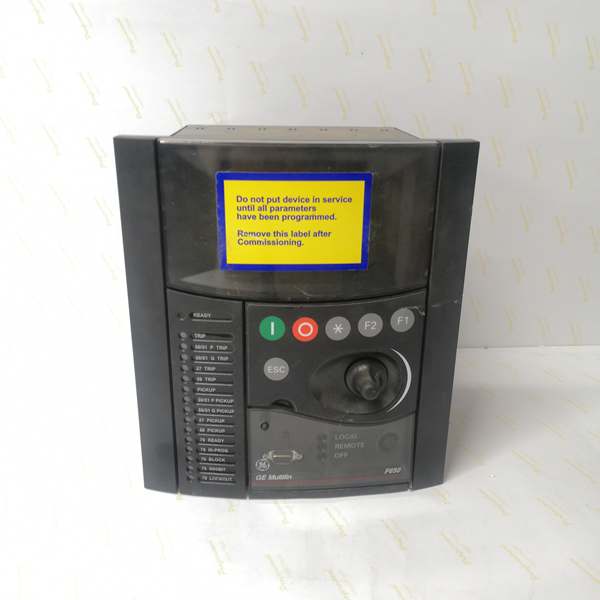
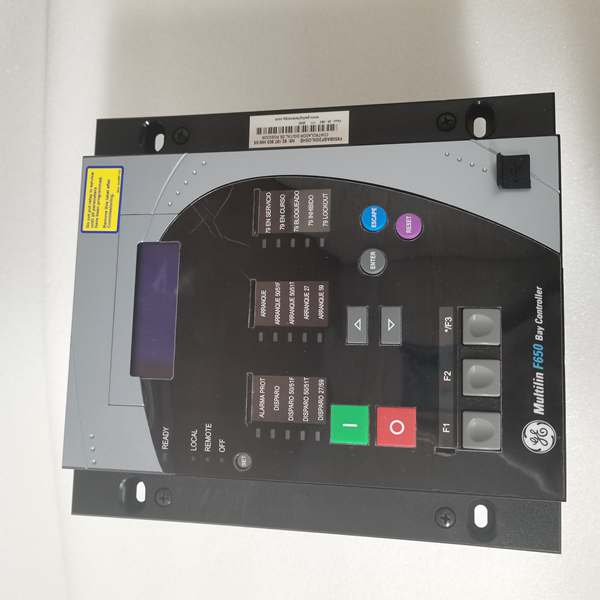
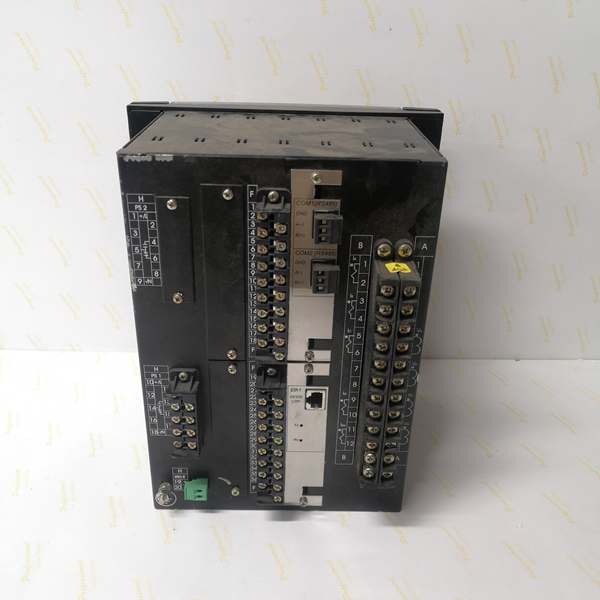
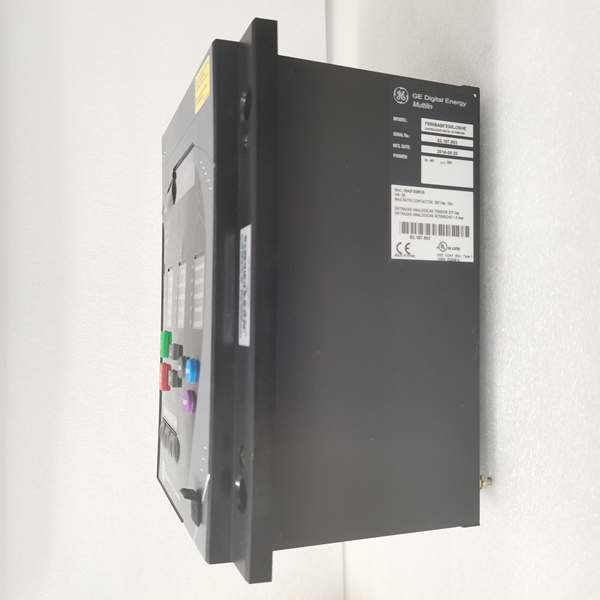
This is a graphic display F650 with redundant copper Ethernet. The “C” provides a 16×40 pixel graphic LCD, “F” means no rear serial ports, “B” is 10/100BaseTX Ethernet, and “10H” adds a redundant second copper port. Slot F contains a 16DI/8DO board.
- Main CPU Board: 32-bit RISC processor (>50 MIPS) with 32MB+ flash memory, executing protection algorithms at 1ms scan cycles
- DSP Module: Handles analog-to-digital conversion at 64 samples per power cycle for current/voltage inputs
- Slot F I/O Board (Option 1): 16 digital inputs (24V DC programmable) + 8 Form-C relay outputs (6A @ 250V AC), communicates via CAN bus
- Slot G: Unpopulated—no I/O board installed
- Graphic Display Module: 16×40 pixel (240×128) graphic LCD with IEC symbols, supports single-line diagram visualization, programmable buttons and shuttle control
- Communication Module: Dual redundant 10/100BaseTX copper Ethernet ports (2 RJ45), supports IEEE 1588 PTP time synchronization and PRP/HSR network redundancy
- Power Supply Module: Switching-mode power supply with >80% efficiency, rated for standard I/O load (up to 45 VA)
The redundant copper ports support PRP (Parallel Redundancy Protocol) or HSR (High-availability Seamless Redundancy) for seamless failover. PRP sends identical frames over both copper ports simultaneously—the receiving switch or device discards duplicates. HSR creates a ring topology with intelligent forwarding. The graphic display can render substation single-line diagrams with IEC 61850 standard symbols, providing operators with real-time bay status without SCADA access. IEEE 1588 PTP over the redundant copper network provides microsecond-level time synchronization.
Field Service Pitfalls: What Rookies Get Wrong
Redundant Copper Port PRP/HSR MisconfigurationTechs treat both RJ45 ports as independent separate networks. The “10H” configuration supports PRP or HSR for seamless failover. Rookies connect both ports to different VLANs and expect redundancy to work automatically.
Field Rule: Configure the copper ports for PRP or HSR in EnerVista Communication settings. PRP requires two separate networks with independent switches—both ports send identical frames. HSR requires a ring topology with all IEDs connected in a loop. Don’t separate them into isolated VLANs without proper protocol configuration. Test failover by unplugging one RJ45 while monitoring SCADA—communication should continue without interruption. Document which protocol you’re using in your network topology diagram.
Graphic Display Single-Line Diagram MisuseTechs expect the graphic display to work like a full HMI. The 16×40 pixel display shows static single-line diagrams and status, not dynamic SCADA graphics.
Field Rule: The graphic display (16×40 pixels) renders pre-configured single-line diagrams with IEC symbols, real-time measurements, and breaker status. Navigation is via shuttle wheel and buttons, not touch. Design your single-line diagram in EnerVista Graphic Editor before uploading. Keep diagrams simple—too much detail becomes unreadable on 240×128 pixels. Verify symbol colors and meanings match operator training. The display is for situational awareness, not engineering configuration.
No Rear Serial Ports Creates Engineering Access GapsThe “F” configuration means no rear RS485 ports. Rookies plan to connect local engineering stations via rear serial and find only the front RS232 port available.
Field Rule: Plan your engineering access strategy. With no rear serial ports, you have three options: (1) Front RS232 port for local EnerVista connection, (2) Redundant copper Ethernet for network access, or (3) Front USB port if using enhanced display models. Document which method serves which function. Don’t assume rear serial access exists—check the order code. For local engineering stations without network access, bring a serial cable for the front port.
Redundant Copper Port Bandwidth ConflictsBoth copper ports operating simultaneously in PRP mode double the network traffic. Rookies don’t account for this when designing switch capacity and experience packet loss.
Field Rule: Calculate bandwidth with redundancy in mind. PRP sends duplicate frames, so actual network load is 2× your expected traffic. If you expect 10Mbps base load, plan for 20Mbps switch capacity per relay. Use gigabit switches for aggregation points. Monitor switch port statistics during commissioning—if you see high packet loss or buffer overruns, increase switch capacity or reduce GOOSE publish frequency. Document bandwidth calculations in your network design specification.
Trip Circuit Supervision Wiring with Slot F Option 1This model uses Slot F Option 1 (16DI/8DO), which doesn’t include built-in trip supervision circuits like Option 2. Rookies expect supervision functionality and are confused when it’s missing.
Field Rule: Slot F Option 1 provides 16 digital inputs and 8 outputs, but no dedicated trip supervision circuits. If you need trip supervision, you must specify Option 2 board (8DI/8DO+2 supervision) or implement supervision using the available digital inputs and external relays. Verify the Option number before ordering—Option 1 ≠ supervision capability. Document supervision design in your protection scheme. If supervision is critical, ensure the correct I/O board is specified.
Redundant Ethernet LED Indicators Misinterpreted
Both RJ45 ports have TX/RX LEDs. Rookies see flashing lights on both ports and assume communication is working, but don’t verify actual PRP/HSR failover behavior.
Field Rule: Learn the LED patterns for your redundancy protocol. In PRP mode, both ports transmit continuously—TX LEDs solid on both. RX LEDs flash as frames are received. If one port’s RX goes dark while the other remains active, you’ve lost one path but redundancy is working. If both RX go dark, you’ve lost both paths and communication is down. Verify failover by disconnecting one cable and confirming continued operation. Document LED behavior in your troubleshooting guide.
Heat Dissipation with Redundant Communication
Dual copper Ethernet ports and graphic display add to the thermal load. Rookies pack this relay into hot cabinets without considering the higher power draw.
Field Rule: Measure cabinet ambient under full load. If it exceeds 50°C, install forced ventilation. Leave 15mm clearance around the relay for convection cooling. The redundant ports and graphic display add approximately 5-10 VA to the base load. Monitor internal temperature in EnerVista—should stay below 70°C. For high-ambient installations (55°C+), consider external cooling or derate the relay.
Firmware Upgrade via Redundant Copper Paths
Upgrading firmware with both copper ports active in PRP mode can cause issues if the upgrade process doesn’t properly handle duplicate frames.
Field Rule: Simplify the communication path before firmware upgrades. Disconnect the secondary copper port or disable PRP during the upload. Use a single dedicated network path (preferably a direct connection to the upgrade server) for the upgrade. After successful upgrade, re-enable redundant communication and verify operation. Never interrupt an upgrade—if it hangs, wait 15 minutes before power cycling. PRP duplicate frames can confuse the bootloader if not properly configured.
Grounding Issues with Dual Copper Connections
Two separate copper connections to different switches can create ground loops if the switches have different ground references. Rookies experience intermittent communication failures during ground potential shifts.
Field Rule: Verify both Ethernet switches share a common ground reference before connecting both ports. Measure potential difference between switch chassis—anything above 5V AC indicates a ground loop risk. Use shielded Cat6 cables with proper grounding at both ends. Document switch grounding architecture in your commissioning package. If ground loops persist, consider using one port as primary and keeping the second as backup, or isolate one switch ground.
Commercial Availability & Pricing Note
Please note: The listed price is for reference only and is not binding. Final pricing and terms are subject to negotiation based on current market conditions and availability.


