
Description
Hard-Numbers: Technical Specifications
-
Processor: PowerPC embedded CPU (32-bit RISC architecture)
-
Memory: 256 MB or 512 MB SDRAM (user program and data storage)
-
Non-Volatile Storage: Flash memory for firmware and configuration backup
-
Bus Interface: VME64 (32-bit, 33 MHz) for I/O module communication (FBM200 series)
-
Redundancy: 1:1 hot-standby with dedicated high-speed sync link, automatic failover ≤100 ms
-
Network Interface: FTE (Fault Tolerant Ethernet) via companion RNI module (e.g., H92904CC0500)
-
Max I/O Capacity: Up to 64 FBM I/O modules (4000+ I/O points)
-
Control Performance: 500+ analog loops (100 ms scan), 10,000+ sequential logic steps/second
-
Operating Temperature: 0°C to +60°C (industrial grade)
-
Power Supply: +5V, ±12V from VME backplane (derived from chassis power supply)
-
Dimensions: Standard 6U VME module (233.35 mm × 160 mm)
-
Certifications: CE, UL 60950-1, IEC 61000-6-2/4 (industrial EMC)

FOXBORO H92A0K9V0H00
The Real-World Problem It Solves
You know what happens when a single CPU fails in a non-redundant DCS: the entire process unit goes blind, operators lose control, and you’re scrambling to manually stabilize the plant while swapping hardware. The H92A0K9V0H00 eliminates this nightmare with true hot-standby redundancy—two processors running lockstep, mirroring memory and I/O states in real-time. When the primary fails, the standby takes over before the field devices even notice.
Where you’ll typically find it:
-
CP60/CP80 control stations in refinery process units (distillation columns, reactors)
-
Power plant turbine control and boiler management systems requiring TÜV-certified redundancy
-
Offshore platform ESD (Emergency Shutdown) systems where spares are days away
Bottom line: It keeps your control loops alive during CPU hardware faults, power glitches, or firmware updates without dropping the I/O or breaking bumpless transfer.
Hardware Architecture & Under-the-Hood Logic
The H92A0K9V0H00 mounts in Slot 1 of a CP60 or CP80 VME chassis. It’s not just a computer—it’s a deterministic controller with a PowerPC core running Foxboro’s proprietary RTOS (real-time operating system). The module communicates with FBM I/O cards via the VME64 backplane and connects to the plant network through a companion FTE Redundant Network Interface (RNI) module like the H92904CC0500.
Signal flow and processing logic:
-
Input Sampling: FBM analog/digital input modules scan field signals and place data in VME backplane memory accessible by both primary and standby CPUs simultaneously
-
Lockstep Execution: Both processors execute identical control algorithms (PID, cascade, interlocks) in synchronization, comparing results cycle-by-cycle via dedicated high-speed serial link
-
Memory Mirroring: The standby CPU maintains real-time copy of all process variables, setpoints, and internal states; any write to primary memory is instantly replicated
-
Failover Arbitration: If the primary detects hardware fault (watchdog timeout, power anomaly, memory error) or loses sync, the standby assumes control of the VME bus and I/O within 100 milliseconds
-
Network Integration: The RNI module handles dual-redundant FTE Ethernet communication to operator stations, historians, and peer controllers—transparent to CPU failover events
FOXBORO H92A0K9V0H00
Field Service Pitfalls: What Rookies Get Wrong
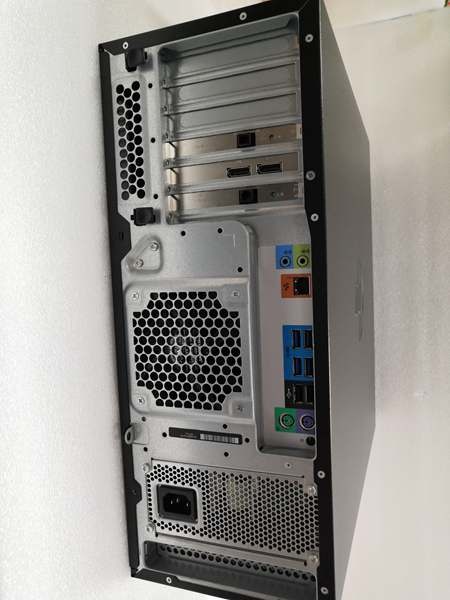
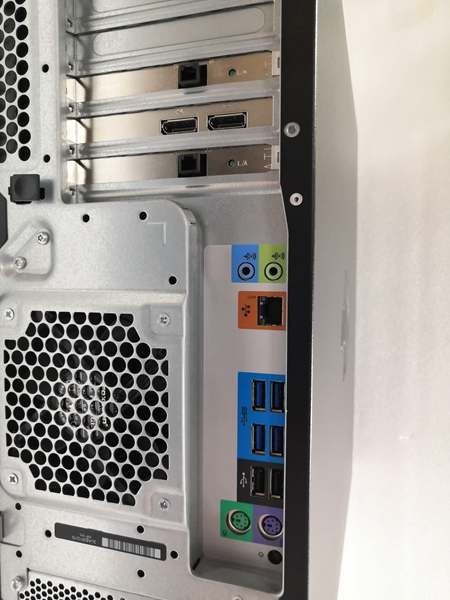
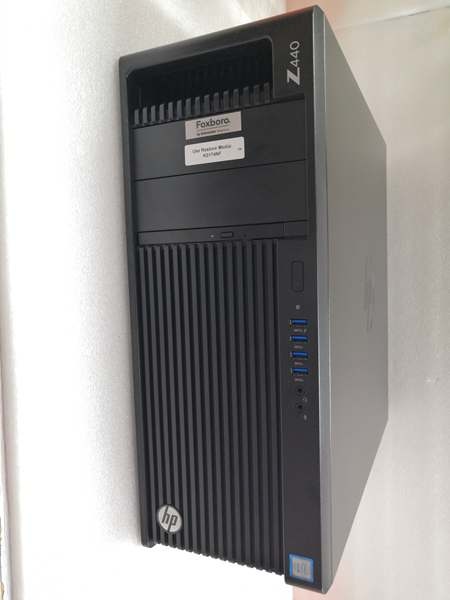
Confusing This with a Workstation or Transmitter Here’s the trap: gray-market suppliers list H92A0K9V0H00 as everything from a “conductivity transmitter” to a “Windows 10 workstation.” It’s neither. This is a VME-based real-time controller, and if you order expecting a field transmitter or PC, you’ll have a very expensive paperweight and a delayed outage.
Field Rule: Always verify the physical form factor before accepting delivery. The H92A0K9V0H00 is a 6U VME card (233mm × 160mm) with DIN41612 connectors—not a field housing or rackmount server. Check for the Foxboro/Schneider Electric holographic label and part number etching on the PCB edge.
Installing Mismatched Firmware Versions You slot in a spare H92A0K9V0H00 to replace a failed primary, but the new unit runs firmware v8.4 while the standby is v8.2. The redundancy link establishes briefly, then drops repeatedly. The standby can’t synchronize because the control kernel versions differ in memory mapping.
Quick Fix: Before any hardware swap, check the firmware revision on the existing standby CPU via the engineering station. Flash the replacement unit to match exactly using the Foxboro Control Software (FCS) maintenance utility. Never mix revisions in a redundant pair—it’s asking for a synchronization fault during the next process upset.
Ignoring the RNI Module Status The H92A0K9V0H00 itself doesn’t have Ethernet ports—it relies on the companion H92904CC0500 RNI module for FTE network connectivity. Rookies see “CPU OK” on the front panel LEDs but miss that the RNI has lost its fiber optic link, cutting off the operator interface. The control loops run fine, but you’re flying blind.
Field Rule: Always check both the H92A0K9V0H00 CPU status LEDs (Power, Run, Error, Redundancy) AND the RNI module’s network status indicators. If the CPU shows “RUN” but the RNI shows “FAULT” or “NO LINK,” you’ve got a communication failure, not a processor failure. Replace or reseat the RNI first before swapping the CPU.



