
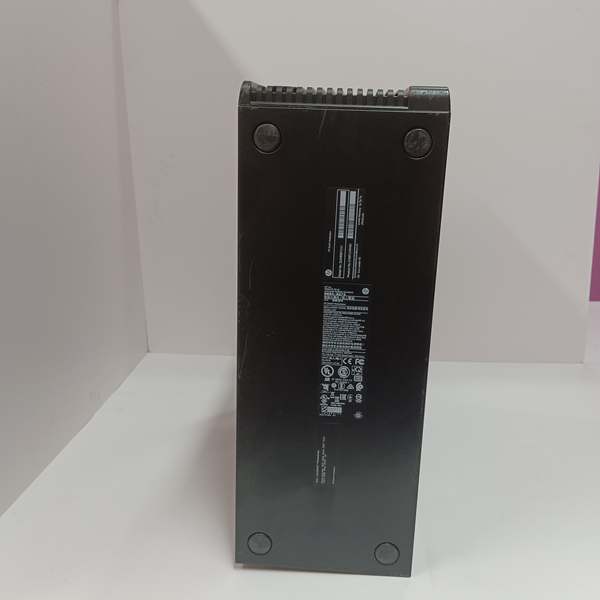
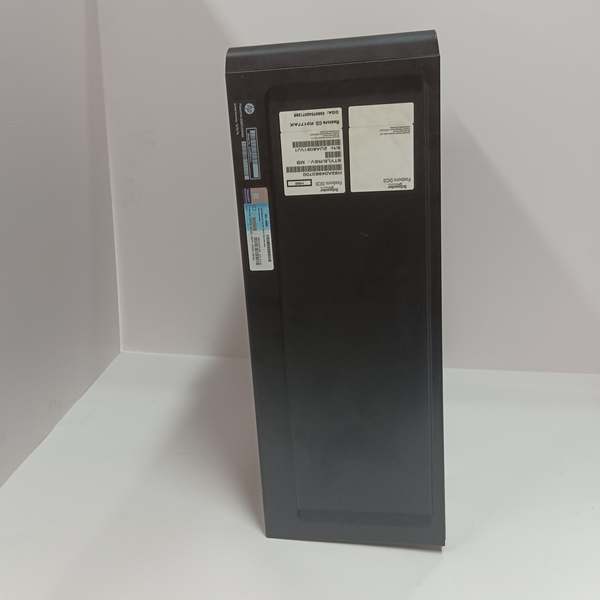
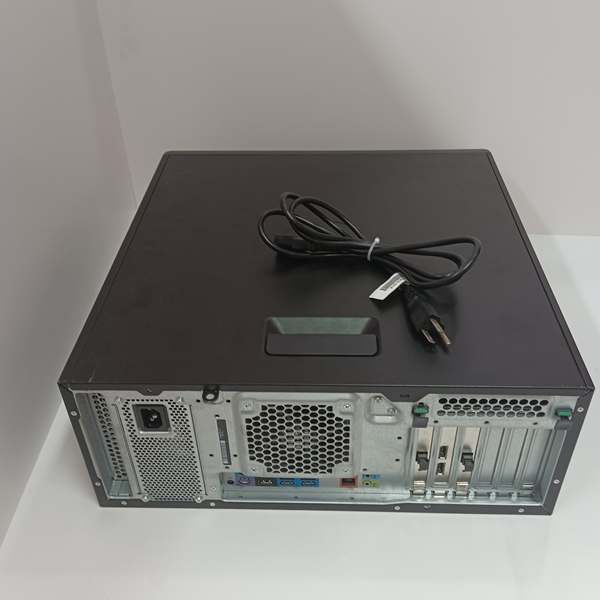
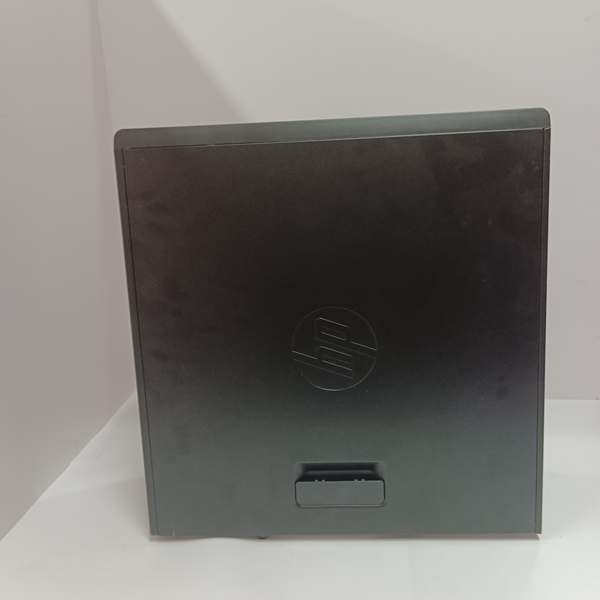
Description
Hard-Numbers: Technical Specifications
-
Processor: Intel Xeon E5-2609v3 or comparable (6-core, 1.9 GHz typical for H90Q series)
-
Memory: 8GB or 16GB DDR4 ECC standard (configurable up to 128GB)
-
Storage: RAID 1 mirrored SAS/SATA drives (2x 300GB or 2x 600GB typical), hot-swap capable
-
Network Ports: Four integrated Gigabit Ethernet (10/100/1000 Mbps), two front-accessible USB 3.0
-
Operating System: Windows Server 2008 R2, 2012 R2, or 2016 Standard (Foxboro-certified image)
-
Power Supply: Dual redundant 750W auto-switching 100-240VAC, 50/60 Hz, hot-swap
-
Power Draw: 350W typical, 750W max per supply
-
Operating Temperature: 5°C to 40°C (41°F to 104°F) intake air
-
Enclosure: 2U rackmount chassis, 19″ EIA-310-D compliant, depth ~700mm
-
Cooling: Dual hot-swap redundant fans, front-to-rear airflow
- Weight: 18-22 kg (40-48 lbs) depending on drive/power configuration

The Real-World Problem It Solves
Control systems need hardware that doesn’t blink when the plant substation has a momentary sag. Consumer-grade PCs lock up, lose data, and take your control strategy offline. The H90QHQE013N0 gives you industrial-grade redundancy—dual power feeds, mirrored drives, error-correcting memory—so a single component failure doesn’t translate to a plant trip.
Where you’ll typically find it:
-
Control room server racks hosting the Control Core Services database for Foxboro Evo or I/A Series systems
-
Remote equipment shelters acting as field control nodes (FCNs) in pipeline or tank farm applications
-
Redundant paired configurations (primary/backup) in critical power generation or refinery process units
Bottom line: It keeps your DCS brains running when the electrical environment gets dirty and the cooling isn’t perfect.
Hardware Architecture & Under-the-Hood Logic
The H90QHQE013N0 is a computing platform, not a control module—it runs the software that talks to the actual I/O. It sits on the control network (FNC or Foxboro Network Communication) and processes control algorithms, historian data, and operator commands. The “Q” in the model typically denotes a specific factory configuration regarding processor speed, memory size, and drive capacity.
Internal signal flow and architecture:
-
Power Conditioning: Dual feeds hit separate hot-swap power supplies; each runs full load independently, switchover is seamless if one dies
-
Processing Core: Xeon CPU executes Windows Server and Foxboro control software; ECC memory corrects single-bit errors on-the-fly, logs multi-bit errors to the event viewer
-
Storage Subsystem: RAID controller mirrors OS and control database across two physical drives; write cache protected by battery backup unit (BBU) to prevent corruption on power loss
-
Network Stack: Four Ethernet ports—typically two for control network redundancy (A/B networks), one for plant LAN/ corporate network, one for maintenance/diagnostics
-
I/O Interface: No direct field I/O; communicates via Ethernet to FCP270s, FBM modules, or other control processors on the Foxboro network
Field Service Pitfalls: What Rookies Get Wrong
Ignoring the RAID Battery Backup Unit (BBU) The RAID controller caches writes for performance, but if that BBU dies and you lose power, you corrupt the control database. I’ve seen techs ignore the “BBU Degraded” alarm because “the server is still running.” Two weeks later, a breaker trip costs them eight hours of historian data and a complete control strategy reload.
-
Field Rule: Check BBU status in the RAID BIOS or Foxboro System Manager monthly. Replace the BBU every 2-3 years regardless of alarm status—it’s a $50 part that saves you a $50,000 outage. Keep a spare BBU taped to the inside of the rack door.
Mixing Power Phases or Neutral Grounds Dual power supplies mean dual cords, and rookies plug them into different UPS branches or even different electrical panels. You get ground loops, neutral current flow, and intermittent network errors that look like software bugs. Worst case, a ground fault on one supply backfeeds through the chassis and fries your network cards.
-
Quick Fix: Both supplies feed from the same electrical source—same panel, same phase, same ground reference. Label the cords “SUPPLY A” and “SUPPLY B” and tie them together with Velcro. If you need true electrical isolation, use the Foxboro-recommended isolation transformers, not random outlet splits.
Blocking Airflow with Poor Rack Layout These are 2U chassis with front intake and rear exhaust. Techs mount them directly above a cable tray or below a shelf with zero clearance. The intake hits 45°C, fans scream at 100%, and the CPU throttles down—your control scan rate goes to hell and alarms start lagging.
-
Field Rule: Maintain 1U space above and below (2 inches minimum). No cable trays directly behind the rear exhaust. Clean the front intake filters quarterly—paper mills and coal plants clog them in weeks. If the room ambient hits 35°C, you’ve got 5 degrees of margin left; fix your HVAC before you blame the server.



