
Description
Product Introduction
The Enterasys is a 1U managed switch built for high-density edge deployments, packing 48 Fast Ethernet ports and 2 Gigabit combo uplinks into a 19-inch rack frame. It handles VLAN tagging, STP/RSTP, and IGMP snooping at wire speed, pushing 17.6 Gbps of switching capacity without choking on broadcast storms.
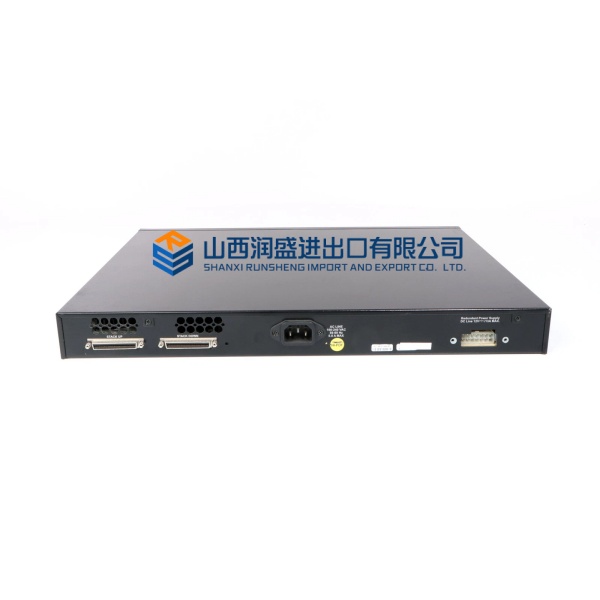
This unit supports stacking up to 8 units via the GigE ports using “Closed Loop Stacking,” managed under a single IP. The MPC8241 processor runs at 266 MHz, handling CLI and SNMP queries with sub-second response—well, technically it depends on the firmware revision, but v2.x+ is stable for heavy ARP loads.
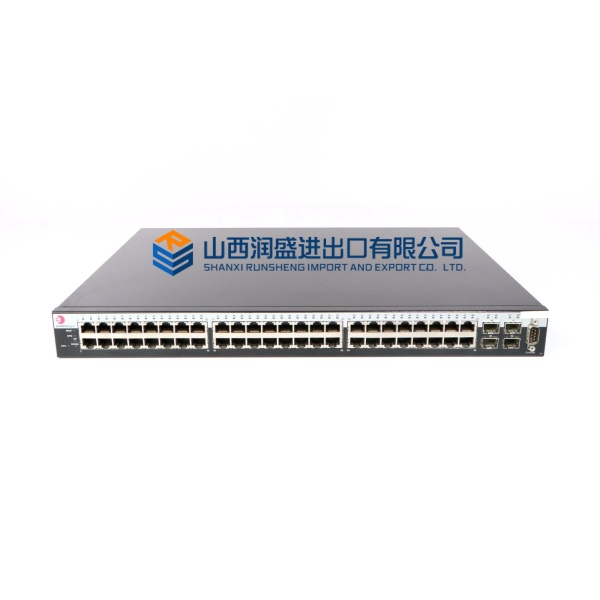
Enterasys A2H124-48
Key Technical Specifications
- Port Density: 48 x 10/100Base-T (RJ45), 2 x 10/100/1000Base-T (RJ45 Uplink)
- Expansion: 2 x SFP Slots (Shared with GbE ports)
- Switching Capacity: 17.6 Gbps (Standalone)
- Forwarding Rate: 13.1 Mpps (64-byte packets)
- MAC Address Table: 8,000 Entries
- Processor: MPC8241 @ 266 MHz
- Memory: 128 MB DRAM / 16 MB Flash
- Power Input: 100-240 V AC, 50/60 Hz (Internal PSU)
- Max Power Draw: ~45 W (Non-PoE model)
- Dimensions: 1.7″ H x 17.4″ W x 14.5″ D (1U)
- Operating Temp: 0°C to 50°C (Typical)
- Management: CLI (Serial/SSH), WebView, SNMP v1/2/3
Quality Control Process (Engineer’s Perspective)
- Incoming Verification: Match the serial number sticker to the shipping manifest. Inspect the 48 RJ45 ports for bent pins—common issue from loose packing. Check the internal PSU fan for bearing noise on spin-up.
- Live Functional Test: Power up on 120 V AC. Stack it with a test unit via port 49/50. We flood the backplane with 64-byte frames for 24 hrs; CPU load must stay below 40% at 13 Mpps.
- Electrical Parameter Test: Megger the AC inlet to chassis ground at 500 V. Verify the 12V/5V rails with a Fluke 115 under POE load (if applicable); ripple shouldn’t exceed 50 mV p-p.
- Firmware Verification: Check the bootrom version via CLI (
show version). Photograph the DIP switches (if present) for stack ID settings—though your mileage may vary on units using soft-stacking. - Final QC & Packaging: Clear config (
clear config all), power down. Wrap in anti-static bubble with desiccant. Label “QC Passed – Stack Tested” with the date.
Replacement Pitfall Guide
❗ Stack ID Conflict: Swapping an Enterasys into an existing stack requires setting the Unit ID via DIP switches or CLI. Duplicate IDs cause the stack master to reject the new unit, flapping the whole ring.
❗ Code Versions: Mixing firmware generations (e.g., v1.x vs v3.x) in a stack causes “Version Mismatch” and splits the ring. Ensure the new unit’s image matches the stack master before cabling.
❗ SFP Compatibility: The dual-personality ports (49/50) hate third-party optics. Using non-Enterasys SFPs often results in “Unsupported Module” errors—stick to branded G-XFP or program the set port transceiveroverride.
❗ Power Budget: Non-PoE units draw ~45 W, but PoE variants (A2H124-48P) need 150W+. Replacing a standard unit with a PoE model requires checking the PDU’s 110/230V breaker rating; tripping the breaker kills the closet.
❗ ESD to Ports: RJ45 PHYs are sensitive. Discharge to the rack before plugging in patch panels, especially in dry server rooms—static can cook the Magnetics silently.
Keep these in mind and you’ll cut 90% of rework time.
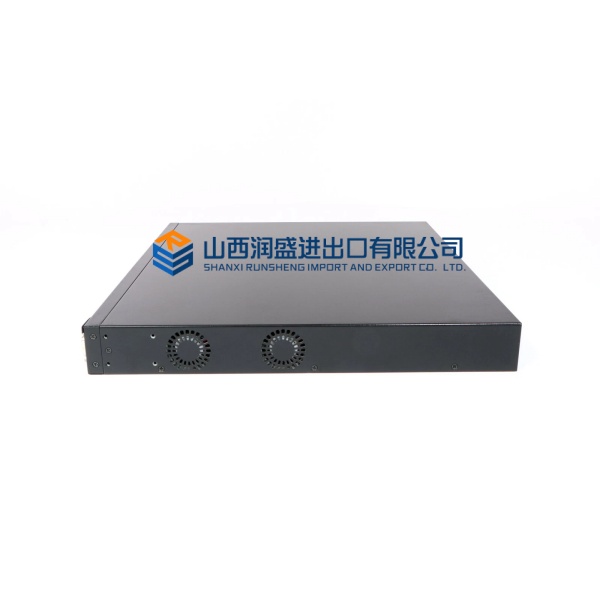
Enterasys A2H124-48
Compatibility Matrix & Benchmarks
- Enterasys → Enterasys A2H124-24 : Direct — Same stack family; mix 48/24 port units freely
- Enterasys → Extreme Networks 210-Series : Needs Adaptation — CLI syntax differs; requires config migration
- Enterasys → Cisco Catalyst 2960 : Incompatible — Proprietary stacking protocol (VCP vs StackWise)
- Forwarding rate: 13.1 Mpps (Wire-speed L2)
- Stack Bandwidth: 2 Gbps (Per link, Full-Duplex)
- Boot time: ~45 seconds (To forwarding state)


