
Description
Key Technical Specifications
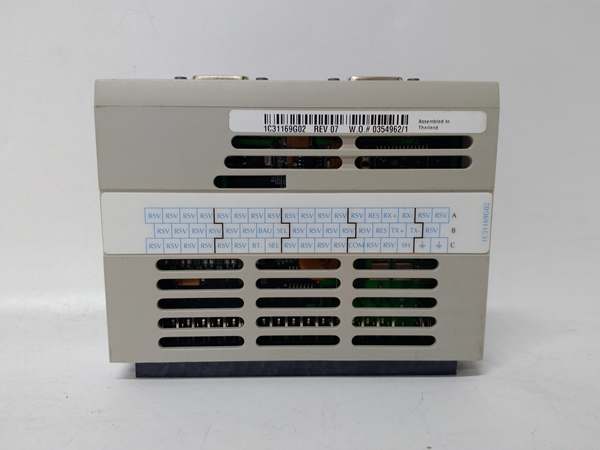
- Model Number: 1C31169G02
- Manufacturer: Emerson
- Protocol Support: RS – 232, RS – 485, RS – 422, Modbus
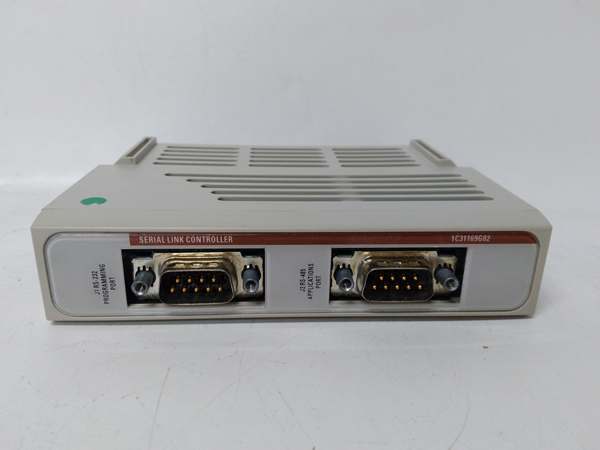
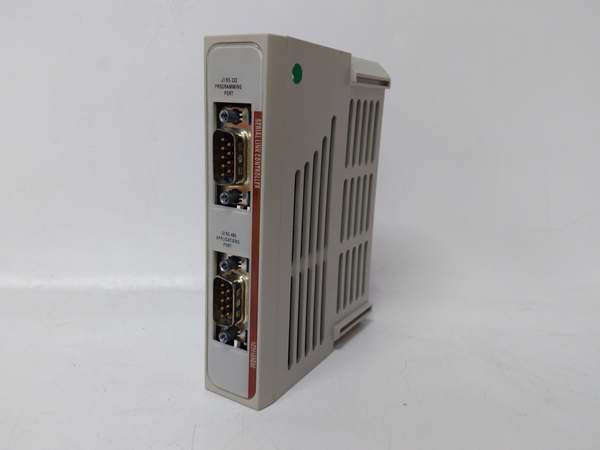
- Ports: 2 (J1: RS – 232 programming port; J2: RS – 485/RS – 422 application port)
- Data Rate: Up to 115.2 kbps
- Operating Temperature: -40℃ to 70℃
- Power Supply: 24V DC
- Dimensions: 121mm × 52mm × 165mm
- Weight: 0.32 kg
- Isolation: Not explicitly specified, but industrial – grade noise resistance for harsh environments
- Control Interface: Software – controlled tri – state enable (TX – ENA) for J2 port transmitter
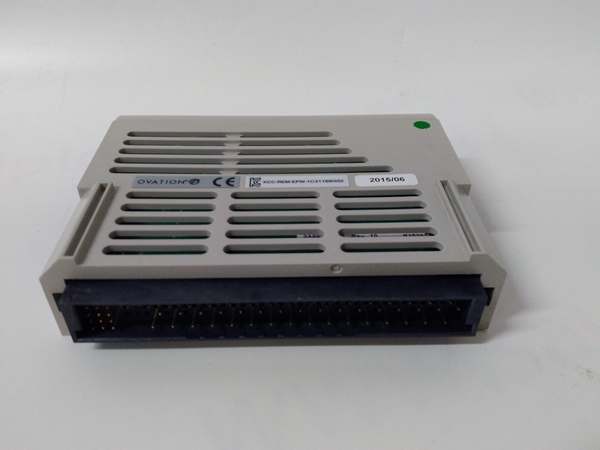
- Mounting Style: Plug – in module for Ovation DCS racks

EMERSON 1C31169G02
Field Application & Problem Solved
In industrial process control—especially in power plants, refineries, and large chemical facilities—the biggest headache with legacy Ovation DCS systems is integrating older serial – based field devices. Many sensors, flow meters, and auxiliary controllers in these sites rely on RS – 485 or RS – 422 protocols, while modern DCS racks often lack native compatibility with these legacy serial links. This creates communication gaps that lead to incomplete data collection, delayed process adjustments, and manual workarounds that increase error risks. This module solves this by acting as a dedicated bridge between the Ovation DCS and these serial devices.
You’ll typically find this module installed in coal – fired power plant boiler control rooms, oil refinery distillation unit control panels, and chemical batch processing lines. In a power plant, for example, it connects the Ovation system to temperature sensors on boiler tubes and pressure transducers in steam lines—devices that still use RS – 485 for data transmission. In refineries, it links the DCS to flow meters monitoring crude oil throughput in pipelines.
Its core value lies in preserving existing field hardware investments while maintaining seamless integration with the Ovation DCS. Replacing every legacy serial device with Ethernet – compatible models would cost millions, but this link controller eliminates that need. It also ensures consistent data transfer speeds up to 115.2 kbps, which prevents lag in critical control loops—something that avoids process instability, like sudden pressure spikes or temperature drops that could damage equipment. Additionally, its support for remote monitoring helps teams track communication status without opening control cabinets, cutting down on on – site inspection time.
Installation & Maintenance Pitfalls (Expert Tips)
- TX – ENA Configuration Is Non – Negotiable: The J2 port’s transmitter won’t send data unless the TX – ENA signal is set to high (logic one) via the application program. Rookies often overlook this step during setup, leading to “no data received” faults that are hard to trace. Always verify that the MCR register’s bit 1 is configured correctly to control the TX – ENA state—this is the most common fix for communication failures.
- Shield Grounding for Port Cables: While the module handles industrial noise well, improper grounding of the RS – 485/RS – 422 cable shields causes intermittent signal drops. I’ve seen refineries where technicians grounded both ends of the shield, creating ground loops that corrupt data. Ground only one end of the cable shield—preferably at the DCS rack ground point—to eliminate this interference.
- Match Port Settings to Field Devices: A frequent mistake is mismatching baud rates or parity between the module and connected devices. If the flow meter uses 9600 bps with even parity, the module’s J2 port must mirror those settings. Mismatched settings result in garbled data that looks like random values, not clear faults—wasting hours of troubleshooting. Use the J1 RS – 232 port to connect a PC and confirm settings post – installation.
- Avoid Hot – Swapping Without Protocol Checks: The module is plug – in, but hot – swapping it while the DCS is running can disrupt the entire serial bus. Before swapping, disable the serial link in the Ovation software to prevent voltage spikes that damage both the module and connected devices. I’ve seen two cases where hot – swapping fried adjacent DCS modules—an avoidable cost with a 30 – second software check.
EMERSON 1C31169G02
Technical Deep Dive & Overview
The 1C31169G02 is a plug – in serial link controller engineered to act as a communication gateway within Emerson’s Ovation DCS. It operates as an intermediary between the DCS rack backplane and field – mounted serial devices, translating signals between the Ovation system’s internal protocol and legacy RS – 232/RS – 485/RS – 422 protocols. The module has its own processing logic to handle data framing and signal conversion, so it doesn’t overburden the DCS’s main processor with low – level serial communication tasks.
The J1 RS – 232 port serves as the programming and configuration interface—technicians connect a PC here to set communication parameters, adjust the TX – ENA control logic, and troubleshoot via diagnostic tools. The J2 port is the workhorse for field communication; it switches between RS – 485 and RS – 422 via software, supporting four – wire full – duplex operation. This flexibility lets it adapt to different field device requirements without hardware changes.
The module communicates with the Ovation DCS rack through the backplane, sending processed field data upstream and receiving control commands downstream. Its software – controlled TX – ENA feature is critical for preventing data collisions on the RS – 485 bus, as it ensures the transmitter only activates when sending data. Overall, it’s a compact, specialized component that solves a niche but critical problem—keeping legacy industrial systems connected and functional without full hardware overhauls.



