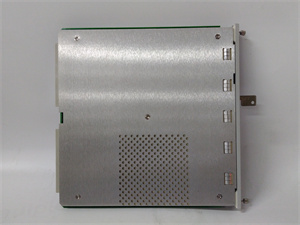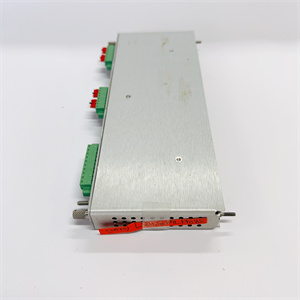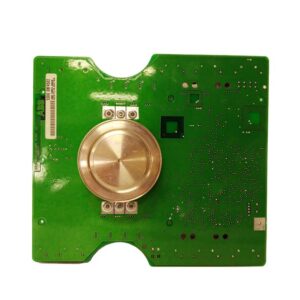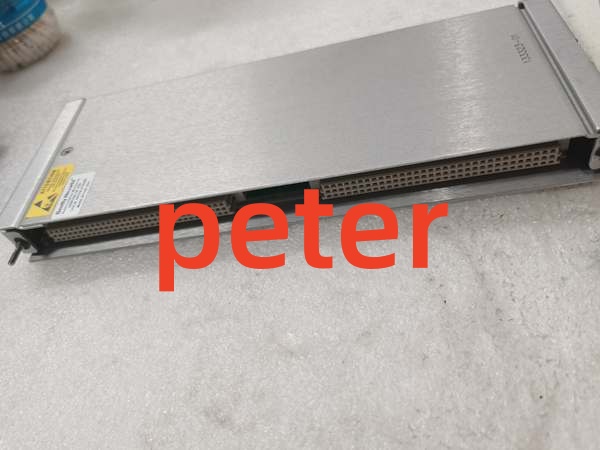
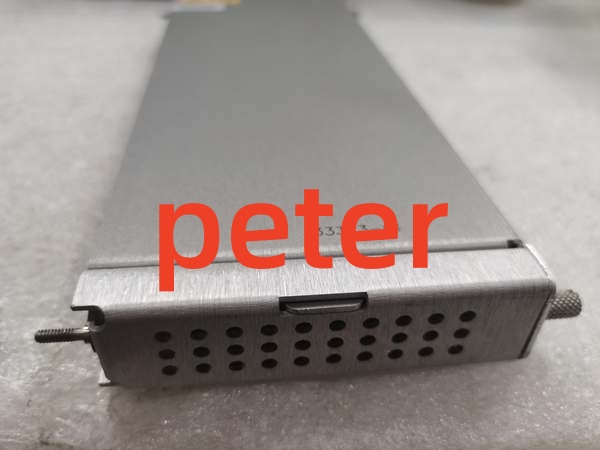
Description
Product Core Brief
- Model: 133323-01
- Brand: Bently Nevada
- Series: 3500/92 Communication Gateway
- Core Function: Bridges 3500 rack monitoring data to external DCS/PLC systems via Ethernet TCP/IP and serial protocols.
- Product Type: Communication Gateway I/O Module
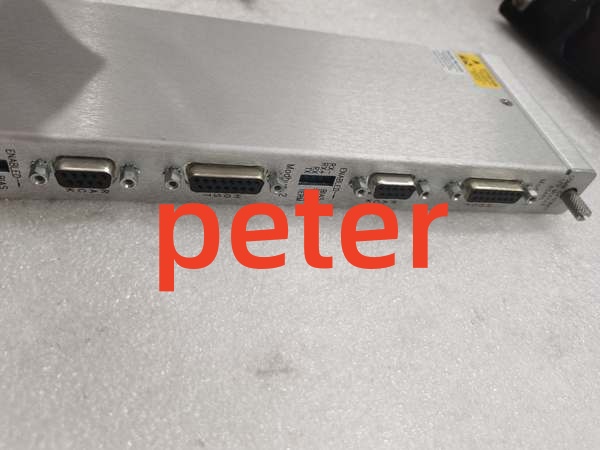
- Key Specs: RJ45 Ethernet TCP/IP | RS-232/RS-422/RS-485 Serial | Modbus TCP/RTU
- Note: Verify exact 3500/92 sub-model compatibility (e.g., 3500/92-02-01-00) before procurement.
Key Technical Specifications
| Parameter | Specification |
|---|---|
| Product Type | Communication Gateway I/O Module |
| System Compatibility | Bently Nevada 3500 Series |
| Primary Network | Ethernet TCP/IP (10BASE-T RJ45) |
| Serial Interfaces | RS-232 / RS-422 / RS-485 |
| Supported Protocols | Modbus TCP, Modbus RTU |
| Max Baud Rate | 38.4K (Serial) |
| Cable Length Limit | RS-232: 30m max, RS-422: 1200m max |
| Configuration | Configurable Modbus Register Utility |
| Slot Requirement | Dedicated Gateway Slot |
| Application | DCS/PLC Integration, System 1 Data Acquisition |
Product Introduction
The 133323-01 is a Communication Gateway I/O module designed for the Bently Nevada 3500 Machinery Protection System. It acts as the primary network bridge, translating internal rack monitoring values and alarm statuses into standard industrial protocols for external DCS and PLC integration.
This module supports both Ethernet TCP/IP and multi-drop serial communications, featuring a configurable Modbus register utility for flexible data mapping. It allows seamless integration with plant-wide automation systems without requiring a dedicated host PC for basic data polling.
QA & Testing SOP (Transparency Building)
- Incoming Inspection: Verify part number 133323-01 against OEM documentation. Inspect the RJ45 and serial port connectors for bent pins, missing locking tabs, or physical housing damage. Check the PCB for blown SMD components or thermal discoloration.
- Live Testing: Install in a verified 3500 test rack. Ping the module’s IP address to confirm Ethernet link. Use a Modbus polling tool to read live vibration values and verify accurate data mapping.
- Electrical Testing: Measure insulation resistance on serial communication lines (>10MΩ). Verify grounding continuity on the chassis. Check internal DC rail voltages with a calibrated Fluke 115 under full network load.
- Firmware/Config Backup: Record exact firmware revision via the 3500 System 1 software. Photograph all DIP switch and jumper settings. Document the current Modbus register map configuration.
- Final QC & Packaging: Clean RJ45 and serial contacts with approved solvent. Package in anti-static shielding with desiccant. Attach QC pass tag with test date, IP address used during testing, and technician ID.
Installation Pitfalls & Guide (Engineer to Engineer)
❗ Modbus Register Map Mismatch: The 133323-01 uses a configurable Modbus register utility. Never assume the register map matches the old module. If the DCS starts reading garbage values or zeroed-out tags, the register map was not migrated correctly. Always export the configuration from the old gateway before pulling it.
❗ IP Address Conflicts: This module does not always default to DHCP in industrial setups. If you drop a replacement 133323-01 into a live rack without configuring the IP, it may conflict with another device on the subnet, causing network storms. Pre-configure the IP and subnet mask offline before installation.
❗ Serial Cable Length Violations: RS-232 is strictly limited to 30 meters. Never exceed this limit. I’ve seen engineers run RS-232 across a plant floor using RS-422 wiring standards, resulting in massive data corruption and intermittent comm faults. Use RS-422 for anything over 30m.
❗ Slot Placement Errors: The 3500/92 gateway must be installed in the correct dedicated communication slot. Installing it in a standard monitor slot will prevent backplane communication. Verify the slot designation in the 3500 hardware manual before insertion.
❗ ESD Dangers: The Ethernet magnetics and serial transceiver ICs are highly sensitive to electrostatic discharge. A static zap from an ungloved hand can fry the network port while leaving the module looking physically fine. Always wear a grounded wrist strap when handling this module.
Replacement Guide:
- Pre-install: Document IP settings, Modbus maps, and DIP switches. Disconnect Ethernet and serial cables. Ground yourself.
- Removal: Release the module locking levers and pull straight out. Do not pry. Inspect the backplane connector for debris.
- Install: Align the new 133323-01 with the backplane, slide in with even pressure, and fully engage the locking levers. Reconnect network cables only after mechanical seating is confirmed.
- Power-on Test: Power up the slot. Verify link LEDs on the RJ45 port. Ping the module and poll a known Modbus register to confirm data integrity before returning to service.

Bently Nevada 133323-01
FAQ (Frequently Asked Questions)
Q: Can I hot-swap this communication gateway?
A: No. The 133323-01 does not support hot-swapping. Removing it while powered can cause a transient on the backplane communication bus, potentially disrupting data flow to other modules or dropping the DCS connection. Always schedule a brief maintenance window.
Q: What is the difference between 133323-01 and 136180-01?
A: These part numbers often refer to different revisions or specific sub-models of the 3500/92 Communication Gateway (e.g., 3500/92-02-01-00). While they may share core functionality, internal firmware or hardware components can differ. Always verify the exact OEM part number and revision level required for your specific rack configuration.
Q: Why is my DCS showing communication timeouts after replacement?
A: This is typically caused by an IP conflict, incorrect subnet mask, or a mismatched Modbus register map. Verify the network configuration matches the old module exactly. Also, check the physical Ethernet cable; a damaged cable can cause packet loss that looks like a configuration error.
Q: Can I use this module to daisy-chain multiple 3500 racks?
A: Yes, but only via the RS-422 serial interface. The RS-422 port supports multi-drop configurations allowing multiple 3500 frames to communicate with a single host software instance. The Ethernet port is typically used for star-topology connections to a switch. Do not attempt to daisy-chain Ethernet ports directly.
Q: Does this module require a license for Modbus TCP?
A: The base Modbus TCP functionality is typically included, but advanced register mapping or specific protocol extensions may require a System 1 software license or specific firmware configuration. Verify your software licensing agreement with Bently Nevada if you encounter locked configuration menus.
Q: What happens if I lose power suddenly?
A: The 133323-01 stores its configuration in non-volatile memory. Upon power restoration, it will reload the saved IP, Modbus map, and communication parameters automatically. If the module fails to boot or shows a fault LED, the internal flash may be corrupted, requiring a factory reset and reconfiguration.
Q: Is this part still supported by the OEM?
A: The 3500/92 gateway remains a standard component in the Bently Nevada ecosystem. However, as industrial networks migrate to newer protocols (like OPC UA), always verify current OEM support status and firmware updates. For legacy installations, New Original or New Surplus inventory is widely available through authorized distributors.