
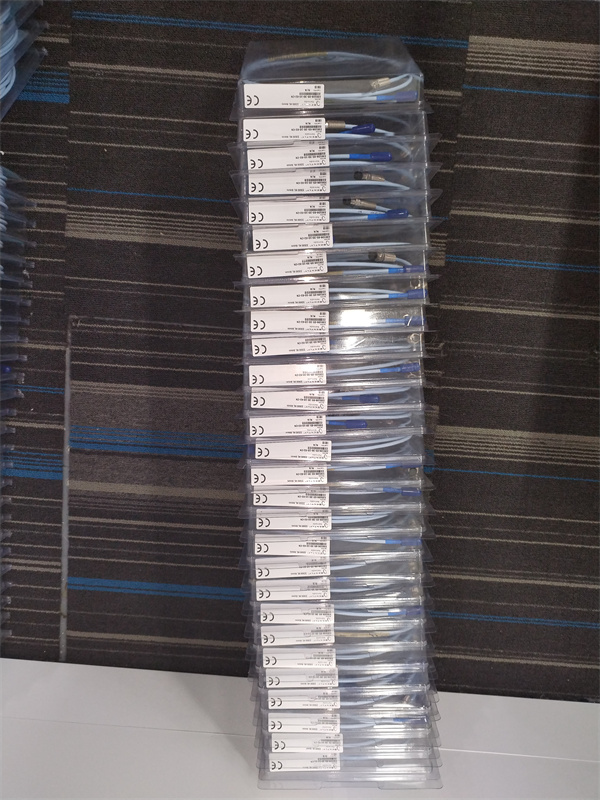
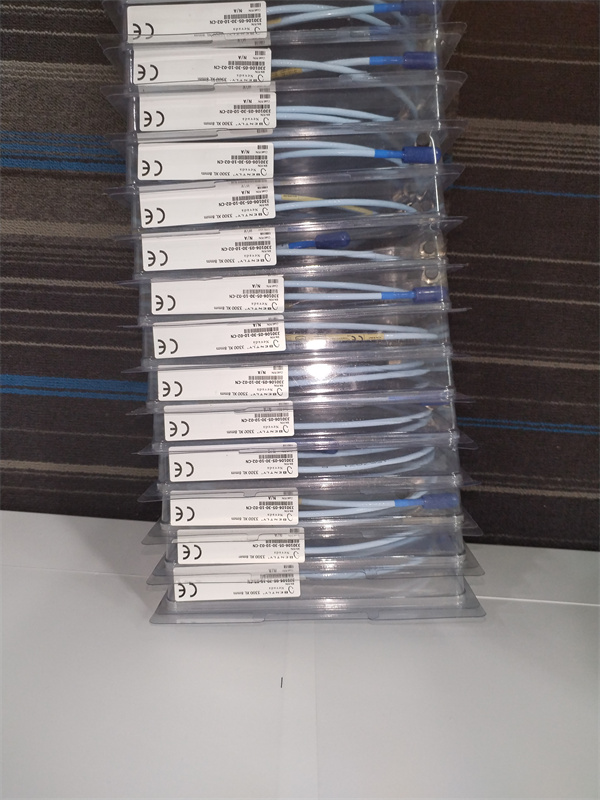
Description
Hard-Numbers: Technical Specifications
- Communication Ports: 2× RJ45 10/100/1000 Mbps Ethernet ports (redundant if configured)
- Supported Protocols: Modbus TCP/IP (Client/Server), OPC UA Server (firmware dependent), Bently Proprietary TCP/IP
- Modbus TCP Addressing: Up to 500 holding registers per rack (configurable)
- Communication Rate: Up to 10 Hz update rate for vibration data (configurable)
- Redundancy: Dual Ethernet ports support redundant network connections with failover time <1 second
- Communication Buffer: Up to 256 registers for real-time data, 1024 registers for historical/trend data
- Isolation: 1500V RMS galvanic isolation between Ethernet ports and rack backplane
- Operating Temperature: 0°C to +50°C
- Storage Temperature: -40°C to +85°C
- Humidity: 5% to 95% RH non-condensing
- Power Supply: 24V DC via 3500 rack backplane
- Power Draw: 5W typical, 8W maximum
- Dimensions: Standard 3500 module form factor (12.7″ H × 17.8″ D × 3.2″ W)
- Weight: 0.9 lbs (0.4 kg)
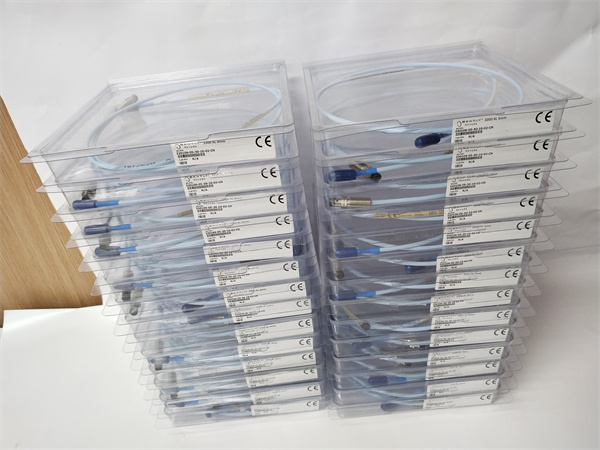
BENTLEY 330130-080-00-CN
The Real-World Problem It Solves
Your 3500 rack sits in the turbine hall and has no connection to the main DCS, so operators can’t see vibration trends or alarm status in the control room. The 3500/92-05-GCN bridges the gap via Ethernet, streaming real-time vibration and position data via Modbus TCP/IP to your control system or SCADA for centralized monitoring.
Where you’ll typically find it:
- Turbine generator racks integrated with DCS systems in power plants
- Compressor protection racks in refineries requiring real-time data to central control rooms
- Machinery protection systems in steel mills and paper plants with SCADA monitoring
Bottom line: This is the Ethernet gateway for the 3500 series, turning the rack into a network-accessible data source for your control system.
Hardware Architecture & Under-the-Hood Logic
The 3500/92-05-GCN is a communication gateway module that plugs into the 3500 VME backplane and provides Ethernet connectivity to external systems. It contains a dual-port Ethernet controller, TCP/IP stack, Modbus TCP/IP server/client stack, and data mapping logic. The module continuously polls monitor modules via the VME bus, maps channel data to Modbus registers, and serves these registers to external clients over Ethernet.
-
VME Bus Data Acquisition: The module continuously polls all monitor modules (3500/40M, 3500/42M, etc.) via the VME bus at a configurable rate (typically 10 Hz). It retrieves vibration amplitude, gap voltage, alarm status, setpoints, and raw waveforms if configured.
-
Data Mapping: Retrieved data is mapped to Modbus holding registers in the gateway’s memory. Each rack is assigned a Modbus device address (1-247), and each monitor channel is assigned a specific register offset. Mapping is configured using 3500 Configuration Software.
-
TCP/IP Stack Management: The dual Ethernet ports operate in either redundant mode (active/passive failover) or independent mode (separate networks). The TCP/IP stack handles connection management, packet sequencing, and error recovery. In redundant mode, the gateway continuously monitors link status on both ports and switches to the backup port within 1 second if the active port fails.
-
Modbus TCP Server: The module operates as a Modbus TCP server, allowing external DCS, PLC, or SCADA systems to read holding registers via Modbus TCP Read Multiple Registers requests. The server supports up to 8 simultaneous TCP connections. Read/write access is configurable—you can restrict critical registers (setpoints, bypass status) to read-only.
-
OPC UA Server (firmware dependent): Newer firmware revisions support OPC UA server operation. This provides a modern alternative to Modbus TCP, offering built-in security, data modeling, and improved data exchange with modern control systems. OPC UA server runs concurrently with Modbus TCP if configured.
-
Communication Health Monitoring: The module monitors communication quality including packet loss, error rates, and connection status. Communication faults are reported to the rack controller and can trigger relay alarms via 3500/32/33 modules if configured. The gateway also tracks missed poll requests from external systems.
Field Service Pitfalls: What Rookies Get Wrong
Incorrect Register Mapping Leading to Wrong Data in DCSI’ve seen engineers map vibration amplitude registers to gap voltage addresses in the DCS. The DCS shows “5 mils vibration” but that’s actually the -5V gap voltage. Worse, they map Alarm Status registers to the wrong offset, so the DCS shows Normal when the rack is actually tripped.
- Field Rule: Always verify register mapping after configuration using a Modbus diagnostic tool (e.g., Modscan or CAS Modbus Scanner). Read registers directly from the 3500/92 and compare against values shown on the 3500/50 display or in 3500 Configuration Software. Create a register map document and cross-reference DCS tag numbers.
Not Configuring Redundancy ProperlyTechs install a dual Ethernet gateway but don’t configure redundancy—both ports are active on separate networks without failover logic. When Port 1 network switch fails, communications continue on Port 2, but the gateway thinks both are still active and doesn’t report a fault. If the rack relies on Port 1 for critical alarms, they’re now lost.
- Field Rule: Configure redundancy properly in 3500 Configuration Software. Set one port as Primary and the other as Backup. Test failover by unplugging the Primary network cable and verify communication switches within 1 second to the Backup port. Verify alarm generation on failover in your test environment.
Ignoring Communication Timeouts and RetriesThe DCS is configured to poll vibration data at 10 Hz (100 ms), but network latency or switch congestion causes occasional timeouts. Instead of setting retry logic, the DCS skips missed polls and interpolates data. You get flat-lined vibration values in the historian for seconds at a time during network storms.
- Quick Fix: Configure the DCS/SCADA to retry failed polls 2-3 times before declaring communication loss. Increase poll interval to 5 Hz (200 ms) if network is congested—10 Hz is often overkill for trend data. Monitor communication error counters in the 3500/92 diagnostics; if error rate exceeds 1%, investigate network issues.
Forgetting to Restrict Write AccessRookie engineers enable full read/write access on Modbus registers. A DCS operator accidentally writes a value to a setpoint register, changing the Danger alarm threshold from 10 mils to 100 mils. The rack is now unprotected against high vibration trips.
- Field Rule: Restrict write access in the 3500/92 configuration. Enable read-only for critical registers: vibration amplitude, gap voltage, alarm status, and bypass status. Only allow write access for non-critical parameters if absolutely necessary. Test write restrictions by attempting to write to a read-only register using a Modbus client.
Mixing VLANs on Ethernet PortsTechs connect Port 1 to the DCS network and Port 2 to the plant IT network for remote access. Now the 3500/92 is reachable from both networks, bypassing firewall segmentation. A compromised laptop on the IT network can access the protection rack data.
- Field Rule: Keep both Ethernet ports on the same VLAN or network zone for redundancy only. Never connect one port to a critical control network and another to an untrusted network. If remote access is needed, use a firewall between networks or a secure jump host. Document which networks each port connects to and ensure IT security approves the configuration.
Not Verifying Data Update Rate During CommissioningEngineers assume communication works because the DCS shows values, but never verify the update rate. In reality, the gateway is configured for 1 Hz updates while the DCS expects 10 Hz. Trends look choppy, and alarm events are missed or delayed.
- Quick Fix: Use a Modbus diagnostic tool to verify update rate by reading the same register repeatedly and measuring timestamp between updates. Match gateway update rate to DCS poll interval. For vibration trending, 5 Hz is sufficient; for trip protection, use faster update or rely on hardwired relay contacts instead of network data.
Commercial Availability & Pricing Note
Please note: The listed price is for reference only and is not binding. Final pricing and terms are subject to negotiation based on current market conditions and availability.



