
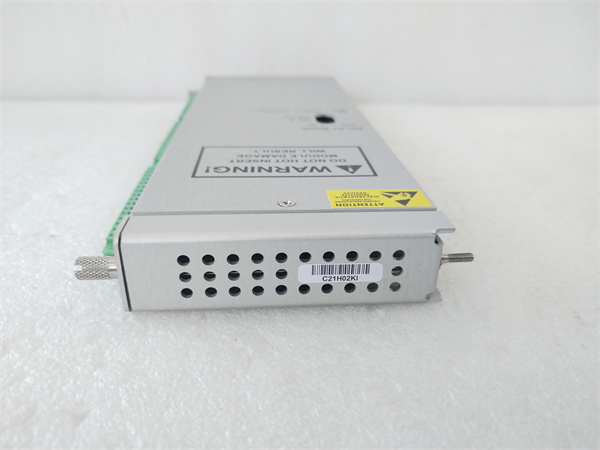
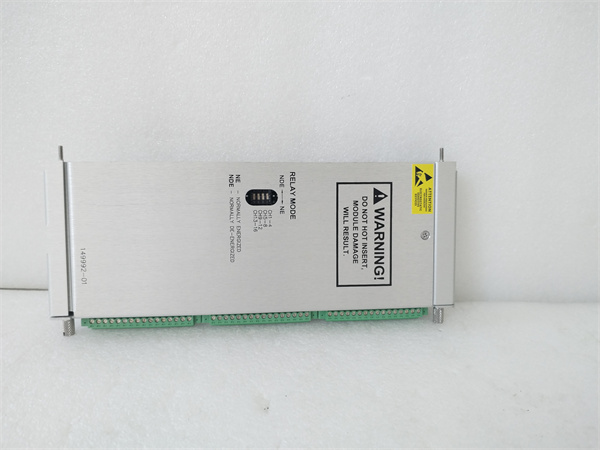
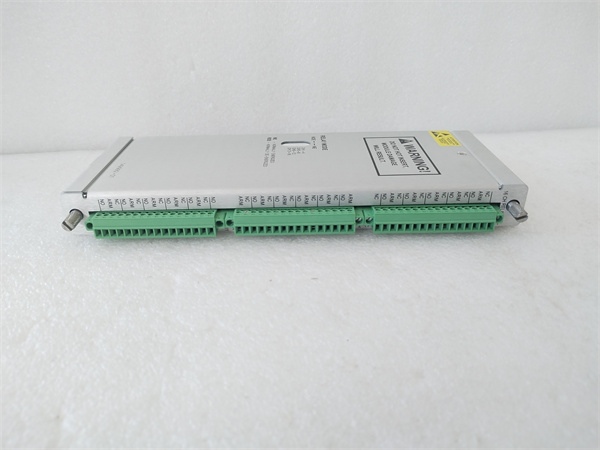
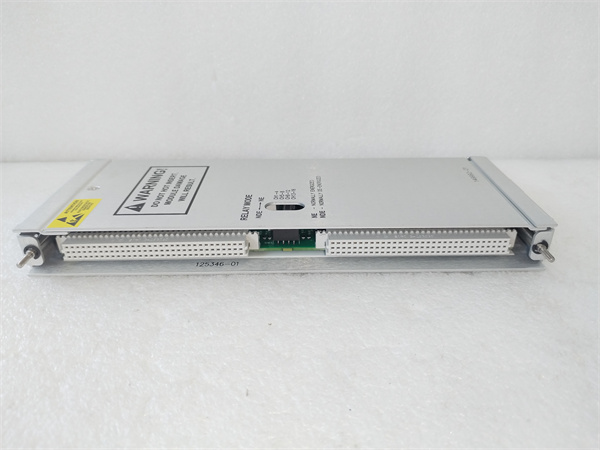
Description
Hard-Numbers: Technical Specifications
- Data Channels: Up to 128 channels (from monitors via internal VME bus)
- Sample Rate: 128 kS/s per channel (transient capture mode)
- Buffer Depth: 1024 samples per channel per event (configurable)
- Trigger Sources: Monitor alarms, external digital inputs, manual software trigger
- Communication Interface: Ethernet 10/100/1000 Mbps (RJ45), Optional RS-232/485
- Supported Protocols: TCP/IP, UDP, Modbus TCP (firmware-dependent), Dynamic Data Exchange (DDE) / OPC via host software
- Data Export Formats: Comma-Separated Values (.CSV), Bently proprietary format
- Isolation Rating: 1500V RMS isolation between channels and backplane (per 3500 series spec)
- Operating Temperature: 0°C to +50°C (standard industrial)
- Storage Temperature: -40°C to +85°C
- Humidity: 5% to 95% RH non-condensing
- Power Supply: 24V DC via 3500 rack backplane
- Power Draw: 5W typical
- Dimensions: Standard 3500 module form factor (12.7″ H × 17.8″ D × 3.2″ W)
- Weight: 1.1 lbs (0.5 kg)
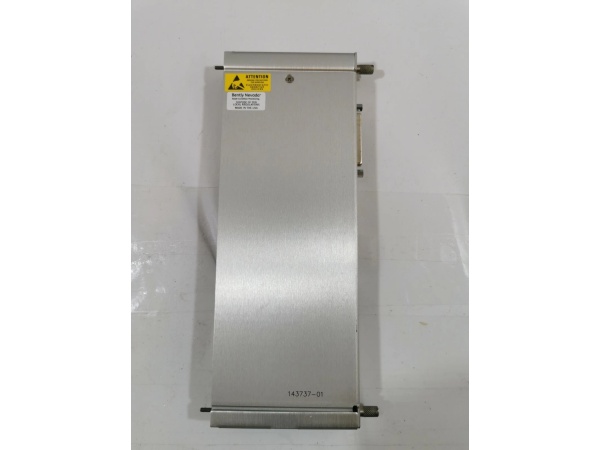
The Real-World Problem It Solves
Your turbine trips at 2 AM and the DCS only logged “Trip” with a timestamp—zero diagnostic data to figure out if it was bearing failure, rub, or a false alarm. The 3500/22-07-GCN captures the high-speed waveform data during that transient event, buffering it so you can pull the actual vibration signature off the rack and see what really happened.
Where you’ll typically find it:
- Steam turbine generator protection racks in power plants needing start-up and trip transient analysis
- Compressor trains in refineries and petrochemical plants requiring orbit plots and shaft centerline data for condition monitoring
- Critical machinery monitoring systems where insurance auditors demand detailed event records
Bottom line: This is the black box recorder for your 3500 system, grabbing high-speed waveform data during alarms and trips so you’re not flying blind during post-mortem analysis.
Hardware Architecture & Under-the-Hood Logic
The 3500/22-07-GCN is essentially a communication processor with dedicated buffer memory, sitting on the 3500 rack’s VME backplane. It has its own microcontroller that polls all monitor modules continuously, buffering waveform data in RAM. When a trigger occurs (alarm or external input), it locks that buffer and holds it for extraction via Ethernet or serial interface. The module is galvanically isolated from the backplane per 3500 series standards, protecting the communication circuits from field voltage transients.
-
Backplane polling: The TDIM continuously reads dynamic data from all monitor modules (3500/40M, 3500/42M, etc.) via the internal VME bus at the configured sample rate (typically 128 kS/s). This data streams into a circular buffer in onboard RAM.
-
Trigger detection: The module monitors alarm status from all monitors and external digital inputs configured as trigger sources. When a trigger condition is met, the TDIM freezes the circular buffer at that instant, preserving pre-trigger and post-trigger data.
-
Data processing: Captured waveforms are timestamped and tagged with the event type. The module can compress or package this data for transmission. Depending on configuration, it may generate summary data (peak, RMS, DC gap) alongside full waveforms.
-
Host communication: The TDIM acts as a server on the Ethernet network, waiting for connections from Bently 3500 System Software, System 1, or third-party clients. It streams captured event data on demand via TCP/IP or transfers files via FTP. Older units supported serial communication at up to 115.2K baud.
-
Data management: The module manages multiple event buffers in non-volatile memory. When buffers fill, it overwrites oldest events per FIFO policy unless protected. Configuration (sample rate, trigger sources, buffer allocation) is stored in non-volatile memory and uploaded via 3500 Configuration Software.
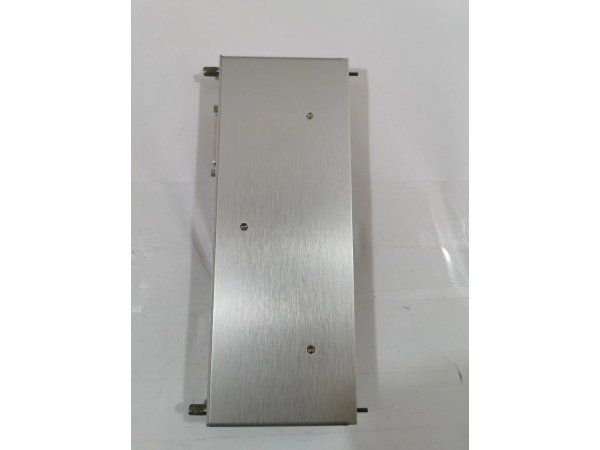
Bently 3500/61-05-01 136711-02
Field Service Pitfalls: What Rookies Get Wrong
Misconfigured Trigger SourcesI’ve seen techs set the TDIM to trigger on every OK→Not OK transition from a single monitor channel without filtering. On a shaky compressor, this fills every buffer in 20 minutes with minor chatter, and when the real trip happens three days later, the buffer’s already overwritten with garbage data.
- Field Rule: Configure multi-channel trigger logic AND condition multiple monitors before triggering. Set a minimum trip duration (debounce) so transient noise doesn’t consume buffer space. Mark critical events as “protected” so they don’t auto-overwrite.
Sample Rate vs. Buffer Window Trade-offRookies crank the sample rate to max (128 kS/s) on all 32 channels without doing the math. That gives them maybe 8 milliseconds of data per channel—useless for seeing slow buildup into a rub or thermal bow. They get pristine high-frequency noise but miss the actual event evolution.
- Quick Fix: Calculate buffer time before configuring: Buffer Time (seconds) = 1024 samples ÷ Sample Rate. If you need 2 seconds of pre-trip data to see the trend, drop sample rate to 500 S/S. Reserve 128 kS/s for high-frequency bearing analysis on specific channels only.
Ignoring Switch Port and Cable QualityThe TDIM is pumping massive data files—sometimes megabytes per event—over Ethernet. I’ve seen techs plug it into an old 10 Mbps hub or run 300 feet of non-industrial Cat5 through conduit next to VFD cables. Result: corrupted transfers, timeouts, and incomplete data when you need it most.
- Field Rule: Use a dedicated gigabit switch port for the TDIM. Keep runs under 100 meters, use shielded Cat6 in trays near VFDs, and verify link speed in the rack interface. Test file transfers during commissioning with real data, not ping.
Firmware Mismatch Between ModulesRookies swap in a new TDIM without checking firmware revision against the rest of the rack. If the monitors are running older firmware and the TDIM is newer (or vice versa), you get intermittent communication faults, corrupted timestamp data, or the TDIM won’t recognize certain monitor types.
- Quick Fix: Verify all rack modules are on compatible firmware levels per the Bently Compatibility Matrix. Upgrade in sequence: start with the Interface Module (3500/20 or /22), then monitors, then the TDIM. Never downgrade firmware without backing up configuration.
Not Extracting Data Before Power CyclingA compressor trips, you rush to the rack, see the ALARM history, and then someone hits “Reset” or cycles power to clear the fault. You just wiped the transient buffer. The TDIM holds that data in volatile RAM unless explicitly saved or transferred.
- Field Rule: First step after any machinery trip: connect to the TDIM and download all event buffers before resetting alarms or cycling power. Make this part of your standard trip response procedure. Extract to USB or network drive, then analyze at your desk.
Overlooking Time Sync DriftIf you’re correlating TDIM data with DCS trends or other monitoring systems, clock drift kills your analysis. The TDIM relies on its internal clock or NTP if configured. I’ve seen 5-minute drift after six months, making it impossible to align shaft centerline data with process variables.
- Quick Fix: Configure NTP sync to the plant time server during setup. Verify timestamp accuracy monthly against a known event. If NTP isn’t available, manually sync clocks during PMs and document the offset in your maintenance log.
Commercial Availability & Pricing Note
Please note: The listed price is for reference only and is not binding. Final pricing and terms are subject to negotiation based on current market conditions and availability.



