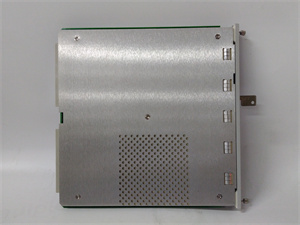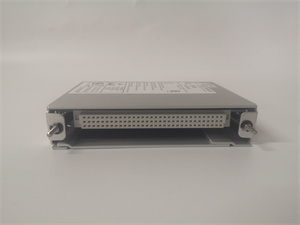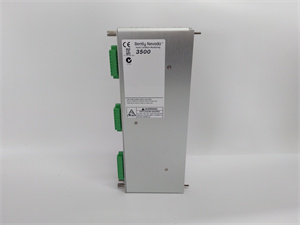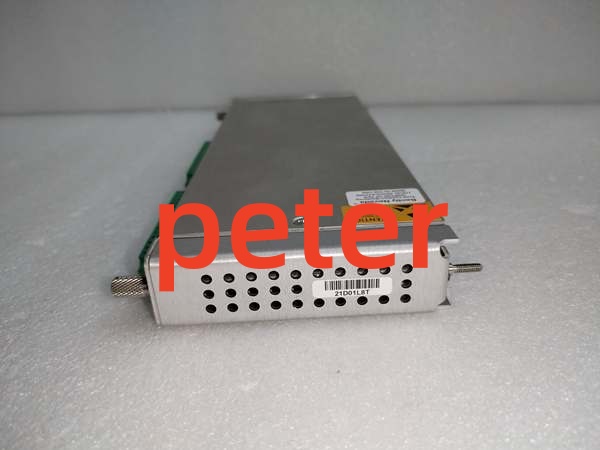
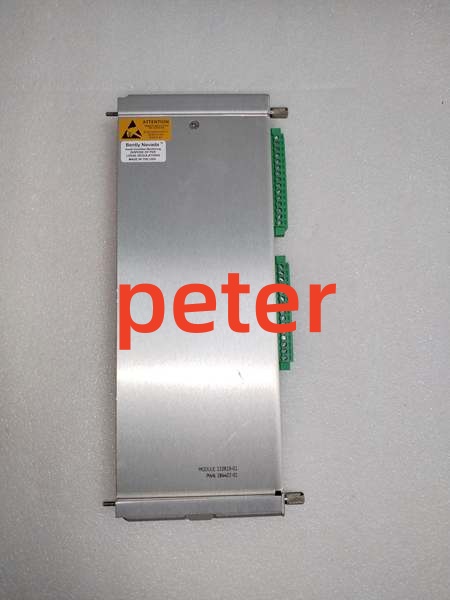
Description
Product Core Brief
- Model: 136180‑01
- Brand: Bently Nevada
- Series: 3500 Machinery Protection System (3500/92 Communication Gateway base processor module)
- Core Function: Full‑height rack‑resident base processor for the 3500/92 gateway. It collects all measurement values, alarm status, relay states, Keyphasor data and system event logs from the 3500 rack backplane. This base module does not carry physical communication ports on its own. It requires a matching separate I/O daughter card (136188‑xx) to supply Ethernet and serial physical interfaces. It converts rack‑backplane data into standard protocol frames for DCS, PLC, SCADA and System 1 host access. It does not execute any machinery‑protection measurement or trip‑voting logic. Protection functions keep running if this gateway fails; only external data export is lost.
- Product Type: 3500/92 Communication Gateway Base Processor Module
- Key Specs: Full‑height rack slot | Backplane‑data collection engine | Requires companion I/O daughter board for physical ports | Supports Modbus‑TCP, Modbus‑RTU and Bently proprietary host protocol | No field sensor inputs
Note: OEM discontinued; available as new surplus and field‑tested used stock.
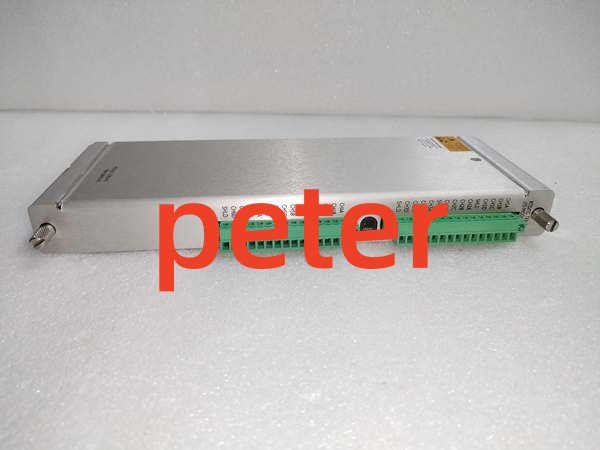
BENTLY 133819‑01
Key Technical Specifications
- Form Factor: Full‑height slot for standard 3500 rack; accepts plug‑in communication I/O daughter card
- Backplane Power Draw: 210 mA @ +24 VDC; total assembly power 5.0‑5.6 W depending on installed daughter card
- Supported Protocols (activated by matched daughter I/O card): Modbus TCP/IP, Modbus RTU (RS‑232/422/485), Bently Nevada proprietary host protocol for configuration and diagnostic software
- Data Content Pulled from Backplane: Channel measured values, Alert/Danger alarm flags, relay‑module status, Keyphasor/tachometer data, system fault logs, rack health status
- Typical Data Update Latency: 0.5‑1 second for standard Modbus register mapping
- Configuration: Fully set up via 3500 Rack Configuration Software; no local push‑button configuration on base module
- LED Indicators on front face: OK, TX/RX, CONFIG OK status LEDs
- Operating Temperature: ‑30 °C to +65 °C
- Storage Temperature: ‑40 °C to +85 °C
- Weight: 0.44 kg (base module only)
- Dimensions: 241 mm × 99 mm × 24.4 mm
- Humidity: 5‑95 % non‑condensing
- Compliance: API 670, CE, CSA, ATEX for auxiliary system‑interface hardware
Product Introduction
136180‑01 is the main processing base of the 3500/92 gateway. It cannot work standalone. A matching I/O daughter card must be fitted onto this base module to provide physical RJ45 Ethernet and serial‑port connections. Common daughter‑card part numbers include 136188‑01 and 136188‑02, differing in serial‑interface hardware variants.
This base module continuously reads data across the 3500 rack backplane from every installed monitor and relay module. It buffers, formats and maps data into Modbus register tables as defined by rack configuration software. External automation hosts retrieve turbomachinery‑monitoring data over Ethernet or serial links via the daughter‑card physical ports.
If the 3500/92 gateway assembly fails, all protection‑critical measurement, alarm‑threshold comparison and relay‑trip‑logic on other rack modules continue to operate without interruption. Plant‑side DCS/SCADA will simply lose access to 3500‑system telemetry. Common deployments are steam‑turbine and centrifugal‑compressor TSI racks to feed vibration‑position‑temperature data to plant control systems and asset‑management platforms.
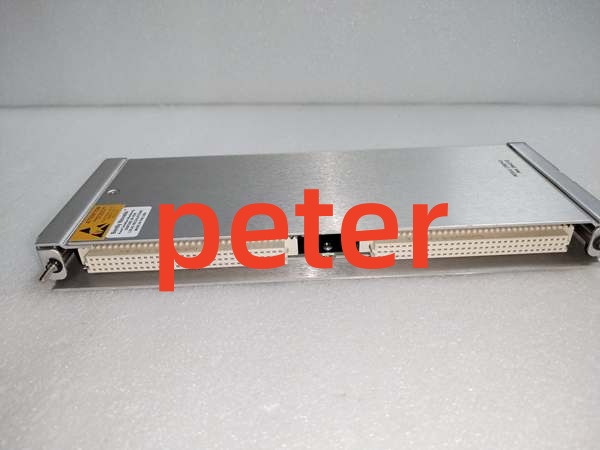
BENTLY 133819‑01
QA & Testing SOP
- Incoming Inspection: Match part‑number and serial‑number against OEM documentation. Inspect backplane edge connector, daughter‑card mating connector, PCB traces and front‑panel LED window for burn marks or counterfeit‑marking inconsistencies. Log serial numbers for traceability.
- Live Testing: Seat inside genuine 3500 rack; fit known‑good matching I/O daughter card. Apply rated backplane power. Establish communications with rack‑configuration software. Verify backplane‑data acquisition, configuration download, LED status behavior, and protocol‑data output over Ethernet and serial ports during continuous 24‑hour load test.
- Electrical Testing: Use Fluke 115 and insulation tester. Verify >10 MΩ isolation between communication‑circuit domain and chassis ground. Confirm chassis‑to‑rack‑earth continuity.
- Firmware / Config Backup: Record exact firmware revision loaded on the unit. Capture screenshots of Modbus‑register‑mapping parameters, network‑address settings before reset. Photograph front‑panel‑LED layout and daughter‑card mating interface for reference records.
- Final QC & Packaging: Place unit inside anti‑static shielding bag. Apply printed QC‑pass tag with test‑date stamp. Pack with shock‑absorbent foam for transit.
Installation Pitfalls & Guide
❗ Daughter‑Card Mismatch Risk: 136180‑01 yields zero usable communication ports without a correct‑revision matching I/O daughter card. Mismatched or damaged daughter‑card hardware causes link failures even if the base module passes power‑on self‑test. Confirm part‑number compatibility of daughter‑card before commissioning.❗ Firmware‑Rev Mismatch: Mismatched rack‑firmware and gateway‑base‑module firmware can produce incomplete Modbus‑register data, intermittent communication‑time‑outs or configuration‑download failures. Confirm firmware compatibility before commissioning plant‑data‑interface functions.❗ Slot‑Location Error: This hardware occupies a full‑height rack slot. Partial seating breaks backplane‑data access. Photograph existing hardware layout prior to removal.❗ Power‑Draw Changes: Adding this full‑height gateway assembly increases total rack backplane load. Calculate aggregate slot‑by‑slot current consumption to avoid overloading rack power supplies on protection‑critical racks.❗ ESD Dangers: Unprotected handling can destroy backplane‑interface and communication‑processing circuits. Always use grounded ESD wrist straps during handling and replacement.
4‑step replacement guide1. Pre‑install: De‑energize rack power, don ESD wrist strap. Validate rack‑firmware‑revision compatibility. Document network‑configuration parameters, Modbus‑mapping settings and daughter‑card part‑number.2. Removal: Release front‑panel latch, slide out old gateway assembly. Carefully detach the I/O daughter‑card from faulty 136180‑01 base module.3. Install: Fit the existing good daughter‑card onto replacement 136180‑01 base module. Slide complete assembly firmly into target full‑height rack slot until latch fully engages. Terminate Ethernet and serial‑cabling to daughter‑card ports per OEM pin‑out documentation.4. Power‑on Test: Restore rack power, confirm module OK‑LED status. Download rack configuration. Verify Ethernet and serial‑protocol connectivity, Modbus‑register‑data read‑back from external host. Confirm alarm‑status propagation over communication links. Perform full‑functional proof‑test before returning plant‑data‑interface functions to service.
FAQ
Q: Does this unit support hot‑swap operation?A: No. It draws power directly from the main system backplane. Live removal creates voltage transients that can corrupt adjacent monitoring cards or damage backplane traces. Full rack‑power shutdown is mandatory.
Q: What is the difference between 136180‑01 base module and complete 3500/92 assembly?A: 136180‑01 is only the gateway processing base. A separate I/O daughter‑card (136188‑xx) must be installed to provide physical Ethernet and serial ports. Base plus matched daughter‑card makes a complete functional 3500/92 gateway assembly.
Q: Will machinery‑protection trips stop working if 136180‑01 fails?A: No. The gateway only handles external‑system data export. All monitor‑channel measurements, alarm‑threshold‑comparison and relay‑trip‑logic run independent of this module. Plant‑DCS/SCADA loses TSI telemetry only.
Q: What happens when stored configuration is lost after power‑cycle?A: Network‑address, Modbus‑mapping and protocol‑parameters reside in volatile memory. Power loss erases custom settings. Reload rack‑configuration after power restoration.
Q: Is brand‑new factory stock available?A: Original OEM manufacturing has ceased. Available stock comes from new‑surplus or field‑tested used inventory. Lead‑times shift with lot availability.
Q: What warranty applies to surplus stock?A: Third‑party inventory carries limited‑time functional warranty covering hardware defects. It excludes damage caused by site‑side surge events, mis‑wiring, or incorrect configuration. OEM factory warranty is no longer offered.
Q: Can other full‑height communication modules serve as drop‑in replacements?A: Physical form‑factor matches many 3500‑series full‑height modules, but backplane‑data‑processing logic and daughter‑card mating hardware are unique to the 3500/92 gateway base. Direct substitution is not allowed.
Q: Can multiple 3500/92 gateways run inside one 3500 rack?A: Yes. Multiple gateway assemblies can be populated for redundant or multi‑host‑interface requirements, subject to total rack‑power‑budget constraints.