
Description
Hard-Numbers: Technical Specifications
- Protocol Support: PROFIBUS DP, Modbus RTU, RS-485
- Port Count: 16 Digital Inputs, 8 Digital Outputs, 8 Analog Inputs, 2 Analog Outputs (varies by revision)
- Baud/Data Rate: Standard industrial bus speeds (consult system configuration)
- Operating Temperature: -25°C to +70°C
- Isolation Rating: Standard industrial isolation per IP20 requirements
- Power Supply: 24V DC
- Power Draw: Less than 10W
- Processor: 32-bit RISC
- Memory: Not specified (embedded firmware)
- Dimensions: 224mm x 168mm x 64mm (alt: 120mm x 100mm x 30mm)
- Certifications: IP20, industrial standard compliance
- Protection Rating: IP20

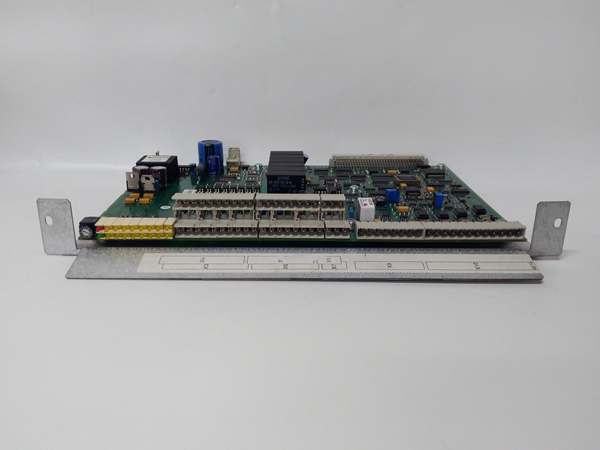
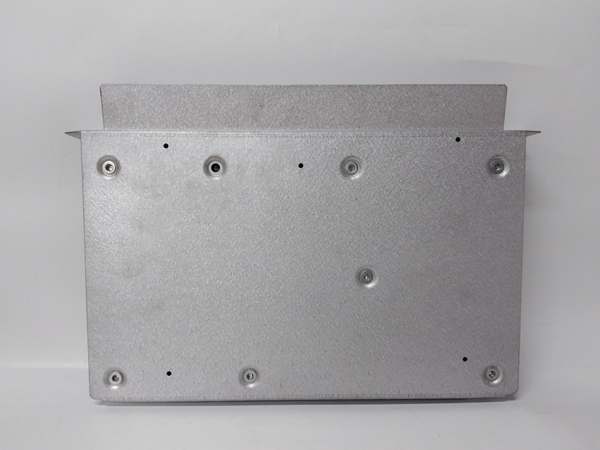
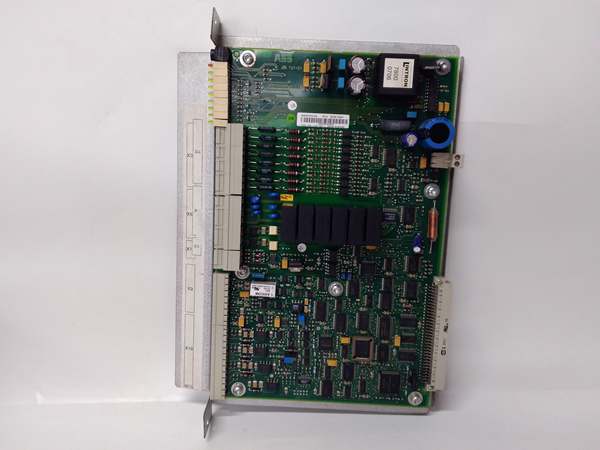
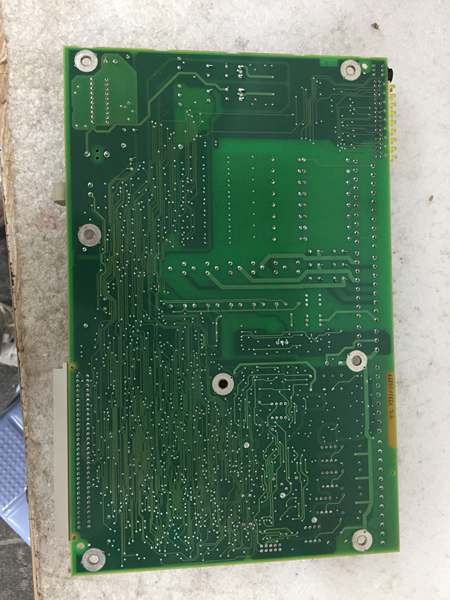
ABB YPQ110A 3ASD573001A5
The Real-World Problem It Solves
Mixed signal integration complexity in ABB control systems. When your field devices combine discrete switches with analog sensors, this board handles both on one card instead of running separate I/O racks to different parts of the control cabinet.
Where you’ll typically find it:
- ABB System 800xA distributed control architectures connecting APC controllers to remote I/O nodes
- AC800F control systems requiring both digital and analog signal processing in compact footprint
- Manufacturing cells where conveyor interlocks (digital) coexist with temperature monitoring (analog) on same module
Bottom line: One module replaces multiple single-function boards, cutting cabinet space and wiring complexity by half in mixed-signal applications.
Hardware Architecture & Under-the-Hood Logic
The YPQ110A mounts to DIN rail with a removable drawer mechanism that allows hot-swapping without powering down the system. A 32-bit RISC processor handles signal conversion internally, converting field signals to bus-compatible formats for transmission to the APC controller via parallel bus (extended mode) or low-speed serial bus (remote mode).
- Field signal acquisition from 16 digital inputs, 8 analog inputs through terminal blocks
- 32-bit RISC processor digitizes analog signals and filters digital inputs with configurable debounce
- Signal conditioning and scaling applied to analog inputs based on configuration parameters
- Data formatted for transmission via PROFIBUS DP or Modbus RTU protocol stack
- Parallel bus or serial bus transmission to APC controller based on installation mode
- Control commands received from controller are converted to output signals for 8 digital and 2 analog outputs
- LED status indicators provide real-time diagnostics for each channel group and communication health

ABB YPQ110A 3ASD573001A5
Field Service Pitfalls: What Rookies Get Wrong
Forgetting to Configure Communication Address Before Hot-SwapSlapping the module into the DIN rail without setting the PROFIBUS or Modbus address causes duplicate address faults on the bus when it powers up. The entire network goes down until the offending module is identified, costing production time that could’ve been avoided with a 30-second configuration check.Quick Fix: Use the rotary address switches or configuration software to set a unique address before mounting. Always verify the address against the system’s network documentation in the controller console—two modules with the same address is the number one cause of bus failures on commissioning day.
Mixing Up Extended vs. Remote Installation ModeThe YPQ110A supports two connection modes to the APC controller: parallel bus (extended) and low-speed serial bus (remote). Installing it in the wrong mode for your system architecture causes the module to power up but never exchange data with the controller, leading to hours of troubleshooting what looks like a hardware fault.Field Rule: Check the APC controller configuration to determine whether it expects extended or remote I/O. Set the module’s mode jumper or software parameter before installation—extended mode requires the parallel bus cable, while remote mode uses the serial daisy-chain. Don’t guess—the controller knows which mode it’s configured for.
Overlooking Analog Input Ground ReferencesWhen wiring analog inputs to field sensors, failing to establish a clean ground reference introduces noise that causes drift and erratic readings. The module’s 24V supply provides sensor power, but mixing sensor grounds with cabinet grounds creates ground loops that mimic sensor failures.Quick Fix: Use isolated analog inputs with dedicated sensor ground returns. Keep analog wiring in separate conduit from power cables, and reference all analog sensors to the module’s isolated ground terminal—not the cabinet chassis ground. Test by measuring resistance between sensor ground and cabinet ground; anything above 5 ohms indicates a potential loop.
Not Checking LED Status After Hot-SwapThe hot-swappable feature is convenient, but it lulls technicians into pulling and replacing modules without waiting for the status LEDs to stabilize. The module takes up to 30 seconds to fully initialize and negotiate with the bus after insertion—pulling it too early causes the system to flag it as missing and log a fault.Field Rule: After hot-swapping, watch the communication LED for 30 seconds. It should cycle through initialization patterns and then show steady green. If it’s flashing red or amber, let it sit—the module is still negotiating bus parameters. Patience prevents false fault alarms that clutter the system event log.
Ignoring Terminal Block Torque SpecificationsThe spring-cage terminal blocks on the YPQ110A are convenient but torque-sensitive. Overtightening with a screwdriver deforms the cage, creating intermittent connections that only fail under cabinet vibration. Rookies chase this as a wiring fault when the real culprit is mechanical damage to the terminal.Field Rule: Use the recommended torque setting (typically 0.5-0.6 Nm for spring-cage terminals). Never use a power screwdriver with high torque—hand-tighten with a precision screwdriver only. After the first thermal cycle, re-torque to compensate for wire settling in the terminal.
Commercial Availability & Pricing Note
Please note: The listed price is for reference only and is not binding. Final pricing and terms are subject to negotiation based on current market conditions and availability.



