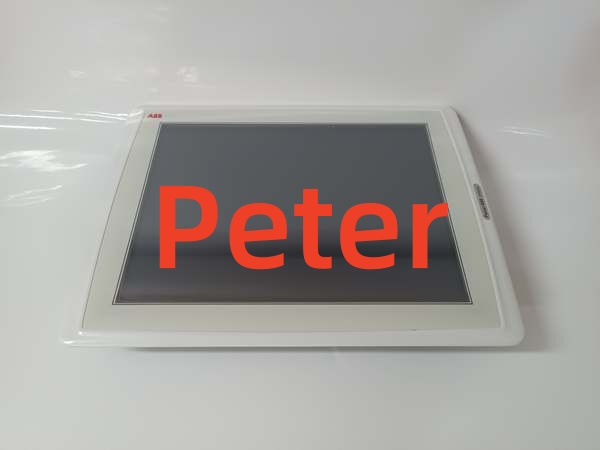
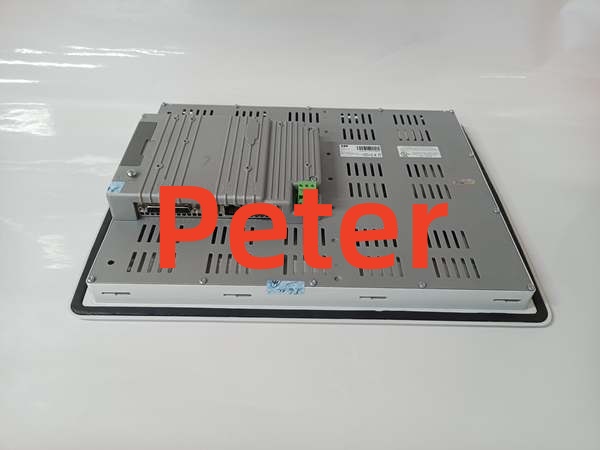
Description
Product Core Brief
- Model: PP865 3BSE042236R1
- Brand: ABB
- Series: Panel 800 V5.1, System 800xA / AC800M
- Core Function: Local operator touch HMI for process monitoring, manual control, alarm acknowledgment and batch operation linked to AC800M DCS controllers.
- Product Type: 15-inch Industrial Touch Operator Panel
- Key Specs: XGA 1024×768 TFT | Dual Shielded Ethernet | IP65 front panel rating
- Note: Active OEM spare production, factory new and fully tested surplus units stocked for cabinet replacement.
Key Technical Specifications
| Parameter | Value |
|---|---|
| Display Size | 15-inch color TFT LCD |
| Native Resolution | 1024 × 768 XGA |
| Touch Type | Analog resistive touch screen (1 million touch cycle lifespan) |
| Brightness | 300 cd/m² fixed backlight |
| Operating Supply | 24 VDC, 18–32 VDC tolerance, max 45 W power draw |
| Onboard Memory | 512 MB RAM, 128 MB internal flash storage |
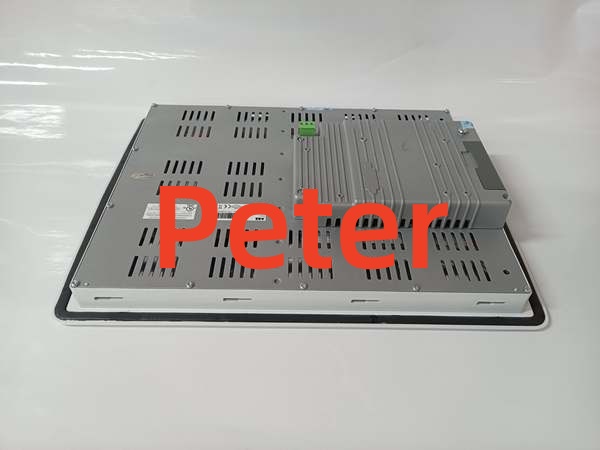
| Local Interfaces | 2× shielded RJ45 Ethernet; 1× RS232 D-Sub; 1× RS422/485; 1× USB Host Type-A |
| Real-Time Clock | CR2450 backup battery, 3-year minimum service life |
| Supported Protocols | MMS, IAC, RNRP redundant Ethernet for AC800M |
| Configuration Tool | Panel Builder 5.1 engineering software |
| Front Panel Rating | IP65 dust/water splash resistant; rear enclosure IP20 |
| Operating Ambient Temp | 0 °C to +55 °C cabinet-mounted |
| Storage Temperature | -40 °C to +70 °C |
| Mounting Style | Cabinet cutout panel mount, VESA 75×75 secondary mounting |
| Cutout Dimensions | 394 mm W × 270 mm H |
| Unit Weight | 3.85 kg |
| Compliance | UL508, CE, RoHS, Pollution Degree 2 |
Product Introduction
This touch HMI serves as local cabinet operator station for AC800M distributed control racks, delivering live process graphics, trend viewing, alarm handling and manual loop setpoint adjustments without dedicated PC workstations. Dual Ethernet ports support redundant control network paths to eliminate single cable failure downtime.
All project graphics, tag bindings and alarm logic are stored on internal flash memory; no separate storage drive required for basic plant operation. The sealed aluminum front frame tolerates washdown and dust exposure typical of chemical, water and power plant field cabinets.
QA & Testing SOP (Transparency Building)
- Incoming Inspection: Match serial numbers against OEM hardware registry to reject counterfeit units; inspect touchscreen overlay, Ethernet ports and rear terminal blocks for scratches or water stains; log batch codes and serial IDs for full traceability.
- Live Testing: Supply stabilized 24VDC bench power, load reference System 800xA HMI project, run continuous 24-hour cyclic tag polling with simulated AC800M controller data; verify touch input accuracy across full screen area.
- Electrical Testing: Use Fluke 115 multimeter and insulation tester to confirm chassis ground resistance below 0.5Ω and insulation resistance above 10MΩ separating power and signal circuits.
- Firmware/Config Backup: Record exact panel firmware version via Panel Builder, photograph DIP switch network address labels, export complete HMI project files to encrypted offline storage.
- Final QC & Packaging: Cover touchscreen with protective film, seal unit in anti-static foam liner, attach printed QC test tag with technician ID and test timestamp before rigid carton packaging.
Installation Pitfalls & Guide (Engineer to Engineer)
❗ Firmware Version Mismatch: Panel Builder 5.2 or newer cannot upload projects to this unit’s native firmware; match engineering software revision to panel OS before transfer.❗ Redundant Ethernet Port Cross-Wiring: Swapping Port A and Port B breaks RNRP network failover; mark original cable routing before disassembly to match silkscreen port labels.❗ Cutout Seal Gaps: Missing or deformed rubber gasket around cabinet cutout degrades IP65 front protection, allowing moisture ingress and screen corrosion.❗ Power Supply Underrating: The unit draws peak 45W on cold startup; shared cabinet 24VDC supplies with multiple HMIs risk voltage sag and boot failures.❗ ESD Dangers: Unwristed contact with rear PCB connectors corrupts flash firmware; field records show ungrounded handling destroyed this display unit with $2,800 hardware and labor replacement costs.
4-step replacement guide:
- Pre-install: De-energize cabinet 24VDC supply, fit anti-static wrist strap, photograph Ethernet, serial and power wiring plus gasket positioning.
- Removal: Disconnect all communication and power cables, release mounting latches, pull the old unit forward out of the cabinet cutout and remove rubber sealing gasket.
- Install: Fit new gasket into cutout channel, seat the unit flush against cabinet surface, lock mounting latches, replicate original network wiring and address settings.
- Power-on Test: Restore 24VDC power, upload matching firmware and HMI project, validate redundant Ethernet failover and full touchscreen operation across all process screens.
FAQ (Frequently Asked Questions)
Q: Can this HMI operate standalone without an controller?A: No. All tag data, alarm logic and control functions rely on live communication with CPU modules; offline mode only displays static graphics without live process values.
Q: Does the unit support hot-swapping while the control network remains live?A: Hot-swapping is not permitted. Removing power mid-operation corrupts unsaved runtime data and triggers network fault alarms; full cabinet power shutdown is mandatory for replacement.
Q: What warranty coverage applies to stocked panels?A: Factory-new OEM units carry a 12-month manufacturer warranty covering display, touchscreen and internal electronics. Bench-tested surplus units ship with a 6-month functional warranty; physical damage from moisture, miswiring or ESD voids coverage.
Q: Has ABB issued an official EOL notice for this hardware?A: No formal end-of-life documentation exists; OEM continues spare production for existing System 800xA plant maintenance and cabinet retrofits.
Q: Will existing HMI project files transfer directly after swapping the panel?A: Project files are cross-compatible with this unit’s hardware platform, but firmware mismatch blocks uploads. Back up the full project before removal and re-download after matching panel OS revision.
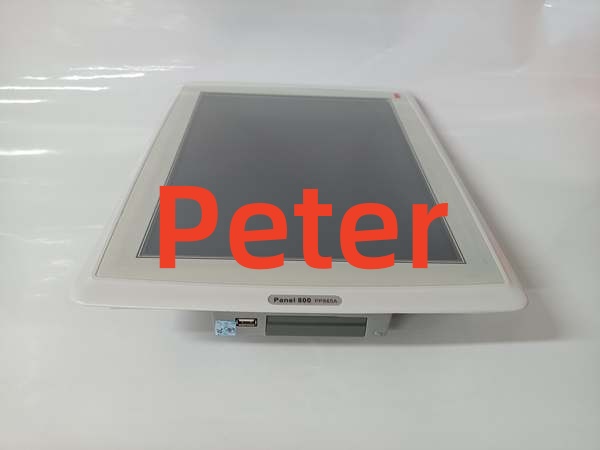
Q: Can USB ports connect external printers or flash drives for data logging?A: The front USB port supports FAT32 flash drives for project backups and trend export; printer connectivity requires custom Panel Builder script configuration and compatible USB print hardware.
Q: Is this panel compatible with Symphony Plus SD Series controllers?A: Native direct communication is unsupported. Symphony Plus deployments require PNI800 network gateways to bridge PN800 control networks to Panel 800 HMIs; verify with OEM datasheet for cross-system integration workflows.