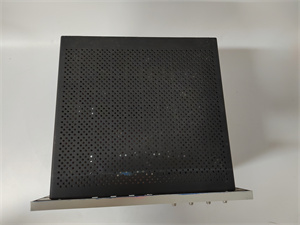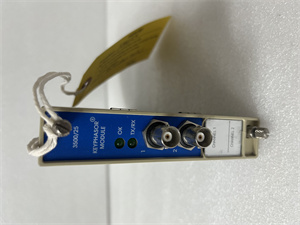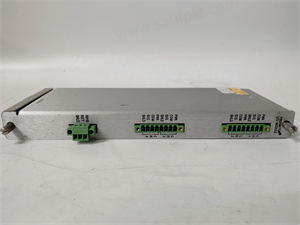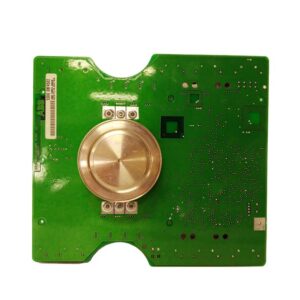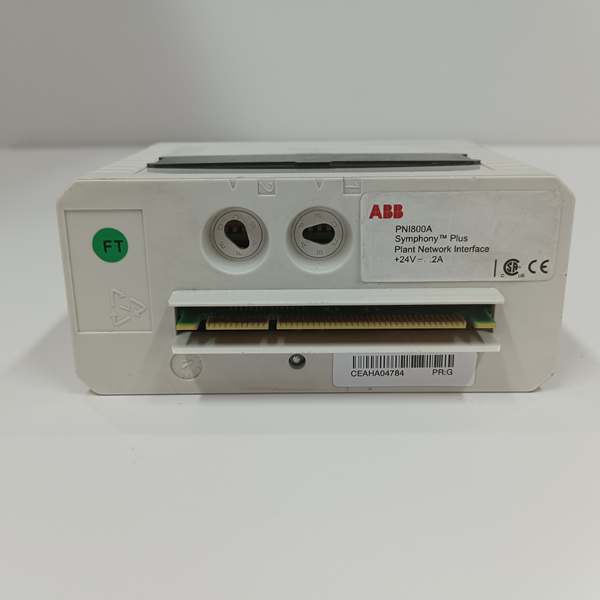
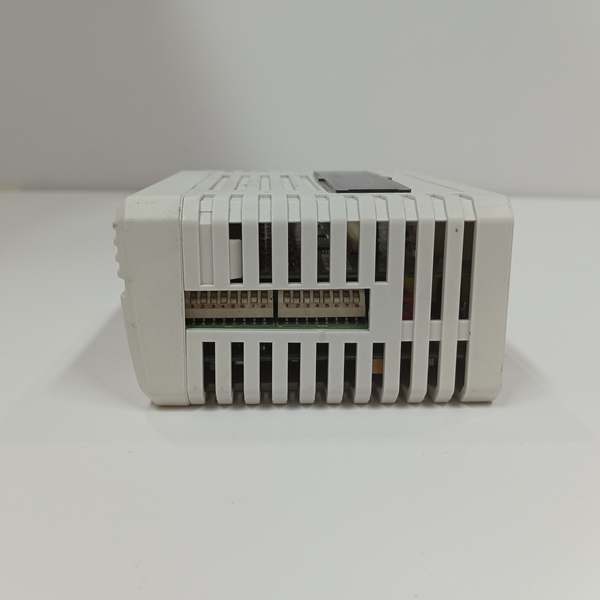
Description
Product Core Brief
- Model: PNI800 (base variant, PNI800K01 full kit with MB805 baseplate)
- Brand: ABB
- Series: Symphony Plus SD Series
- Core Function: Acts as PRP dual-attached gateway linking PC workstations to PN800 real-time plant control network for HMI, engineering and OPC data exchange.
- Product Type: PN800 Plant Network Communication Interface Module
- Key Specs: Dual 10/100Mbps Ethernet PRP ports | 24VDC 200mA draw | MCF5475 256MHz processor
- Note: Active OEM production, new original and tested surplus units stocked for Symphony Plus maintenance; software license PNI800SWLIC-01 sold separately.
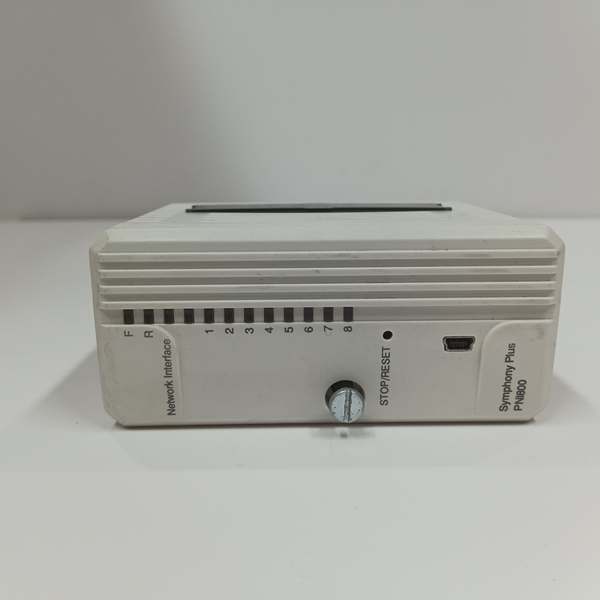
Key Technical Specifications
| Parameter | Value |
|---|---|
| Processor | MCF5475 ColdFire, 256 MHz clock speed |
| Memory Allocation | 64 MB DRAM, 4 MB on-board Flash ROM |
| Power Input | 24 VDC ±10%, nominal 200 mA, max 4.8 W power draw |
| Mount Baseplate | MB805 termination base (included in PNI800K01 kit) |
| Network Interfaces | Dual independent RJ45 10/100 Mbps Ethernet (PN800A / PN800B PRP links) |
| Redundancy Standard | IEC 62439 PRP zero-failover-time dual network operation |
| Supported Host Software | S+ Engineering, 800xA Operations, Harmony OPC Server |
| Onboard Diagnostics | Run/Error/Link LED status indicators, dedicated reset button |
| Operating Ambient Temp | 0 °C to +55 °C rack-mounted |
| Storage Temperature Range | -40 °C to +85 °C |
| Humidity Rating | 20–95% RH non-condensing at 40°C |
| Enclosure Protection | IP20 per EN60529, Pollution Degree 2 |
| Physical Dimensions | 186 mm H × 59 mm W × 244 mm D |
| Unit Weight | 0.6 kg full assembly with baseplate |
| Compliance Certifications | CE, UL, CSA, RoHS EU 2011/65/EU |
Product Introduction
This interface unit translates bidirectional real-time process data between PN800 PRP control network SD-series controllers and Windows engineering/HMI workstations. It handles tag reads, logic downloads, alarm streaming and historical data polling without intermediate switching hardware.
Dual isolated Ethernet ports maintain fully redundant PN800A/PN800B links; PRP protocol eliminates single network cable failure outages with zero data switchover latency during cable or port faults.
QA & Testing SOP (Transparency Building)
- Incoming Inspection: Cross-reference module serial numbers against OEM hardware registry to reject counterfeit units; inspect Ethernet port pins, baseplate terminals and PCB for shipping abrasion or moisture residue; log batch codes and serial IDs for full traceability.
- Live Testing: Mount the unit to MB805 baseplate, supply stabilized 24VDC bench power, connect both Ethernet ports to dual PN800 test switches, run continuous 24-hour cyclic data polling with simulated SD controller tag datasets.
- Electrical Testing: Use Fluke 115 multimeter and insulation tester to verify chassis ground resistance below 0.5Ω and PCB power-signal insulation resistance above 10MΩ.
- Firmware/Config Backup: Record exact factory firmware revision via S+ Engineering software, photograph DIP switch node address settings, export network PRP configuration files to encrypted offline storage.
- Final QC & Packaging: Wipe PCB surfaces with anti-static solvent, seal module and baseplate in separate static shielding bags, attach printed QC test tag with technician ID and test timestamp before foam-lined carton packaging.
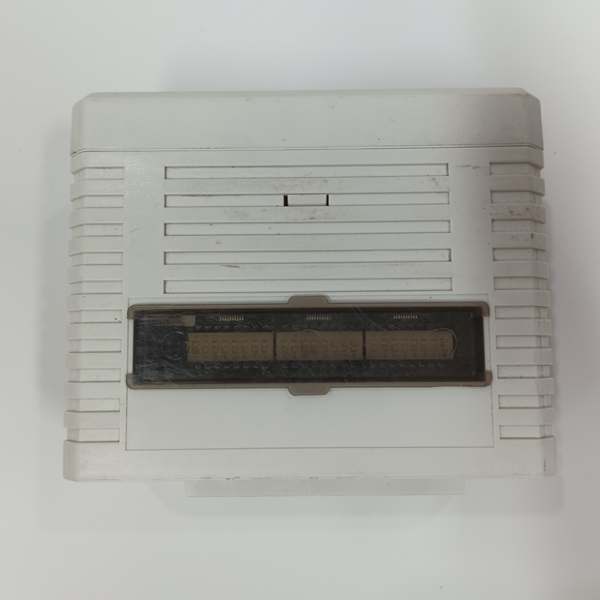
Installation Pitfalls & Guide (Engineer to Engineer)
❗ PRP Port Mismatch: Cross-wiring PN800A and PN800B Ethernet ports disables zero-latency redundancy; label each cable end before disassembly to match module port silkscreen markings.❗ Missing Software License: PNI800SWLIC-01 license key is required for workstation communication; unlicensed hardware only boots to fault state and rejects all PC connection requests.❗ DIP Switch Address Conflicts: Duplicate node addressing across multiple gateways floods network with broadcast traffic; capture high-resolution photos of original switch layout prior to removal.❗ Power Supply Underrating: The unit draws 200mA continuous; shared rack power supplies with multiple communication modules risk voltage sag during simultaneous cold startup.❗ ESD Dangers: Unwristed technician contact with exposed PCB traces corrupts flash firmware; field records show ungrounded handling destroyed this hardware with $1,500+ replacement and labor costs.
4-step replacement guide:
- Pre-install: Power down workstation and rack baseplate, fit anti-static wrist strap, photograph Ethernet cabling and DIP switch address settings.
- Removal: Disconnect dual Ethernet cables and 24VDC power wiring, unlatch MB805 baseplate clips and slide the unit free from the rack slot.
- Install: Seat the new unit onto the MB805 baseplate, lock mounting latches, replicate original DIP switch node address and reterminate dual Ethernet and power cabling.
- Power-on Test: Restore rack and workstation power, load matching firmware, activate the software license, run continuous PRP network health check and verify bidirectional tag communication with SD controllers.
FAQ (Frequently Asked Questions)
Q: Can this module interface with AC800M System 800xA controllers directly?A: No. This hardware is exclusive to Symphony Plus SD Series control networks. AC800M deployments use CI-series communication modules for Ethernet fieldbus links; verify with OEM datasheet for cross-system integration gateways.
Q: Does the unit support hot-swapping while network remains live?A: Hot-swapping is not supported. Removing the module mid-operation terminates all workstation HMI/engineering sessions and triggers network diagnostic alarms; full baseplate power shutdown is mandatory for replacement.
Q: What warranty coverage applies to stocked hardware?A: Factory-new OEM modules carry a 12-month manufacturer warranty excluding the separate software license key. Bench-tested surplus inventory ships with a 6-month functional warranty; physical damage from miswiring, ESD or overvoltage voids coverage.
Q: Has ABB issued an official EOL notice for this hardware?A: No formal end-of-life documentation exists; OEM maintains production runs for existing Symphony Plus plant upgrades and emergency breakdown spares.
Q: Will network configuration persist after swapping the unit?A: Network node address and PRP settings reside on the module’s DIP switches, not workstation software. Replicate original switch positions post-install; workstation tag databases remain stored on the PC and do not require reloading.
Q: What software license is mandatory for operation?A: PNI800SWLIC-01 software license key must be purchased separately and activated on the connected workstation; unlicensed hardware will not establish data communication with the network.
Q: How many SD Series controllers can a single unit access simultaneously?A: The gateway supports full visibility of all SD controllers on the dual PRP network; practical concurrent tag polling limits depend on workstation CPU and network bandwidth, with no hard module-side node cap defined by hardware firmware.