Product Core Brief
- Model:
- Brand: ABB
- Series: Not confirmed
- Core Function: Cannot be confirmed without nameplate, order code, or system context.
- Product Type: Unverified ABB industrial automation component
- Key Specs: Pending confirmation
- Condition: To be confirmed per inventory
Key Technical Specifications
- Manufacturer: ABB
- Model / Part Number:
- Official Order Code: Not confirmed
- Product Series: Not confirmed
- System Compatibility: Not confirmed
- Primary Function: Not confirmed
- Communication Interfaces: Not confirmed
- I/O Configuration: Not confirmed
- Supply Voltage: Not confirmed
- Mounting Style: Not confirmed
- Certifications: Not confirmed
- HS Code: To be confirmed after product identification
Product Introduction (No Fluff)
ABB KP2500 is listed as an ABB-branded industrial automation component, but it is not currently confirmed as a standard ABB DCS, PLC, MCC, or I/O module model. Some third-party sources refer to “KP2500” as an analog output module or power distribution panel, but these descriptions cannot be verified against official ABB documentation.
Because the product type, series, and technical parameters are unconfirmed, this page should be treated as an inquiry placeholder. Before quotation, replacement, or system integration, the exact module type must be verified using the physical nameplate, order code, or system context.
QA & Verification SOP
Since the product identity is not confirmed, testing cannot be defined precisely. Verification should focus on identification first.
- Nameplate check: Confirm brand, model, order code, serial number, firmware/version, and manufacturing date.
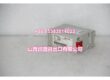
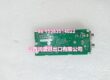
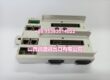
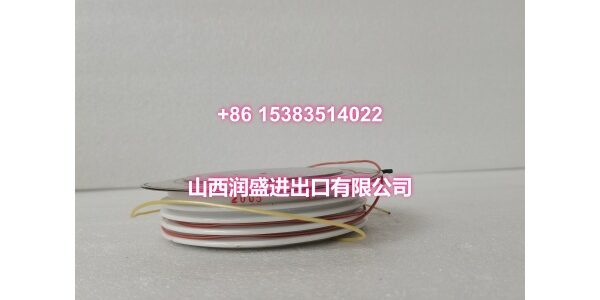
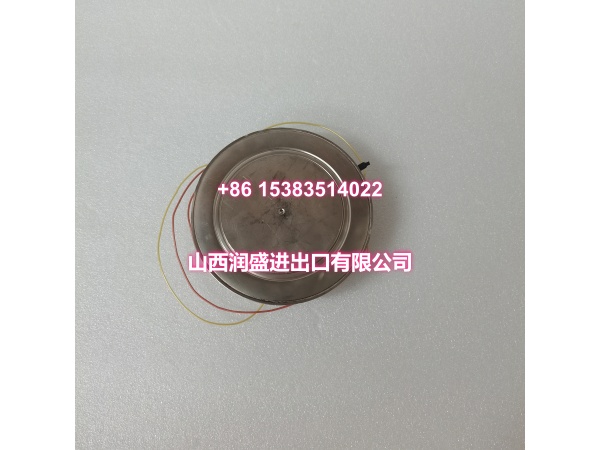
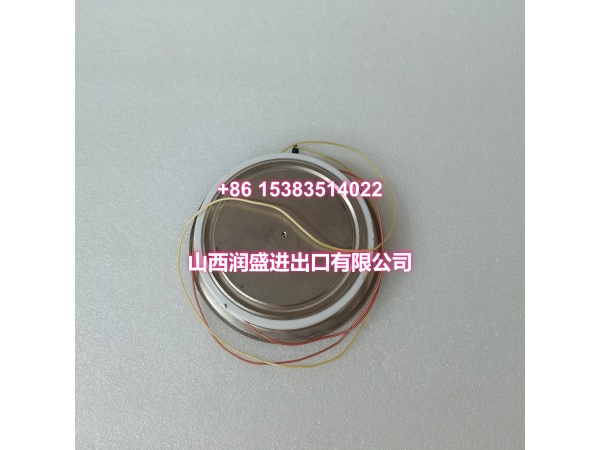
- Photo verification: Request clear photos of the front label, side label, connector side, and PCB if accessible.
- System context check: Confirm whether the module comes from ABB Symphony Plus, Harmony, 800xA, Bailey INFI 90, AC 500/800, MNS MCC, or another ABB system.
- Visual inspection: Check housing, connectors, terminals, LEDs, and PCB for damage, corrosion, or repair marks.
- Power-up test: Only proceed if the correct supply voltage and connector type are confirmed.
- Functional test: Define after the module type is identified. Do not assume it is an analog output, controller, or distribution panel.
Installation Pitfalls & Guide
❗ Do not install KP2500 without confirming its product type. Applying power or connecting field wiring to an unidentified module can cause damage or system faults.
❗ Do not treat third-party descriptions as official specs. Claims that KP2500 is an analog output module or main distribution board are not verified.
❗ Verify the order code. ABB products are usually identified by full order codes such as “P-HB-…”, “3BSE…”, “SP…”, or similar prefixes. “KP2500” alone may be incomplete.
❗ Confirm system compatibility. A replacement must match the original series, slot type, communication protocol, voltage level, and firmware requirements.
Verification steps:
- Photograph the module nameplate and connectors.
- Provide the order code, if available.
- Confirm the original system and cabinet type.
- Wait for model confirmation before power-up or installation.
Technical FAQ
1. Is ABB KP2500 a confirmed ABB model? Not at this time. It appears in some third-party listings, but the official product type and order code are not confirmed.
2. Can KP2500 be used as a direct replacement? Not until the original module type, order code, and system series are verified.
3. What information is needed to confirm it? Please provide the nameplate photo, order code, serial number, system name, and cabinet or rack model.
4. Is it a DCS module? It may be, but this cannot be confirmed. It could also be an I/O module, controller component, MCC accessory, or another ABB product.
5. Do you have stock? Stock availability can only be confirmed after the exact product is identified.
6. What warranty applies? Warranty terms will be confirmed after the product type and inventory condition are verified.